10 Best AI Image to Image Generators in 2026 (After 3 Months of Testing)
Last Updated: 2026-01-22 18:05:20
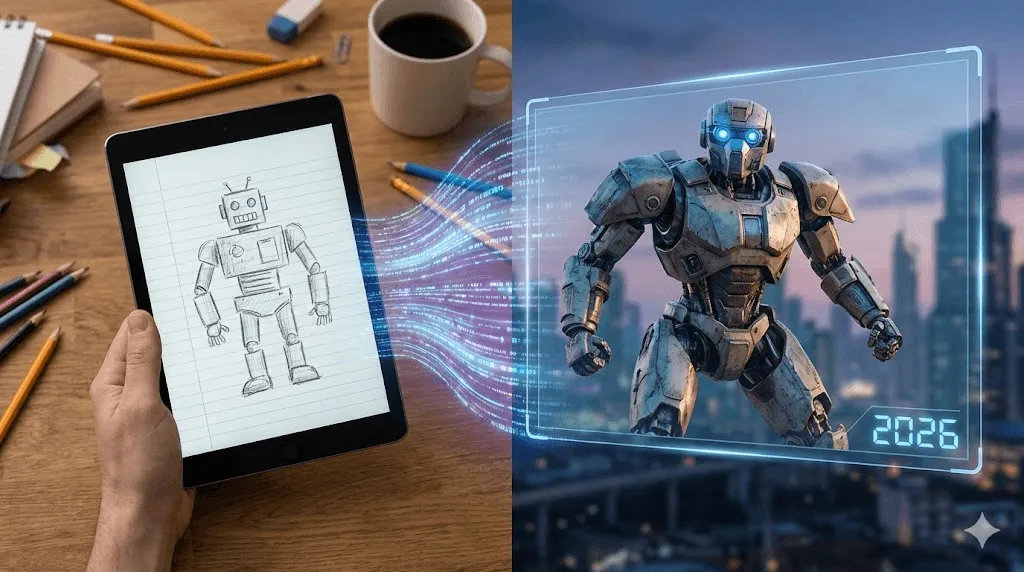
Text to image and image to image are completely different beasts. Nobody told me this when I started.
I burned through two weeks reading "best AI generator" articles that kept recommending Midjourney for a job it literally cannot do well. Those tools create images from scratch. But if you have a specific photo say, a messy sketch or a product shot and you want to transform the style while keeping the composition intact? That is Image to Image (img2img).
After three months of testing practically every img2img tool I could find (and wasting more credits than I’d care to admit), I finally figured out which ones deliver.
I tested these tools using 10 specific control photos: a portrait, a messy desk photo, a product shot, and a crude iPad sketch. Here is my honest breakdown of the best AI image to image generators in 2026.
The Best AI Image to Image Generators (Ranked)
Quick Comparison
| Rank | Tool | Why I'd Use It | Free Option? | Price |
| 1 | Adobe Firefly | Already in Photoshop, actually understands context | Limited | $9.99/mo |
| 2 | Leonardo AI | Does everything pretty well | 150 tokens/day | $10/mo |
| 3 | Stable Diffusion | Maximum control, free if you're technical | Yes (open source) | Free |
| 4 | FLUX | Best quality output I've seen | Through other platforms | Varies |
| 5 | ChatGPT | Just describe what you want in English | Sort of | $20/mo |
| 6 | Canva | You're probably already using it | Limited | $12.99/mo |
| 7 | Fotor | Quick style transfer, actually free | Yes | $8.99/mo |
| 8 | Imgtoimg.ai | Built specifically for this | Monthly limits | $9.99/mo |
| 9 | NightCafe | Great community, learn from others | Daily credits | $5.99/mo |
| 10 | Artlist | Commercial licensing sorted | Nope | Subscription |
1. Adobe Firefly
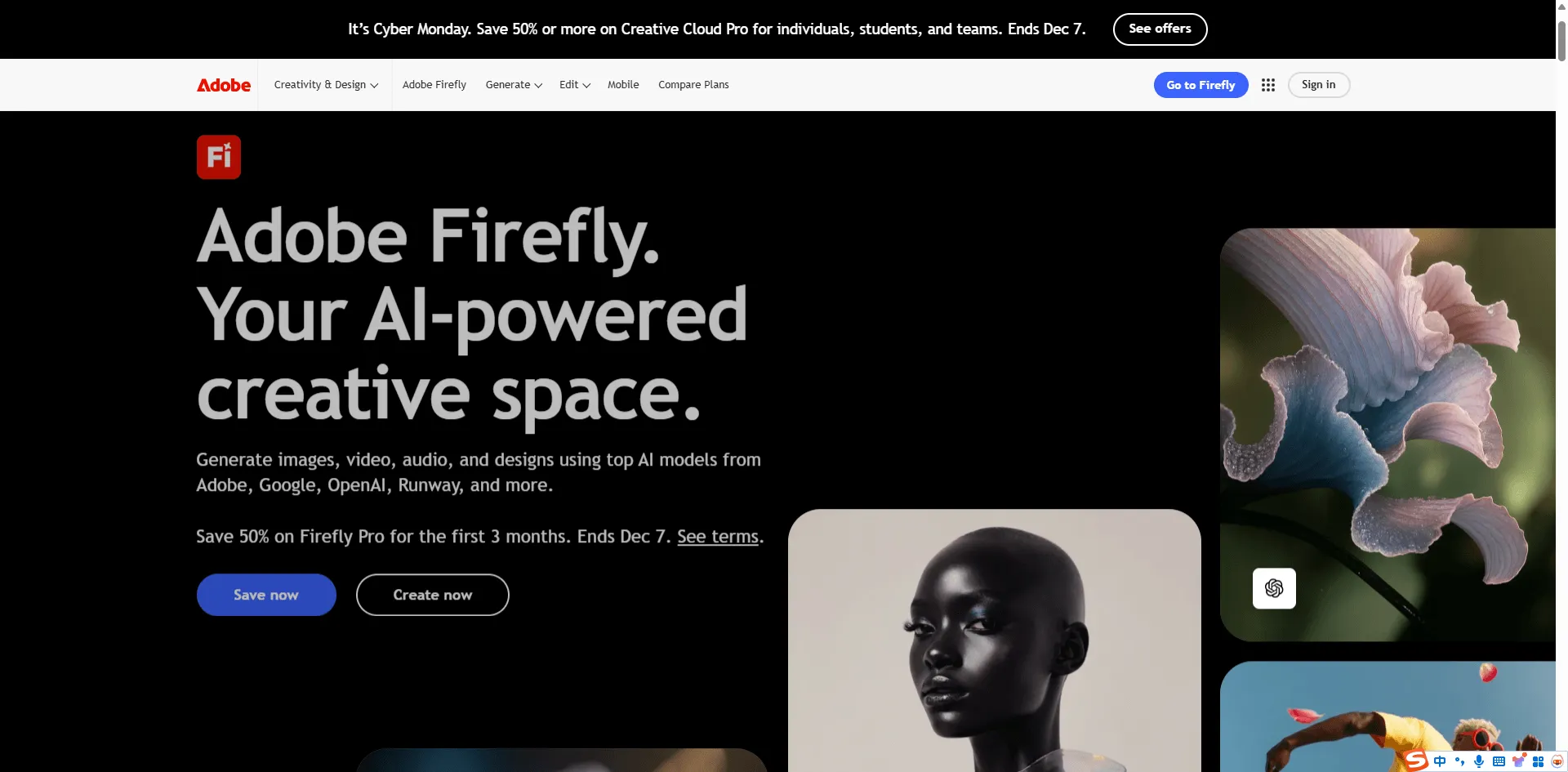
I expected to hate this because it's Adobe and I have complicated feelings about their subscription model. But Firefly's img2img features genuinely impressed me.
The killer feature? Generative Fill in Photoshop. Select an area, type what you want, and it fills it in while matching the lighting, blur, and style of your existing image. I added a mountain range to a flat horizon photo and it matched the haze and color temperature perfectly. Didn't expect that.
There's also this Structure Reference thing where you can use any image as a composition template. Uploaded my rough wireframe sketch, told it "modern minimalist website design," and it kept my exact layout while making it look professional. Saved me hours.
The catch: Firefly's text to image is honestly mid compared to Midjourney. It shines specifically when you're transforming existing images. Also, you'll burn through credits fast if you're experimenting.
Pricing: You get some free credits to start. After that, $9.99/month gets you 2,000 credits. If you're already paying for Photoshop, you've got some credits included.
2. Leonardo AI
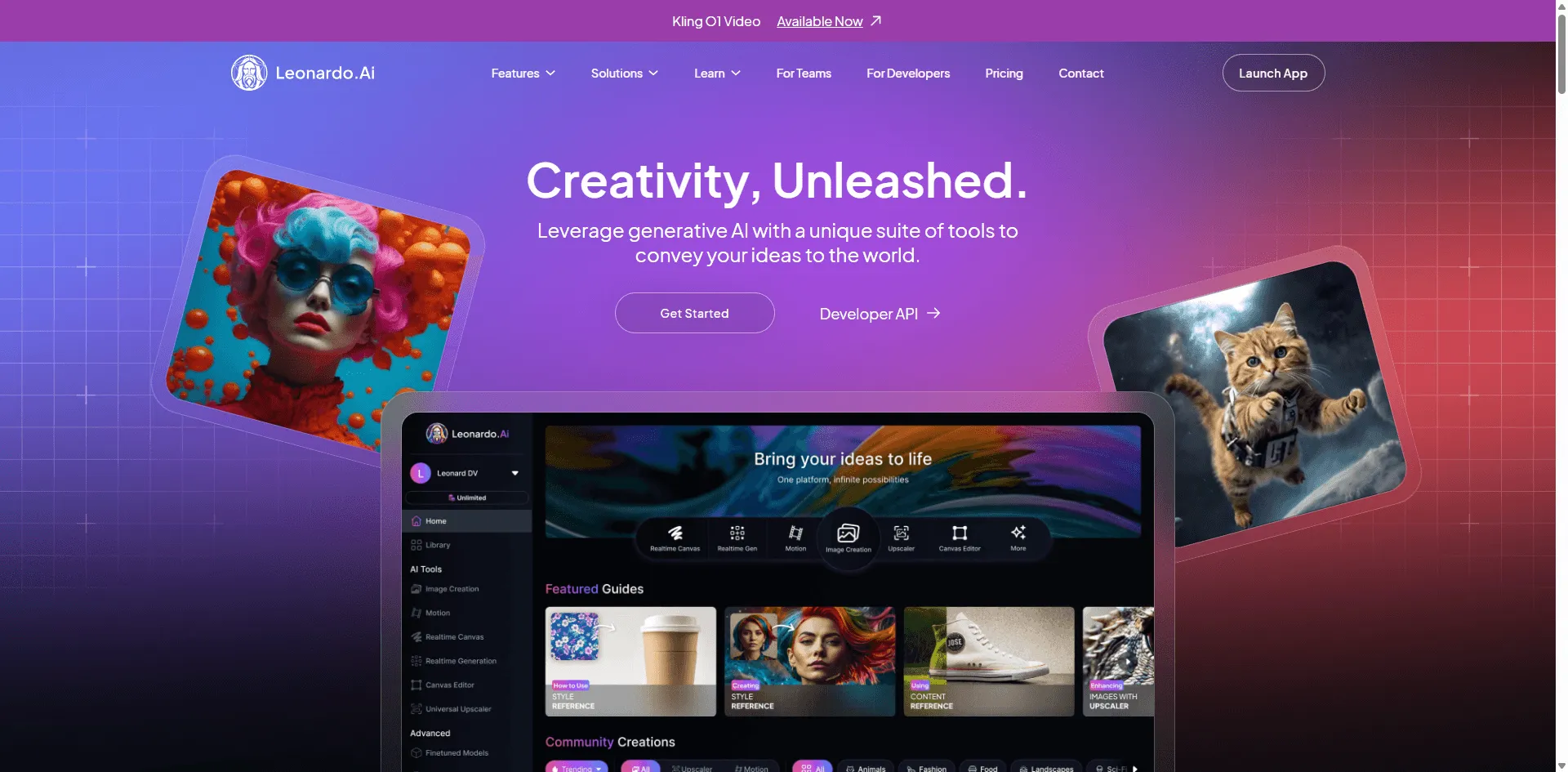
This is the one I actually use most days. Not because it's the absolute best at any single thing, but because it does everything reasonably well and the interface doesn't make me want to throw my laptop.
What I like: You can upload a reference image and control exactly how much influence it has over the output. Slider goes from "just a hint of inspiration" to "basically trace this." Most tools don't give you that control it's all or nothing.
They also let you swap between different AI models (Stable Diffusion, their own custom ones, etc.) without leaving the platform. Handy when one model keeps messing up hands and you want to try another.
One complaint: The token system is confusing. Some features cost more tokens than others, and I still don't fully understand the math. I just know my free daily tokens disappear faster than I expect.
Pricing: 150 free tokens daily (more than it sounds like). Paid plans start at $10/month.
3. Stable Diffusion
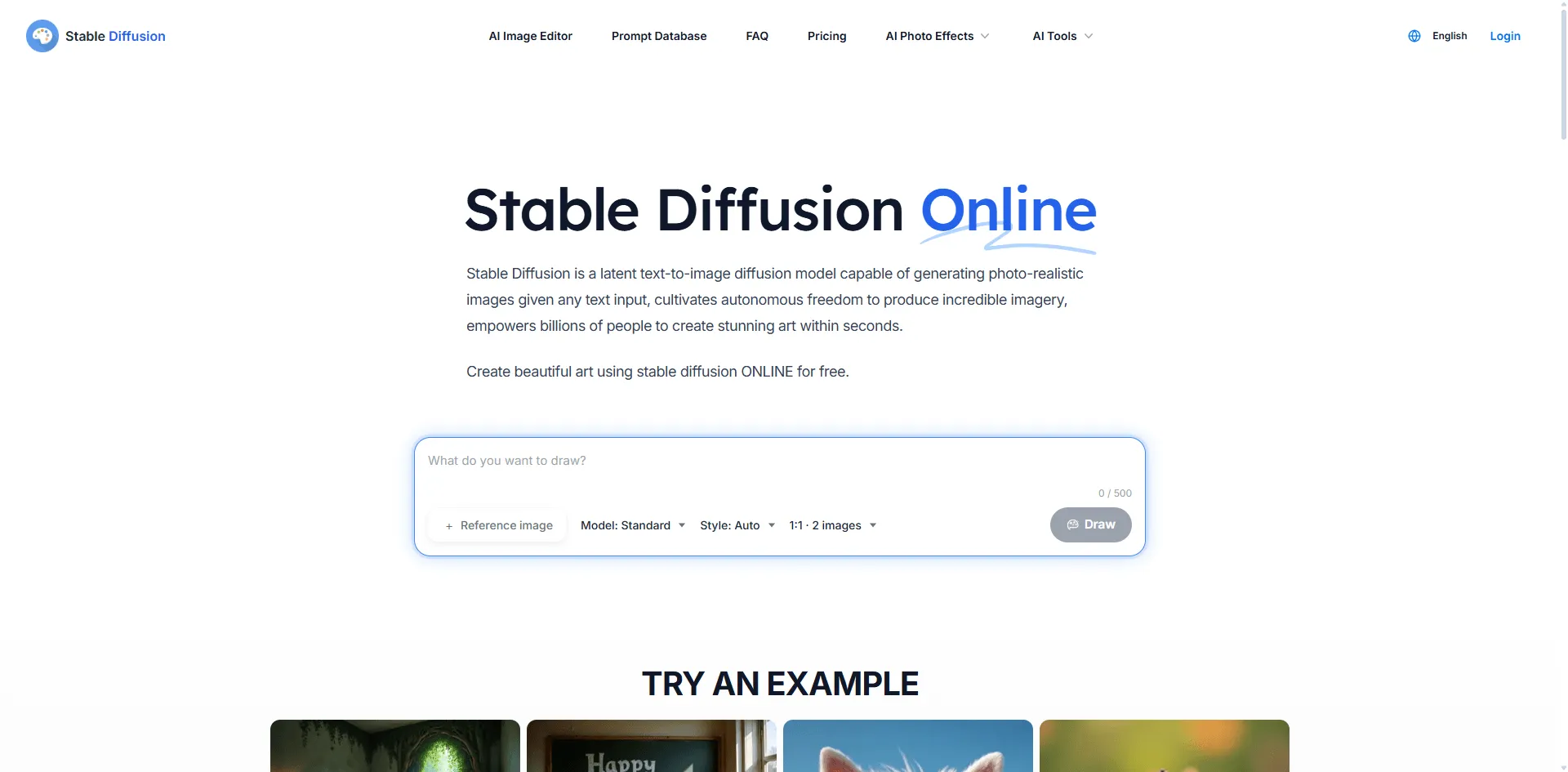
Okay, real talk: Stable Diffusion has a learning curve that'll frustrate you at first. But once you get past that initial pain, nothing else comes close for pure flexibility.
I'm running it through AUTOMATIC1111 (a web interface that makes it usable by normal humans), and the img2img tab gives you sliders for everything. Denoising strength, CFG scale, sampling methods stuff that commercial tools hide from you.
The Sketch tab is wild. I literally drew a green blob, typed "realistic apple with water droplets," and got back a photo quality apple. From a blob I drew in 30 seconds. It preserved my terrible composition but made it look professional.
Why I don't use it for everything: Setup took me half a day. And if you don't have a decent GPU, you're either paying for cloud compute or waiting forever. Also, when something goes wrong, the error messages are cryptic nonsense.
Pricing: The software is free. You pay for your own hardware or cloud GPU time. I use RunPod when I need more power. It usually costs a few dollars per session.
4. FLUX
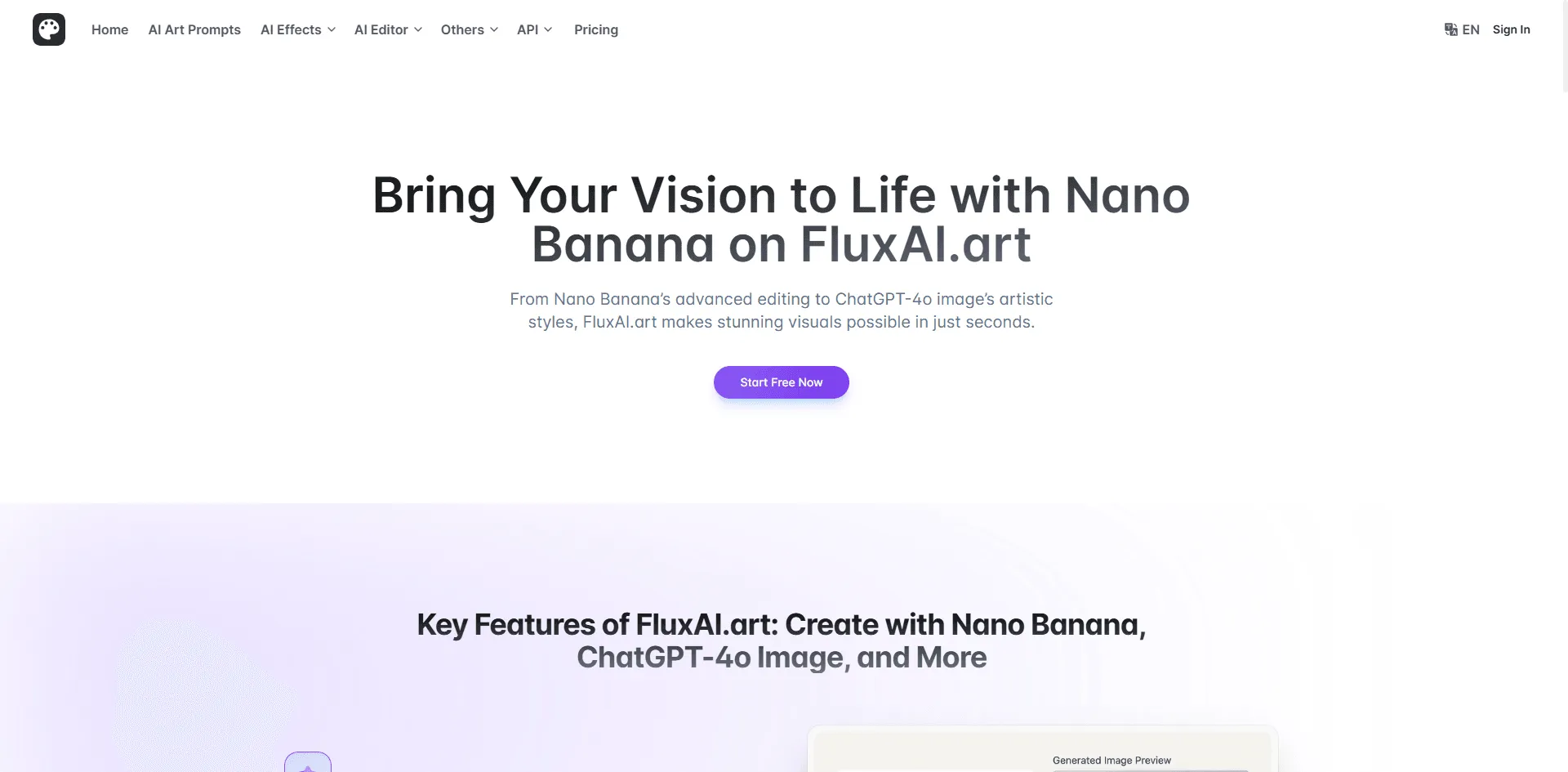
FLUX comes from the people who originally built Stable Diffusion before they left to start Black Forest Labs. The quality shows.
I tested their Kontext model for editing existing images, and it's scary good. Asked it to change a red car to blue in a street photo. Other tools would regenerate half the scene. FLUX changed literally just the car color. Everything else reflections, shadows, background stayed identical.
Faces look better too. Most AI tools give people this weird waxy skin when you transform photos. FLUX results actually look natural.
The problem: You can't just go to a FLUX website and start using it. You access it through other platforms like NightCafe or Tensor.Art, or through the API if you're a developer. Adds friction.
Pricing: Depends on the platform. Most give you some free credits to try it out.
5. ChatGPT with GPT 4o
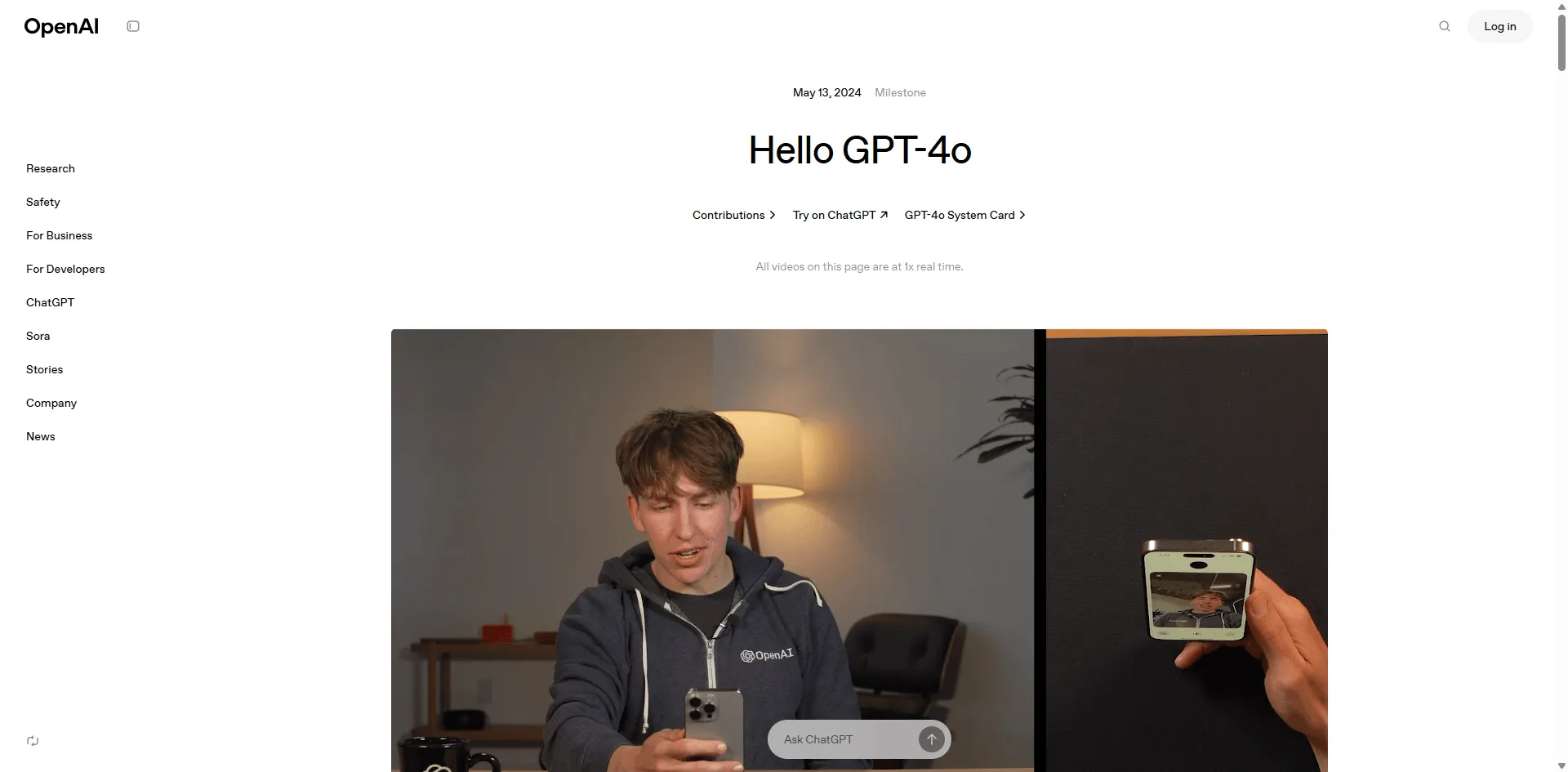
If you just want to transform an image without learning anything new, ChatGPT is hard to beat.
Upload a photo. Type "make this look like a Studio Ghibli scene." Wait a minute. Done.
The conversational part is underrated. Don't like the result? Just say "keep the background but make the sky more dramatic." It actually understands refinements. Other tools would make you start over or fiddle with settings.
I used it to create holiday card versions of family photos. Took maybe 10 minutes total including iterations. Would've taken an hour in Stable Diffusion.
Why it's not #1: Slow. Like, really slow compared to everything else. And you only get one image at a time. When I'm doing client work and need to compare multiple variations, that's a dealbreaker. Also, the free tier limits hit fast.
Pricing: Free tier exists but you'll hit walls. ChatGPT Plus at $20/month removes most limits.
6. Canva Magic Studio
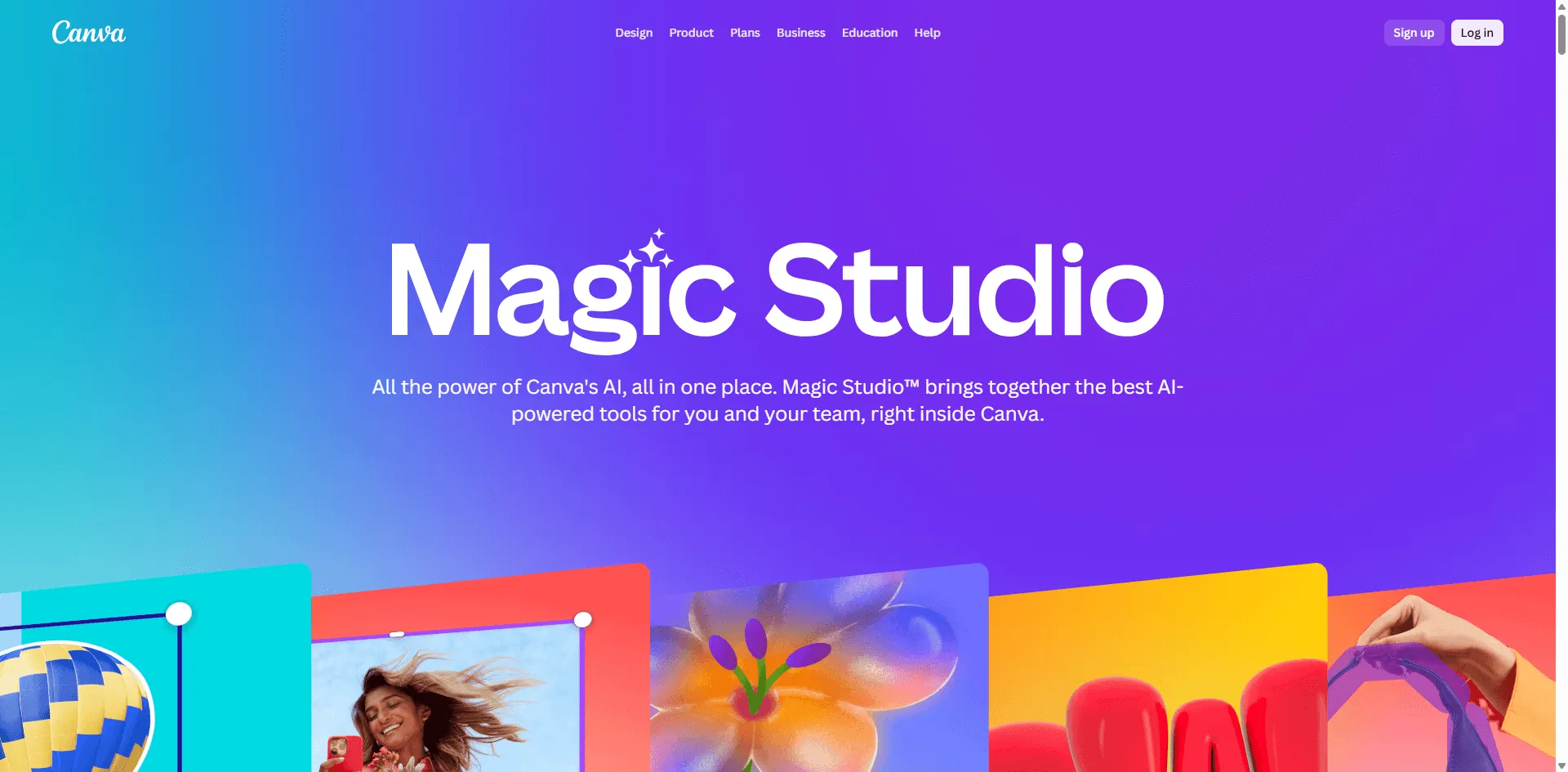
Not the most powerful option, but if you're already using Canva for other design work, the AI tools are right there. No new subscription, no new interface to learn.
Magic Edit lets you select any part of an image and describe what should be there instead. Magic Eraser removes stuff. Background Remover is self explanatory. None of these are best in class, but they're good enough for social media content.
What I actually use it for: quick Instagram story edits. Replace a cluttered background with something clean. Takes seconds.
The honest truth: For serious img2img work, you'll outgrow this. But for casual use, it's hard to argue with "I'm already paying for Canva anyway."
Pricing: Limited free access. Canva Pro is $12.99/month.
7. Fotor
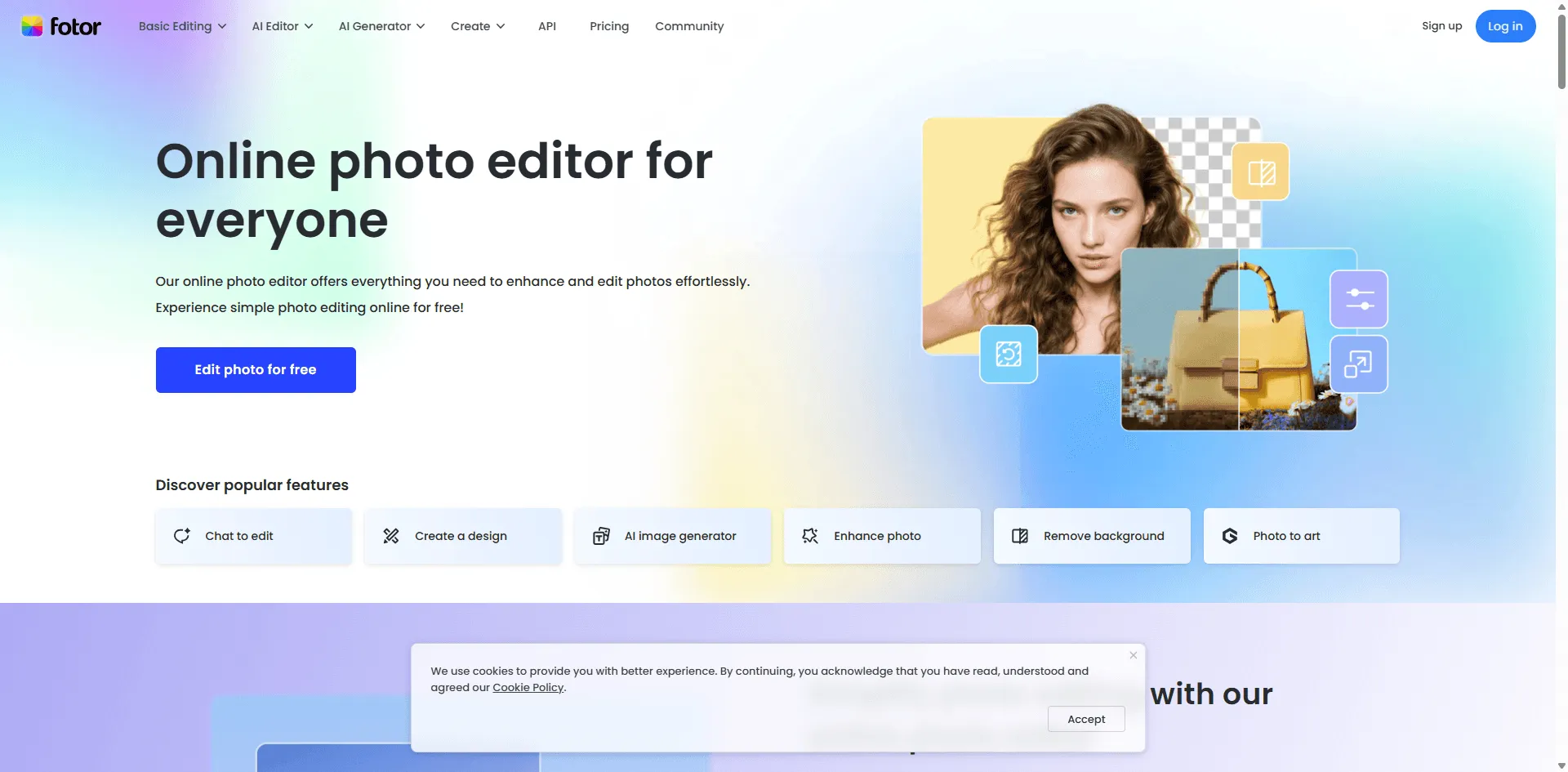
Most "free" AI tools hit you with a paywall after two images. Fotor actually lets you do useful work without pulling out your credit card.
They've got 50+ preset styles of oil painting, watercolor, Van Goghish, pop art, various sketch effects. Pick one, upload your photo, click a button. No prompt engineering required.
I turned a basic food photo into something that looked hand painted in maybe 10 seconds. Good enough for a blog post thumbnail. Not gallery worthy, but that's not what I needed.
Limitations: You're stuck with their preset styles. No custom prompts, no fine tuning. It's a "take it or leave it" situation. Perfect for quick stuff, not for precision work.
Pricing: Free tier is genuinely usable. Pro starts at $8.99/month if you want more.
8. Imgtoimg.ai
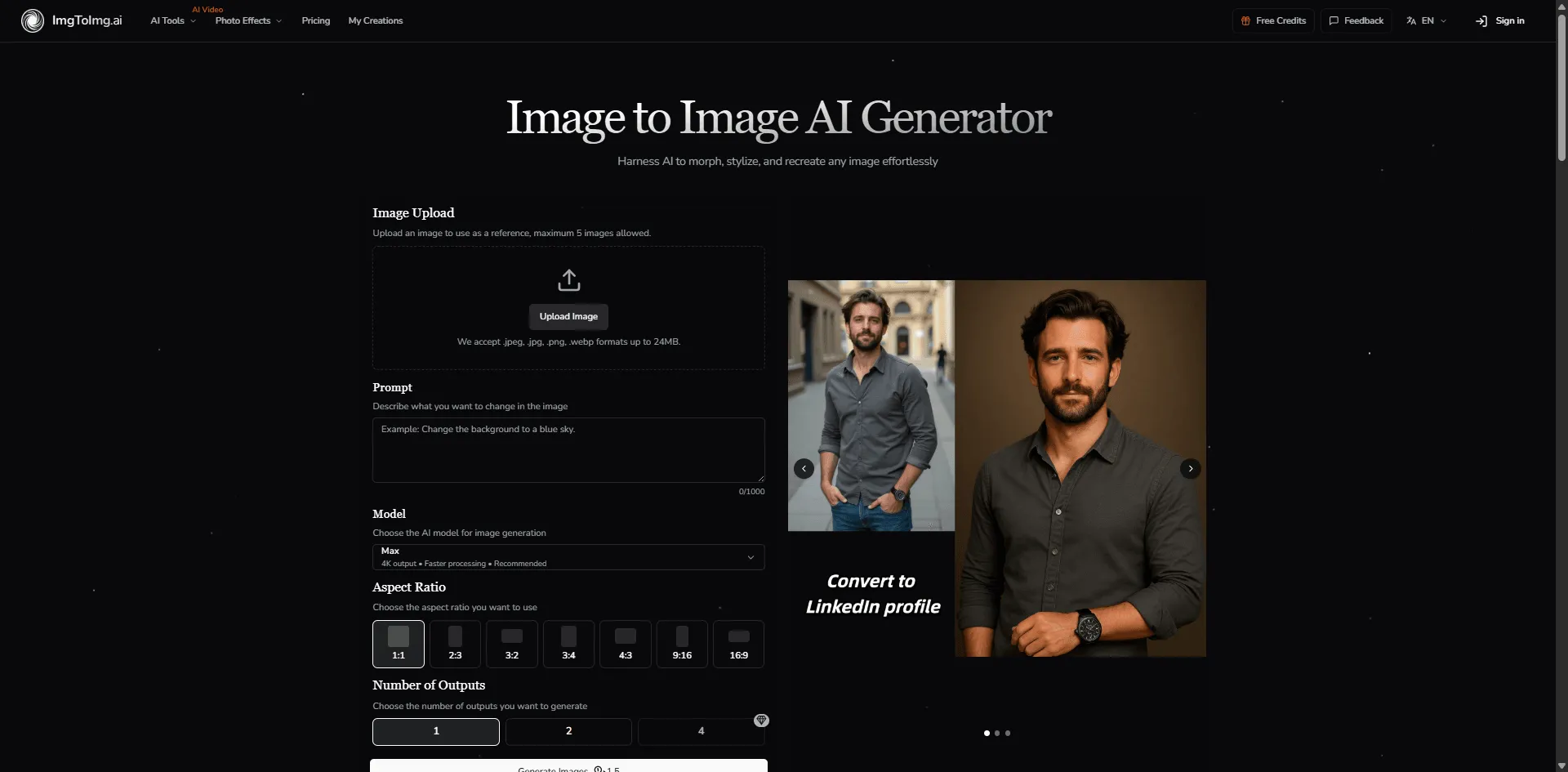
While other platforms try to do everything, this one focuses specifically on image to image transformation. The interface reflects that no hunting through menus to find the img2img feature.
Upload → describe transformation → adjust strength slider → generate. That's it.
The strength slider is front and center, which is exactly what you need for img2img work. Most tools bury this setting somewhere. Here, it's the main control.
Who this is for: People who specifically need img2img and don't want features they won't use. It's refreshingly focused.
Pricing: Free tier with monthly limits. Paid plans from $9.99/month.
9. NightCafe
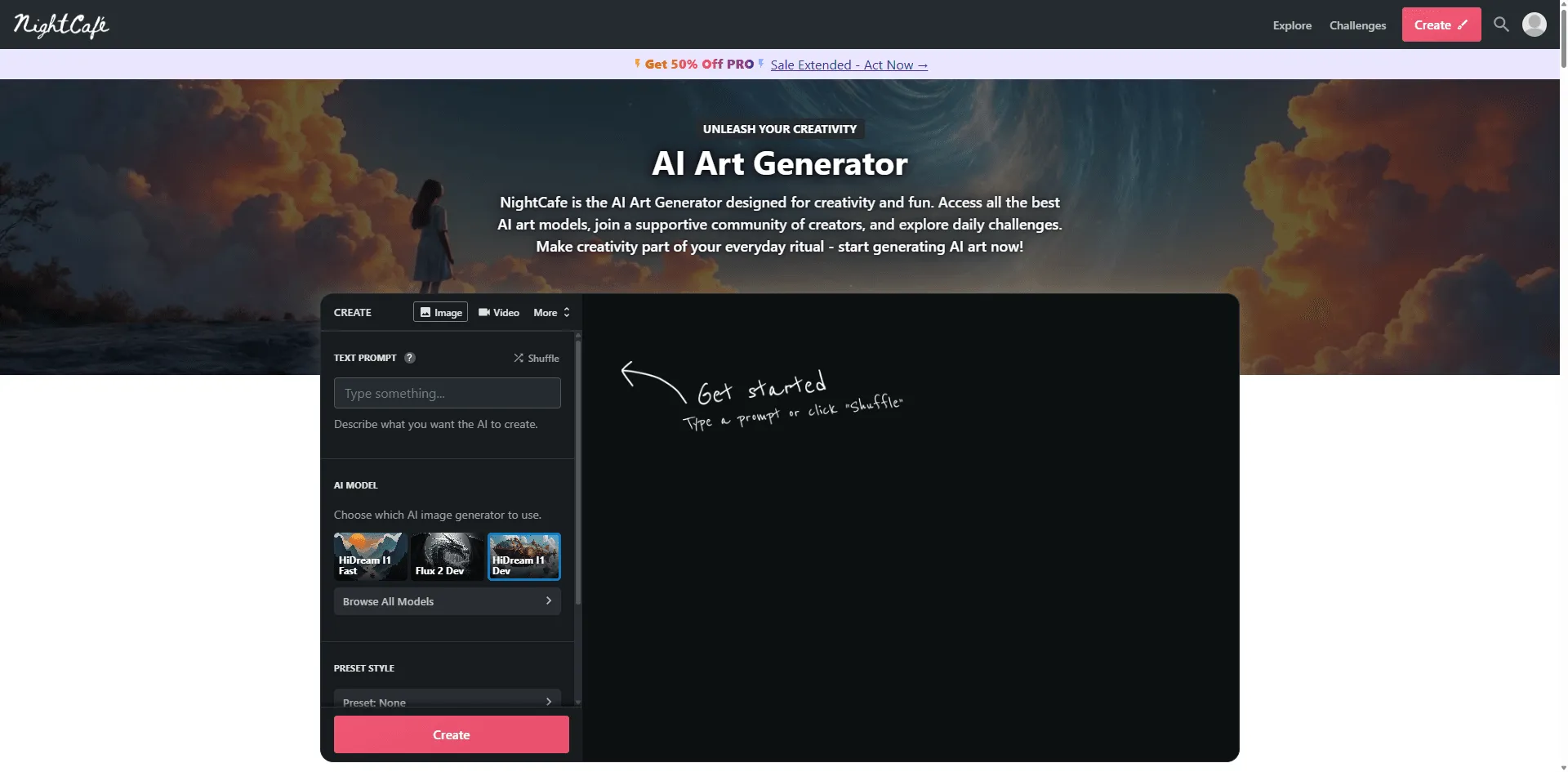
NightCafe wraps multiple AI models (including FLUX and Stable Diffusion) in a platform that's really about the community.
Here's what's cool: every transformation people create is visible along with the exact settings they used. When I'm stuck trying to achieve a specific look, I browse what others have done and basically copy their approach. It's like having a cheat sheet.
Their original "Neural Style Transfer" algorithm (the OG feature before all the new models) still produces some of the most genuinely artistic results. Less photorealistic, more "actually looks like art."
The vibe: More hobbyist/artist than professional. But if you want to learn and get inspired, that community aspect is valuable.
Pricing: Some free credits daily. Paid plans from $5.99/month.
10. Artlist Image to Image
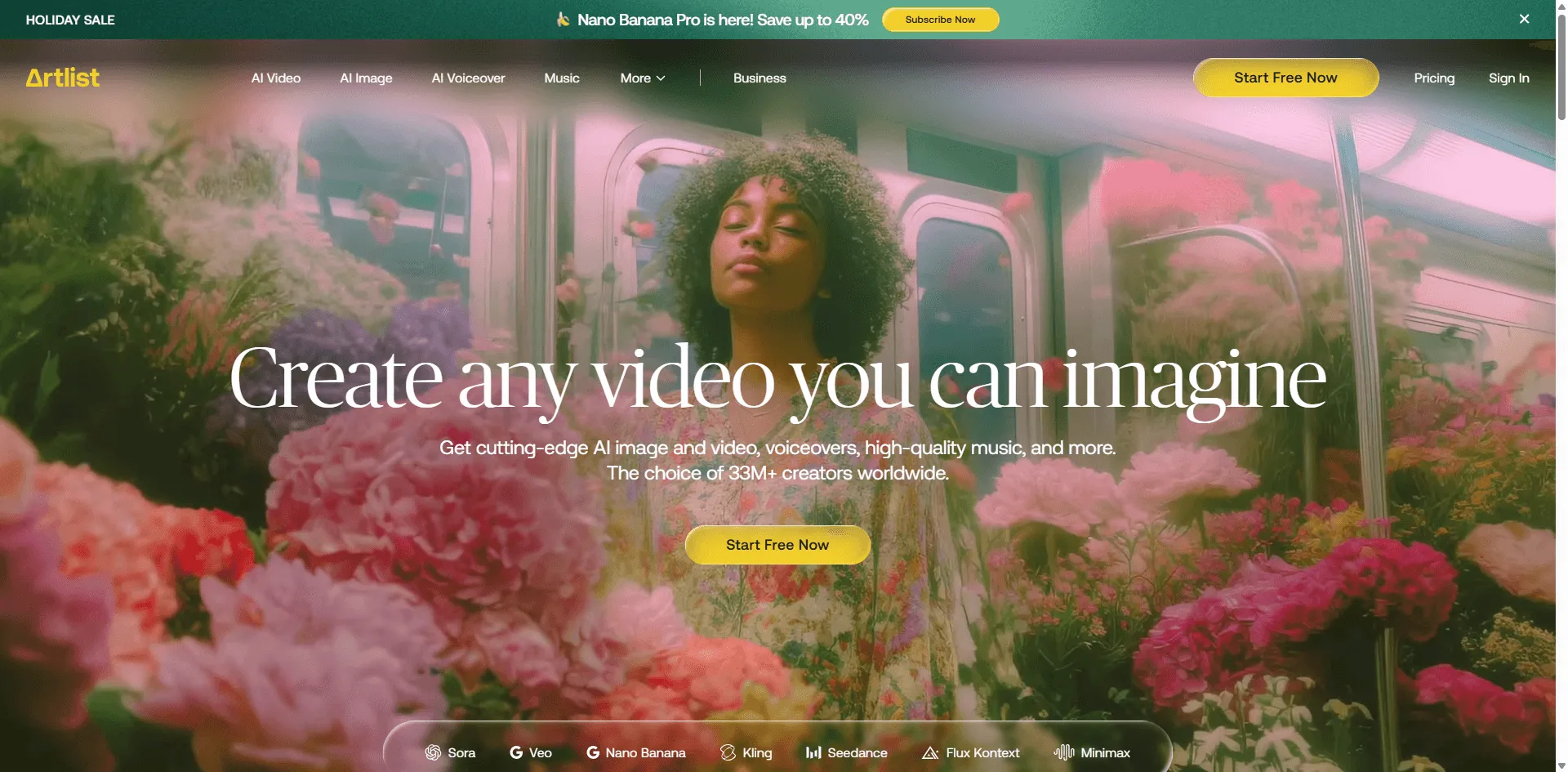
If you're creating content for clients or selling stuff, licensing matters. Most AI tools have murky terms about commercial use. Artlist is explicit: you own what you create, full commercial rights included.
The actual img2img features are solid object removal, background replacement, style transfer. Nothing groundbreaking, but reliably good. They're using Google's Nano Banana model under the hood.
Who needs this: Agencies, freelancers, anyone who can't risk a licensing dispute with clients. Peace of mind is worth something.
Pricing: Requires Artlist subscription. Not cheap, but if you're already using Artlist for music/footage, this is included.
Some Other Tools Worth Mentioning
Didn't make the top 10, but might be perfect for specific needs:
Bylo.ai Dead simple photo of painting. No signup required. I use it when I need a quick watercolor effect and don't want to log into anything.
Hotpot.ai Upload any artwork as a "style source" and it'll apply that style to your photo. Want your selfie to look like a specific Monet painting? This does that.
Pixlr Generative Fill is specifically good for product photography. Cheaper than Adobe if that's all you need.
Which Tool Should You Actually Use?
I've been asked this enough times that I made a mental decision tree:
"I use Photoshop already" → Adobe Firefly. It's built in, it matches your workflow.
"I want one tool that does most things" → Leonardo AI. Jack of all trades, master of enough.
"I'm technical and want maximum control" → Stable Diffusion. Steep learning curve, unlimited ceiling.
"I just want to describe what I want in plain English" → ChatGPT. Easiest on ramp, surprisingly capable.
"I need this for client work and licensing matters" → Artlist. Clear commercial rights.
"I want free and don't need anything fancy" → Fotor. Actually usable free tier.
Technical Stuff That Actually Matters
If you're going to spend time on img2img, learn these three settings. They're the ones that make the biggest difference.
Denoising Strength (The Most Important One)
This controls how much AI changes your original image.
- 0.2 0.3: Barely changes anything. Good for color correction or subtle effects.
- 0.5 0.6: Sweet spot for style transfer. Keeps your composition, changes the look.
- 0.7+: Aggressive transformation. Your original becomes more of a "suggestion."
I start at 0.55 for most work and adjust from there.
CFG Scale
How literally the AI interprets your prompt.
- Low (around 5): More creative interpretation. Sometimes happy accidents, sometimes chaos.
- Medium (7 9): Usually what you want. Follows instructions without being too rigid.
- High (15+): Follows your prompt exactly but can look artificial or get artifacts.
I default to 7 or 8.
Sampling Steps
More steps = more detail = longer wait. 20 steps is fine for most things. I only bump to 30 40 for final versions or when something looks rough.
Questions I Keep Getting
"Can I sell images I create with these tools?"
Depends entirely on the platform. Adobe Firefly, Leonardo AI paid plans, and Artlist explicitly allow commercial use. Free tires often don't. Always check the specific terms . They vary wildly.
"How do I keep faces from looking weird?"
Lower your denoising strength (0.3 0.4). Include the word "portrait" or describe the face in your prompt. Some tools have face preservation features Leonardo AI's ControlNet integration is good for this.
"What's the best completely free option?"
Stable Diffusion if you're willing to set it up locally. Fotor if you want something that works in a browser. Both have real free tiers, not just trials.
"Why do my results look different from the examples I see online?"
Because those examples are cherry picked after dozens of attempts and usually upscaled. Nobody shows their failed generations. Don't compare your first attempts to someone's best work.
"Should I learn Stable Diffusion or just pay for an easier tool?"
Honest answer: if you're using img2img regularly and care about having control, spend a weekend learning Stable Diffusion. The investment pays off. If you just need occasional transformations, pay for Leonardo AI or use ChatGPT and move on with your life.
What's Coming Next
The img2img space moves fast. A few things I'm watching:
Real time transformation is getting closer. Leonardo's Realtime Canvas already gives you instant feedback as you edit. Expect this to become standard.
Video to video is the natural extension. Same style transfer techniques applied to video, maintaining consistency between frames. Early tools exist but they're clunky. Give it a year.
Better structure control through ControlNet and similar tech. Being able to say "change everything except this person's face" with actual precision.
On device processing as phone chips get stronger. The iPhone already has decent AI capabilities full img2img in the camera app isn't far off.
Final Verdict
The "best" tool depends on your patience level.
- If you want absolute control and have a powerful PC, learn Stable Diffusion.
- If you want high quality transformations instantly without the steep learning curve, I highly recommend checking out pxz.ai. It punched way above its weight class in my tests.
Technology has finally matured in 2026. Don't waste time struggling with settings pick a tool that works for you.