12 Best AI Cartoon Generators in 2026(Hands-On Tested with 30+ Tools)
Last Updated: 2026-01-22 18:05:20
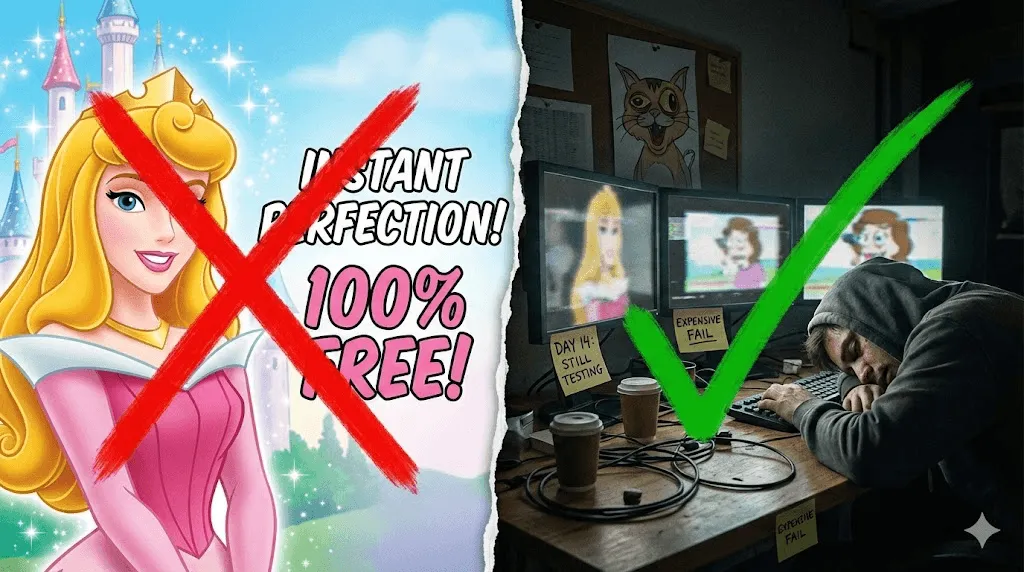
I'll be honest most "best AI cartoon generator" articles are written by people who never actually used the tools. They just list features from the website and call it a review.
I did it differently. Over two weeks, I tested 30+ AI cartoon generators using the same 5 photos: a headshot, a pet photo (my cat Mochi), a group shot with friends, a landscape, and a deliberately bad low light selfie. I wanted to see which tools actually deliver and which ones just look good on their landing page.
Some results surprised me. Expensive tools sometimes performed worse than free ones. A few "unlimited free" tools had hidden catches. And one tool turned my cat into something that looked like a cursed Pokemon.
Quick Summary: The Top 3 Tools I Recommend Most
If you're in a hurry, here's the short version:
Fotor: Best for most people
Free, no watermarks, 40+ styles. It just works. I uploaded a photo, clicked "Cartoonify," and got a solid result in 4 seconds. The Disney style filter looked a bit generic, but the 3D Pixar style was surprisingly good. My only complaint: you can't fine tune results it's one click or nothing.
Use it for: Profile pictures, social media avatars, turning pet photos into cute cartoons.
Adobe Firefly:Best for commercial use
If you're making cartoons for a client or selling merch, you need clear licensing. Firefly is the only tool where Adobe explicitly says "yes, you can use this commercially." The learning curve is steeper you'll need to write prompts instead of just uploading photos but the output quality is top tier.
Use it for: Client work, merchandise, marketing campaigns, anything where legal clarity matters.
Perchance: Best free option
Most "free" tools have a catch limited daily generations, watermarks, or forced signups. Perchance has none of that. I generated 50+ cartoons in one session without creating an account. The interface is bare bones and text only (no photo uploads), but if you just want to create cartoon characters from descriptions, nothing beats it.
Use it for: Experimenting, character concepts, anyone who hates creating accounts.
Detailed Breakdown of All 12 Tools I Tested
Jump to any tool:
- Fotor Best overall
- Adobe Firefly Best for commercial use
- Canva Best for designers already using Canva
- Perchance Best no strings attached free option
- Vidnoz Best for anime style portraits
- Krea.ai Best for print quality resolution
- getimg.ai Best for specific cartoon styles (Simpsons, etc.)
- Renderforest Best for cartoon videos
- VanceAI Best for keeping your face recognizable
- Krikey Best for animated 3D characters
- Animaker Best for business/training videos
- LightX Best mobile app
1.Fotor
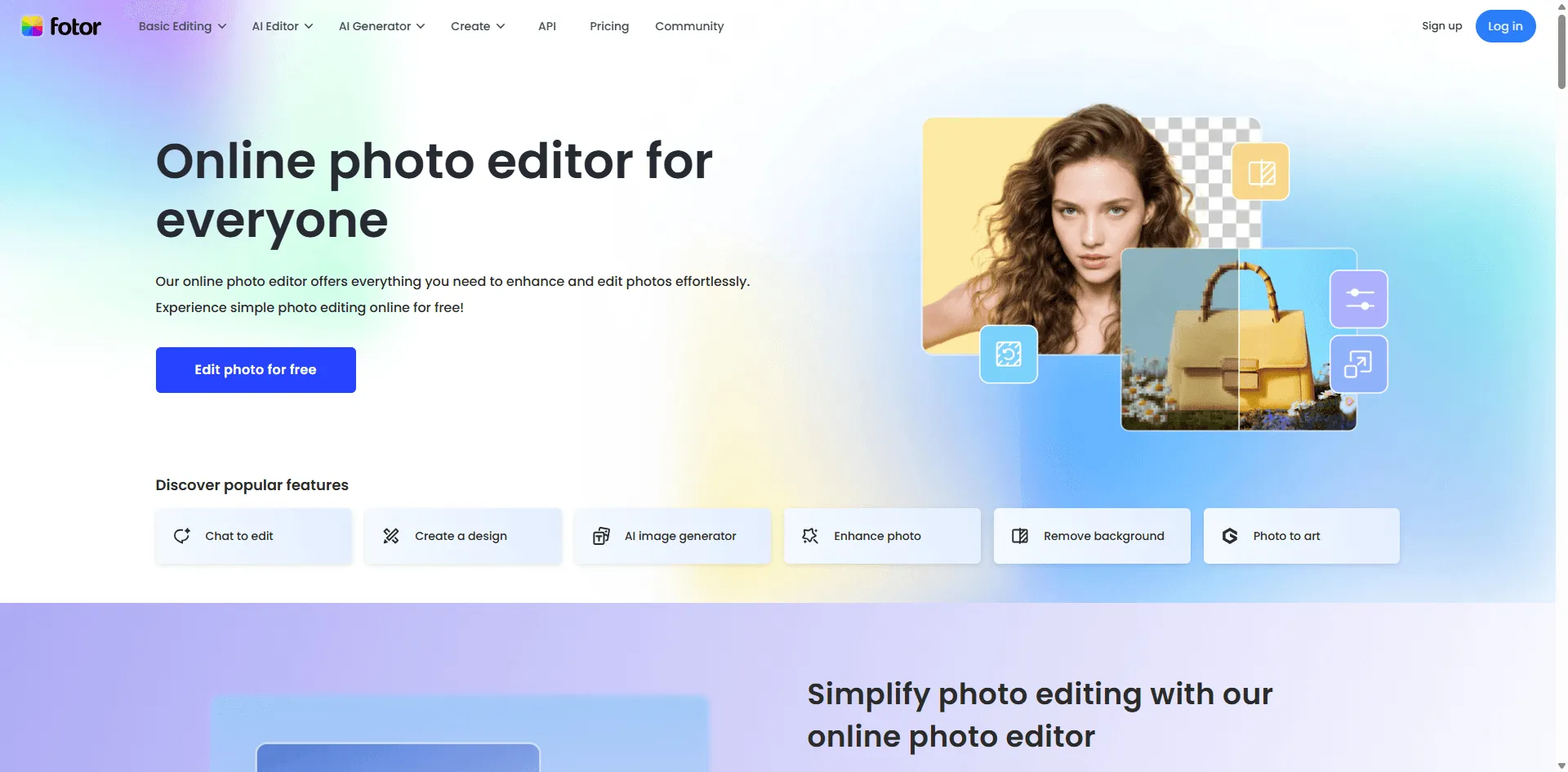
My rating: 4.8/5 | Price: Free (Pro from $3.33/mo)
Fotor became my default recommendation because it does exactly what you expect. Upload a photo, pick a style, get a cartoon. No surprises, no frustration.
I ran all 5 test photos through it. The headshot came out great in the "3D Cartoon" style looked like a Pixar character. My cat Mochi worked well too, though the "Disney" style made her eyes weirdly large (more chihuahua than cat). The group photo was hit or miss; it handled 3 faces fine but struggled with the 4th person who was partially turned.
Speed impressed me: most conversions took 3 5 seconds. And the output was genuinely watermark free on the free tier I downloaded several images to verify.
What I liked:
- 40+ styles that actually look different from each other
- No watermarks on free tier (I checked)
- Fast most results under 5 seconds
- Works on pets, landscapes, not just faces
What annoyed me:
- Can't adjust or fine tune results, take it or leave it
- Some "premium" styles are locked, but the free ones are solid
Best for: Anyone who wants quick cartoon avatars for social media. I used my result as my Discord profile pic and got a few "where'd you make that?" DMs. Also good for turning pet photos into gifts, I made a cartoon of my friend's dog for her birthday.
2.Adobe Firefly
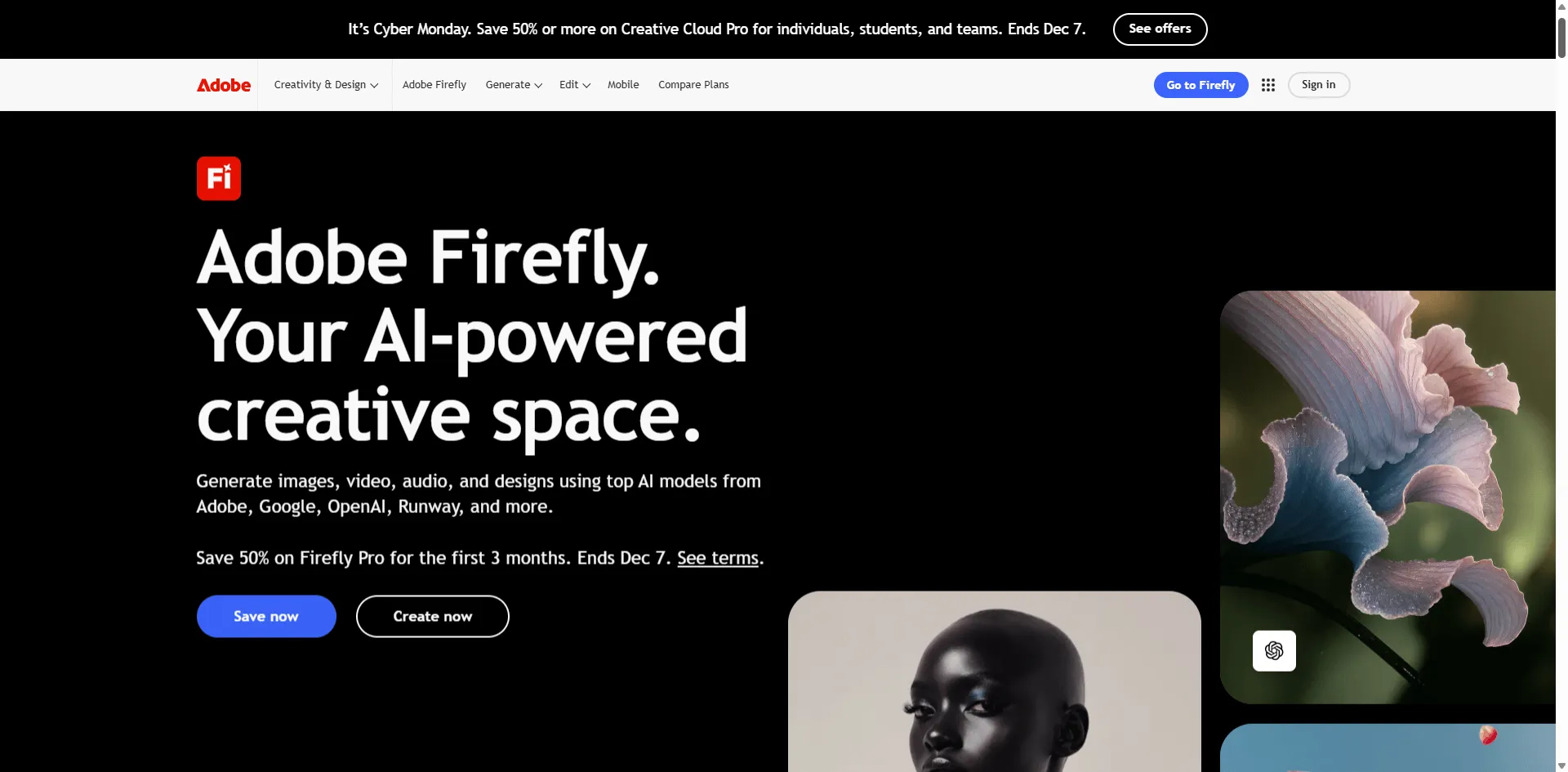
My rating: 4.5/5 | Price: Free tier available (included in Adobe CC subscription)
Firefly is different from the other tools here. It doesn't just slap a filter on your photo it generates new images from text prompts. You describe what you want ("cartoon portrait of a woman with curly hair, Pixar style") and it creates something original.
This is both its strength and weakness. The output quality is excellent, probably the best on this list. But there's a learning curve. My first few attempts were garbage because I didn't know how to write good prompts. After watching a 10 minute YouTube tutorial, I got much better results.
The big selling point: commercial rights are crystal clear. Adobe explicitly says you can use Firefly outputs in commercial projects. For freelancers and agencies, this is huge, no legal gray areas.
What I liked:
- Best output quality when you nail the prompt
- Clear commercial licensing rare in this space
- Reference image feature (upload a photo to guide the style)
What annoyed me:
- Steep learning curve not a "just click and done" tool
- Free tier credits run out fast if you're experimenting
- Can't directly convert an existing photo to cartoon (it's generative, not filter based)
Best for: Designers and freelancers who need cartoon assets for paid work. If a client asks "can we use this commercially?" You want to say yes with confidence. Not worth it for casual personal use too complex for just making a profile pic.
3.Canva
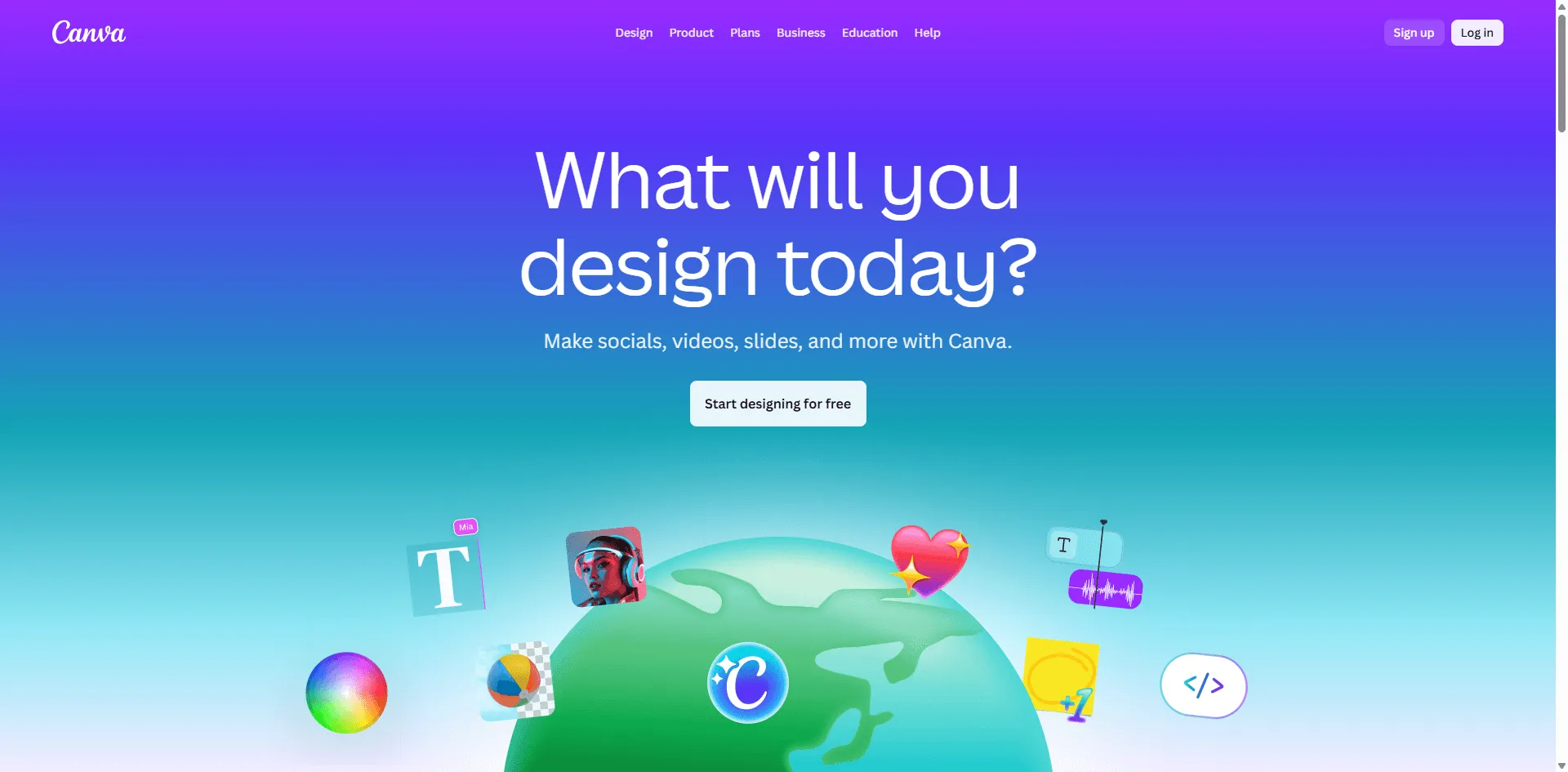
My rating: 4.3/5 | Price: Free daily credits (Pro from $12.99/mo)
If you're already using Canva for design work, this is a no brainer. The "Cartoonify" app lives inside Canva, so you can convert a photo to cartoon and immediately drop it into a social post, presentation, or flyer. No downloading, no re uploading.
The cartoon quality is decent but not exceptional. I'd rank it below Fotor and Firefly. The styles are more limited too maybe 10 15 options compared to Fotor's 40+. But workflow convenience is real. I made a cartoon version of our team photo and had it in a Slack announcement within 2 minutes.
What I liked:
- Seamless if you're already in Canva's ecosystem
- No watermarks
- Photo to anime option is surprisingly good
What annoyed me:
- Fewer style options than dedicated tools
- Daily AI credit limit on free tier
- If you don't use Canva, the value prop disappears
Best for: Social media managers and small business owners who already live in Canva. The time savings from not switching apps adds up. Skip it if you just want a standalone cartoon generator.
4.Perchance
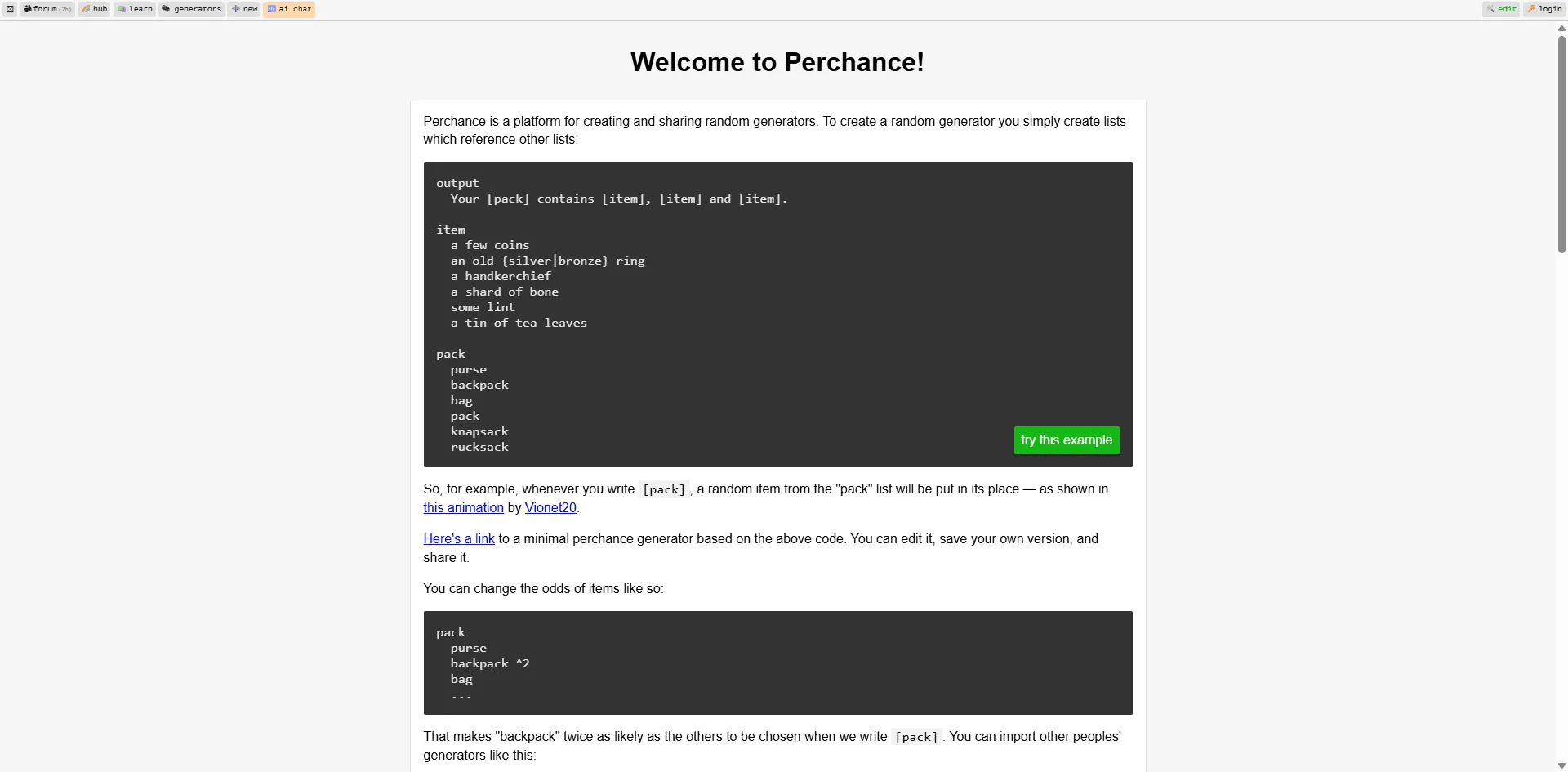
My rating: 4.6/5 | Price: 100% free, seriously
I was skeptical. Every "free" AI tool has a catch, right? Perchance doesn't. No account required. No daily limits. No watermarks. I generated over 50 cartoon characters in one sitting just to stress test it. Still free.
The catch (there's always something): it's text to image only. You can't upload a photo and convert it. You describe what you want "a cartoon fox wearing a detective hat, Disney style" and it generates it. The interface is also pretty bare bones. No fancy UI, no hand holding.
But for what it is? Remarkable. I've used it to sketch out character ideas for a side project, and it's become my go to for quick concepts.
What I liked:
- Actually unlimited and actually free
- No account creation
- Multiple style options (Disney, anime, comic, etc.)
What annoyed me:
- No photo upload text prompts only
- Basic interface, no advanced controls
Best for: People who hate signing up for things. Also great for writers, game designers, or anyone who needs to quickly visualize character concepts without spending money or creating yet another account.
5.Vidnoz
My rating: 4.2/5 | Price: Free with daily limits
Vidnoz does one thing really well: anime style conversions. My headshot came out looking like a protagonist from a Studio Ghibli film. The eyes, hair shading, and color palette were spot on.
There's a neat feature where the AI auto selects the best filter for your photo. I was skeptical, but it actually made decent choices most of the time. The tool also claims to delete your photos after processing, which is nice if you're privacy conscious (though I can't verify this).
Downside: it really only works well with single face photos. My group shot came out messy one face looked great, the others were distorted.
What I liked:
- Excellent anime/manga style output
- Smart auto filter selection
- Fast processing, clean interface
What annoyed me:
- Struggles with multiple faces
- Limited style variety outside anime
Best for: Anime fans who want to see themselves as a manga character. I know someone who used it for their Twitch profile and it looked great. Stick to solo portraits for best results.
6.Krea.ai
My rating: 4.4/5 | Price: Free tier (Pro from $24/mo)
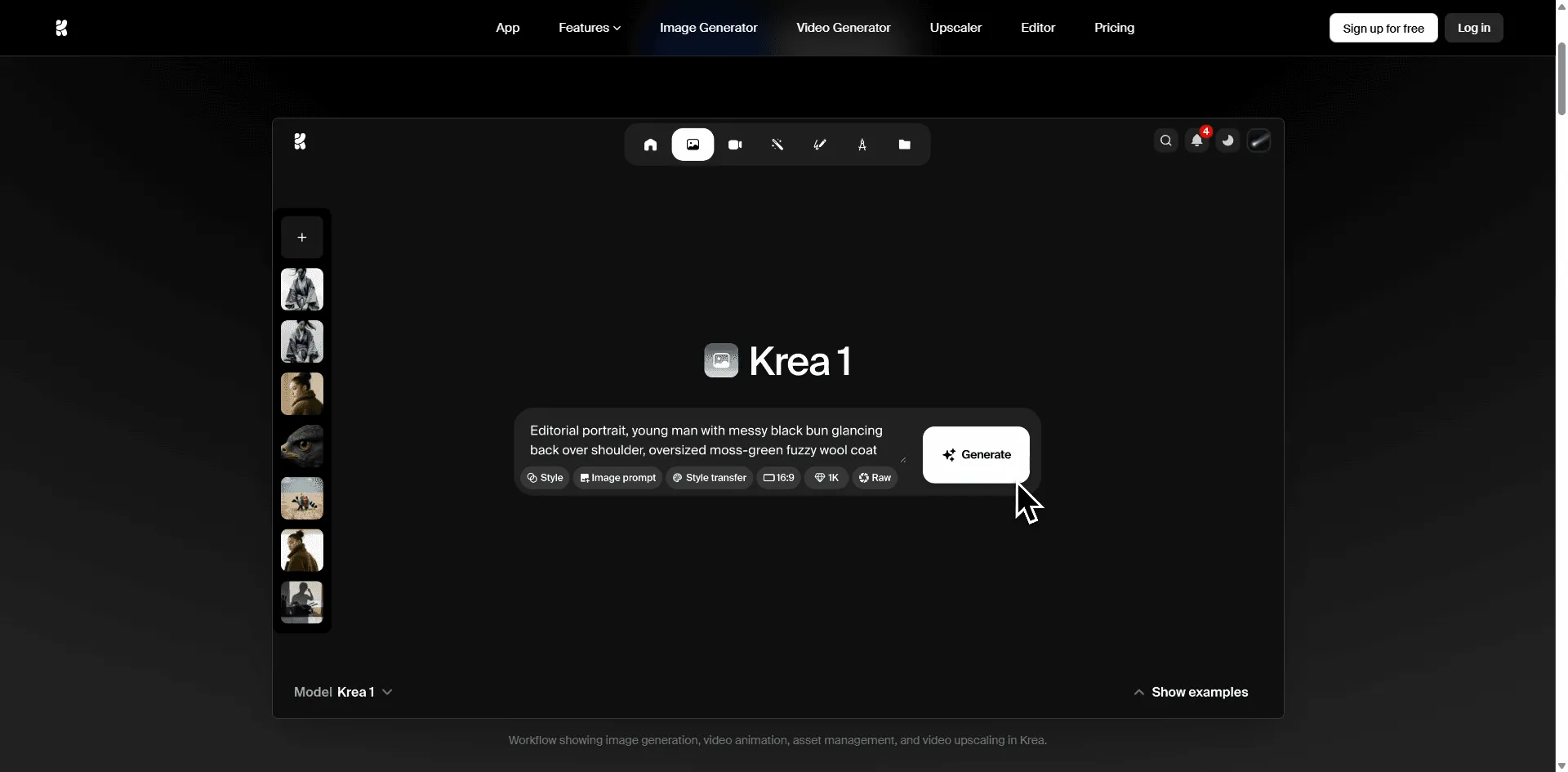
Krea is the tool you want if resolution matters. Most cartoon generators output images that look fine on screen but get pixelated when printed. Krea can upscale to 8K, which is overkill for most people but essential if you're making posters or merchandise.
The real time canvas is interesting you can watch the AI generate your image and tweak parameters as it goes. It's more interactive than other tools, which feel novel at first but I'm not sure how often I'd actually use it.
The free tier is usable but limited. If you need volume or high res exports, expect to pay.
What I liked:
- Highest resolution output I tested (up to 8K)
- Real time generation preview
- Clean, modern interface
What annoyed me:
- Pro subscription is pricey at $24/mo
- Free tier runs out quickly
Best for: Print designers, merch creators, or anyone who needs large format cartoon images. If you're just making social media avatars, this is overkill . Go with Fotor instead.
7.getimg.ai
My rating: 4.1/5 | Price: Free tier (Pro from $12/mo)
getimg.ai is where you go if you want to look like a Simpsons character. Or a South Park character. Or something from Family Guy. The style mimicry is better than any other tool I tested.
I turned myself into a Simpsons character and the yellow skin, overbite, and round eyes were immediately recognizable. Friends knew exactly what show it was from. Other tools attempt these styles but end up with something generic getimg actually nails the specific aesthetic.
The interface is overwhelming though. There are multiple AI models, endless settings, and it took me 15 minutes to figure out where the cartoon presets even were. Power users will love it. Casual users might bounce.
What I liked:
- Best TV show specific cartoon styles
- Multiple AI models to choose from
- Can create fully original characters too
What annoyed me:
- Confusing interface not beginner friendly
- Free tier has tight generation limits
- Easy to get lost in settings
Best for: Fans who want recognizable TV show aesthetics. Great for themed party invites, fan art, or meme creation. Budget some time to learn the interface.
8.Renderforest
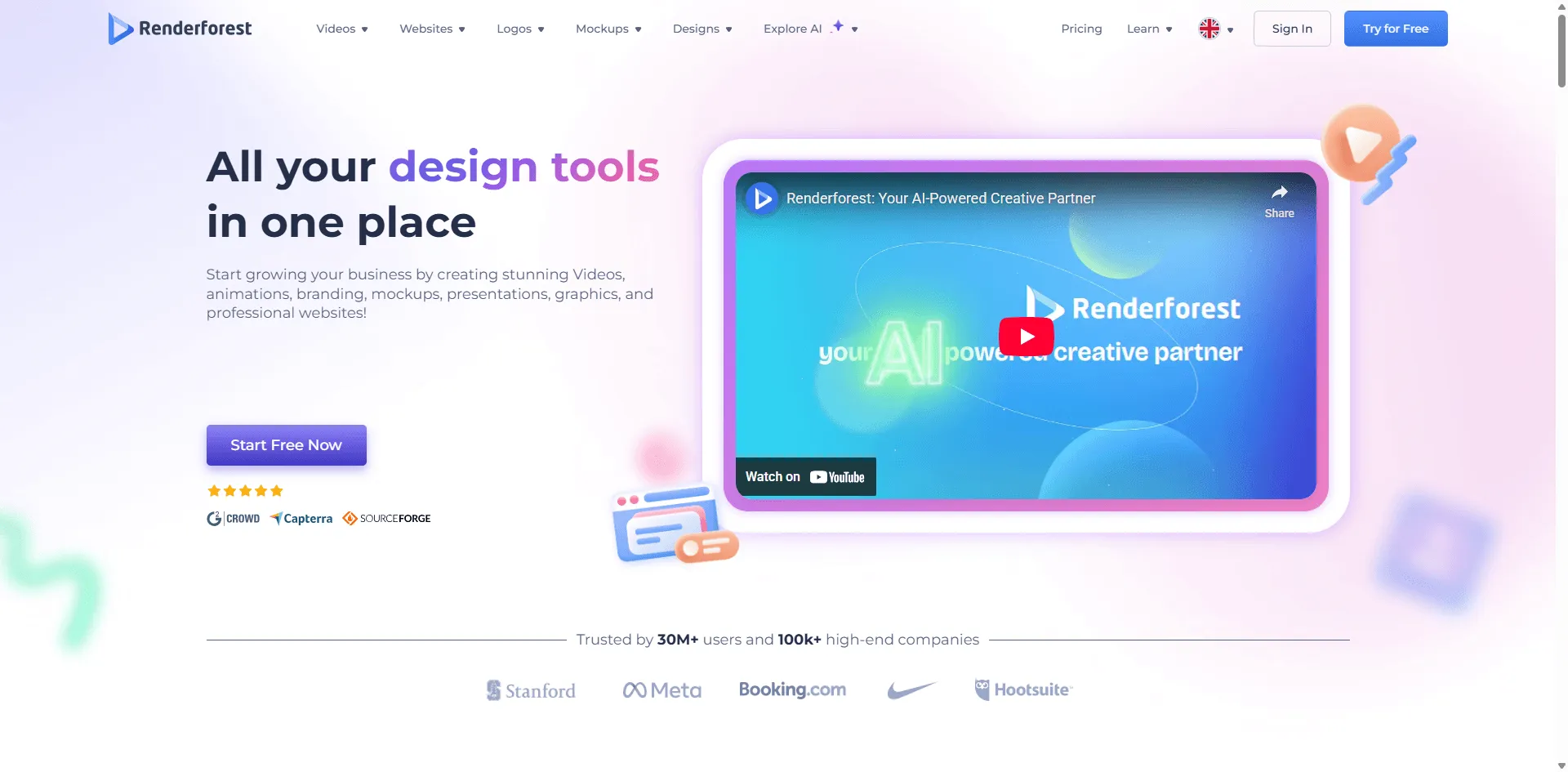
My rating: 4.3/5 | Price: Free tier (Premium from $9.99/mo)
Renderforest is the only tool on this list focused on cartoon videos rather than static images. You type in a script or idea, and it generates an animated video complete with characters, scenes, and even voiceover.
I wrote a simple 30 second explainer script and had a cartoon video in about 3 minutes. The quality wouldn't fool anyone into thinking it's Pixar, but for YouTube explainers, social media clips, or internal training videos, it's more than adequate.
The free tier has watermarks on exports, which kills it for professional use. But it's a good way to test before committing to a subscription.
What I liked:
- Only tool that makes animated videos from scratch
- Built in voiceover and music
- Multiple cartoon styles (3D, 2D, storybook)
What annoyed me:
- Watermark on free tier exports
- HD export requires premium
Best for: YouTubers, course creators, and marketers who need animated explainers without hiring an animation studio. Test it free, but budget for premium if you plan to publish.
9.VanceAI Toongineer
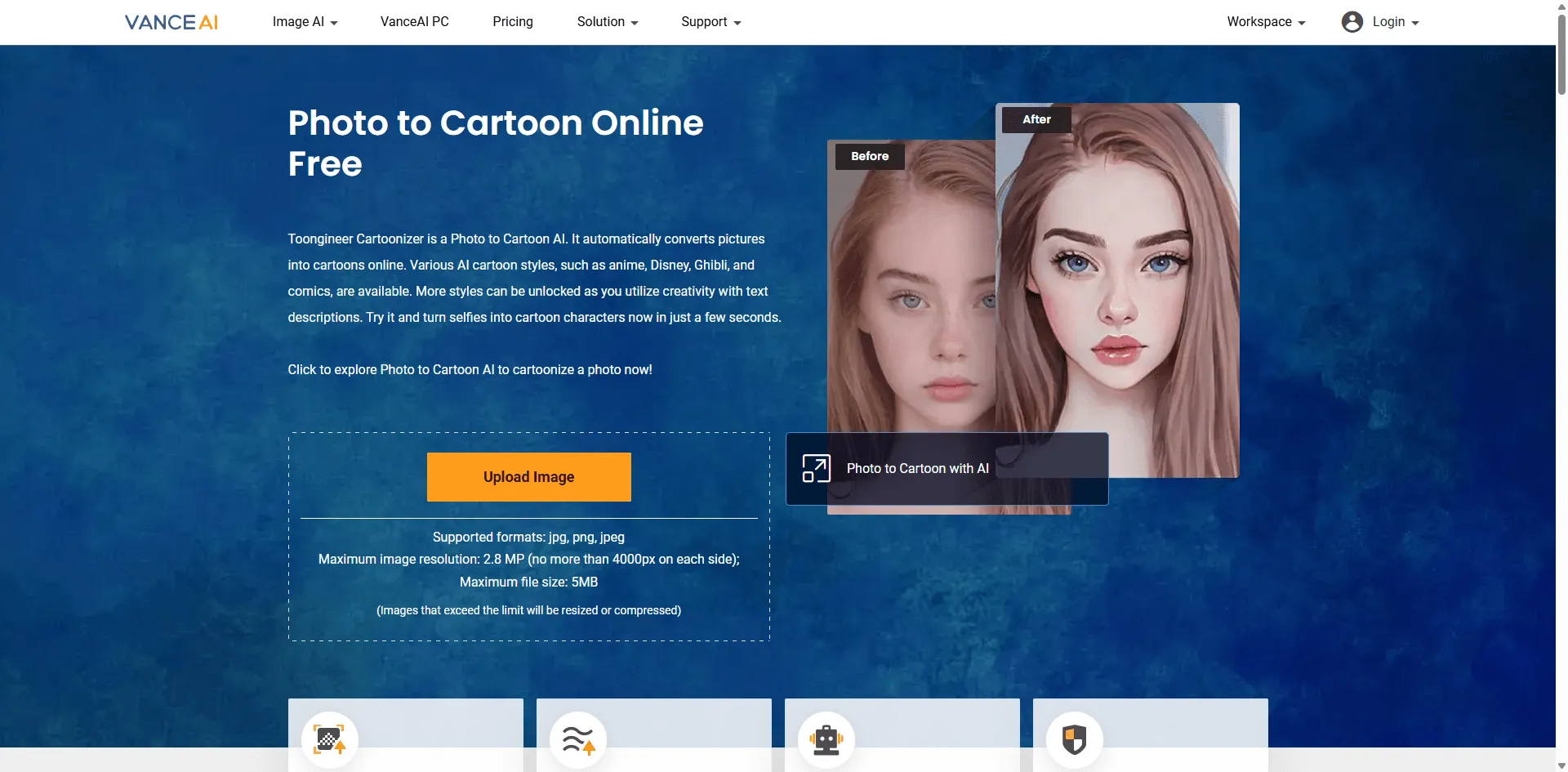
My rating: 4.0/5 | Price: Free trial (Credits from $9.90)
VanceAI focuses on making cartoons that still look like you. Most tools distort features for artistic effect bigger eyes, smoother skin, different proportions. Toongineer keeps your actual face structure intact, just rendered in cartoon style.
This is great for professional headshots or situations where you need to be recognizable. I converted my LinkedIn photo and it still clearly looked like I was just cartoonified. The gender specific optimization modes (male/female) actually made a noticeable difference in output quality.
The credit based pricing can add up if you're doing a lot of conversions. Each image costs credits, and the packages aren't cheap.
What I liked:
- Best at preserving facial features and proportions
- Batch processing available
- Works well on pets and landscapes too
What annoyed me:
- Credit system feels expensive for volume
- Requires account creation
Best for: Corporate users who need cartoon versions of team photos where people still need to be identifiable. Also good for anyone who wants cartoon art without the face distortion that other tools apply.
10.Krikey
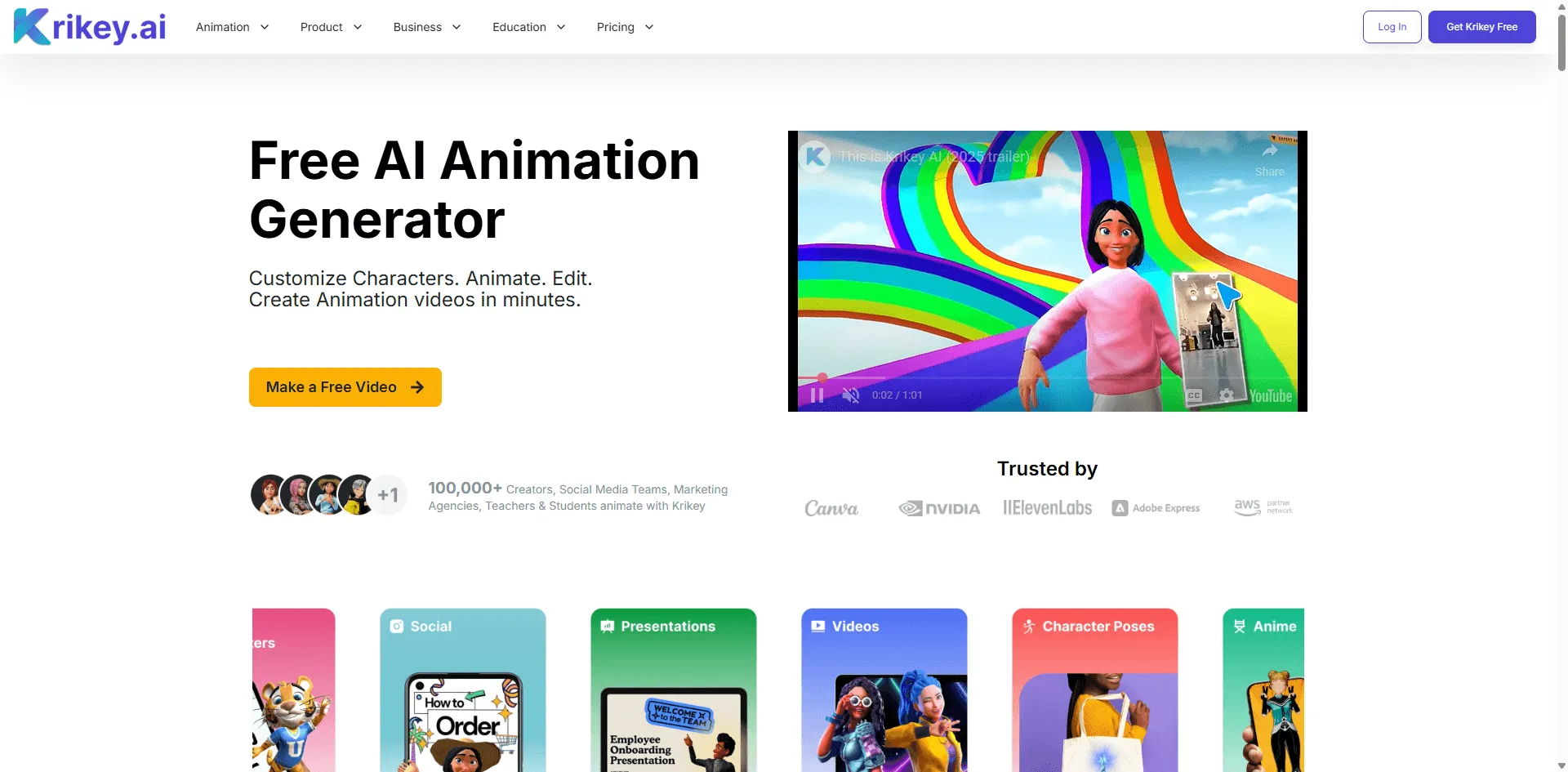
My rating: 4.0/5 | Price: Free tier (Pro from $9/mo)
Krikey doesn't make static cartoons, it makes animated 3D characters that move and talk. You can either customize a character from templates or use motion capture from a video to animate them. The lip sync feature is surprisingly good, supporting 20+ languages.
I uploaded a video of myself talking and it mapped my movements onto a 3D cartoon avatar. The result looked like something from a mobile game, not Pixar quality, but functional. Export options include MP4, GIF, and even FBX for 3D software.
The learning curve is real. This isn't a "click and done" tool. I spent about 30 minutes understanding the interface before producing anything usable.
What I liked:
- Only tool with full 3D animation capabilities
- Lip sync actually works well
- Export to professional 3D formats (FBX)
What annoyed me:
- Steep learning curve
- Desktop only no mobile
- Results look more "game quality" than "movie quality"
Best for: Content creators who want talking cartoon avatars for videos, educators making animated lessons, or game developers prototyping characters. Not for casual users too complex.
11.Animaker
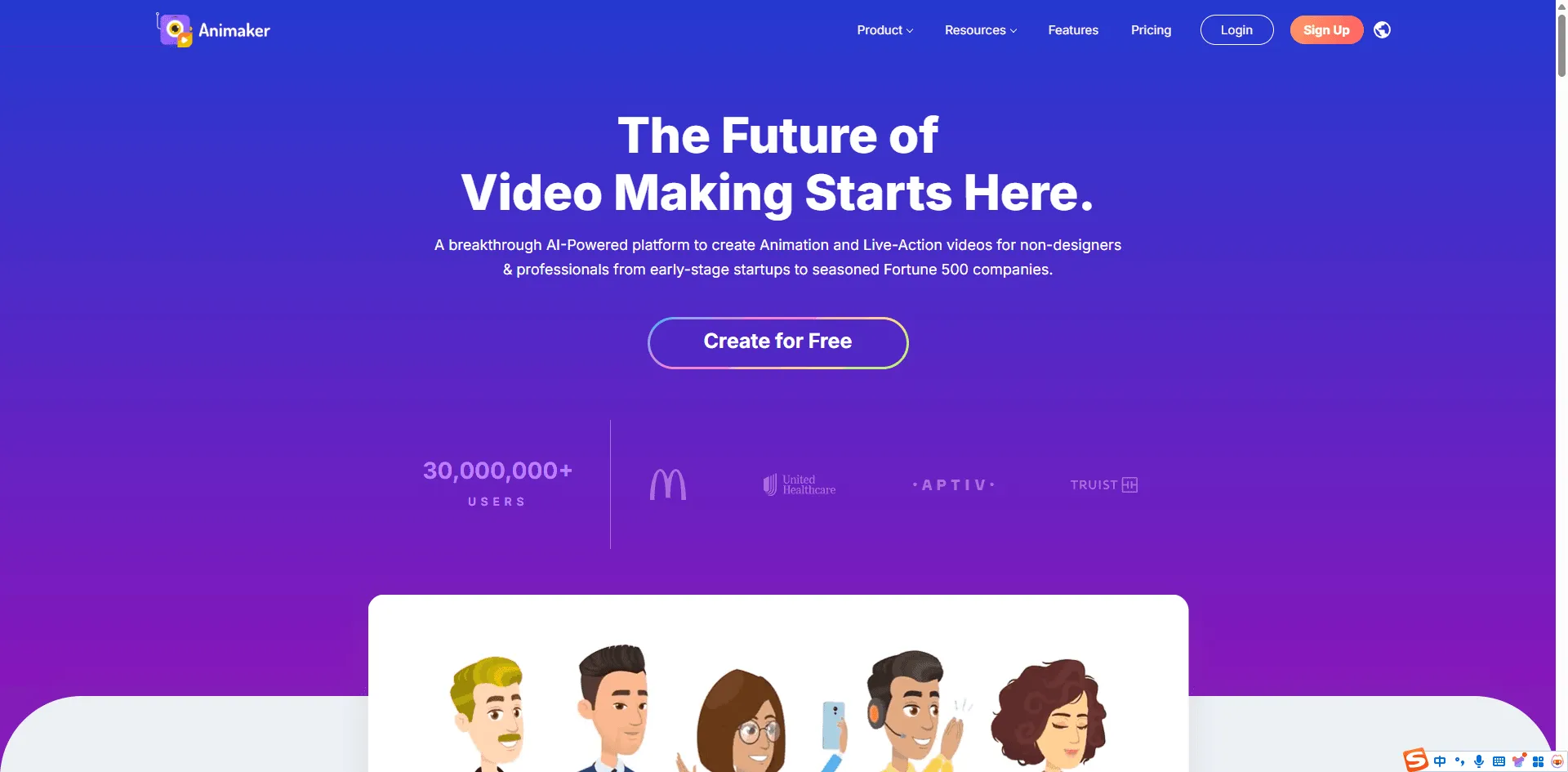
My rating: 3.9/5 | Price: Free tier (Basic from $12.50/mo)
Animaker is like Renderforest's corporate cousin. It's aimed at businesses making training videos, explainers, and marketing content. The template library is massive over 1000 character options and 100M+ stock assets.
The AI video generation works: describe what you want, and it creates a cartoon video. But the interface is complex. I felt like I was using enterprise software, not a creative tool. There are menus within menus, and it took me a while to find basic features.
If you're making a one off cartoon, this is overkill. If you're a training department producing regular video content, the scale makes more sense.
What I liked:
- Massive asset and template library
- Text to speech in 170+ languages
- Built for team collaboration
What annoyed me:
- The interface is cluttered and confusing
- Watermark on free exports
- Overkill for simple projects
Best for: Enterprise teams HR, L&D, marketing departments who need to produce animated training and promotional content at scale. Individual creators will find it overwhelming.
12.LightX
My rating: 3.8/5 | Price: Free (Premium from $4.99/mo)
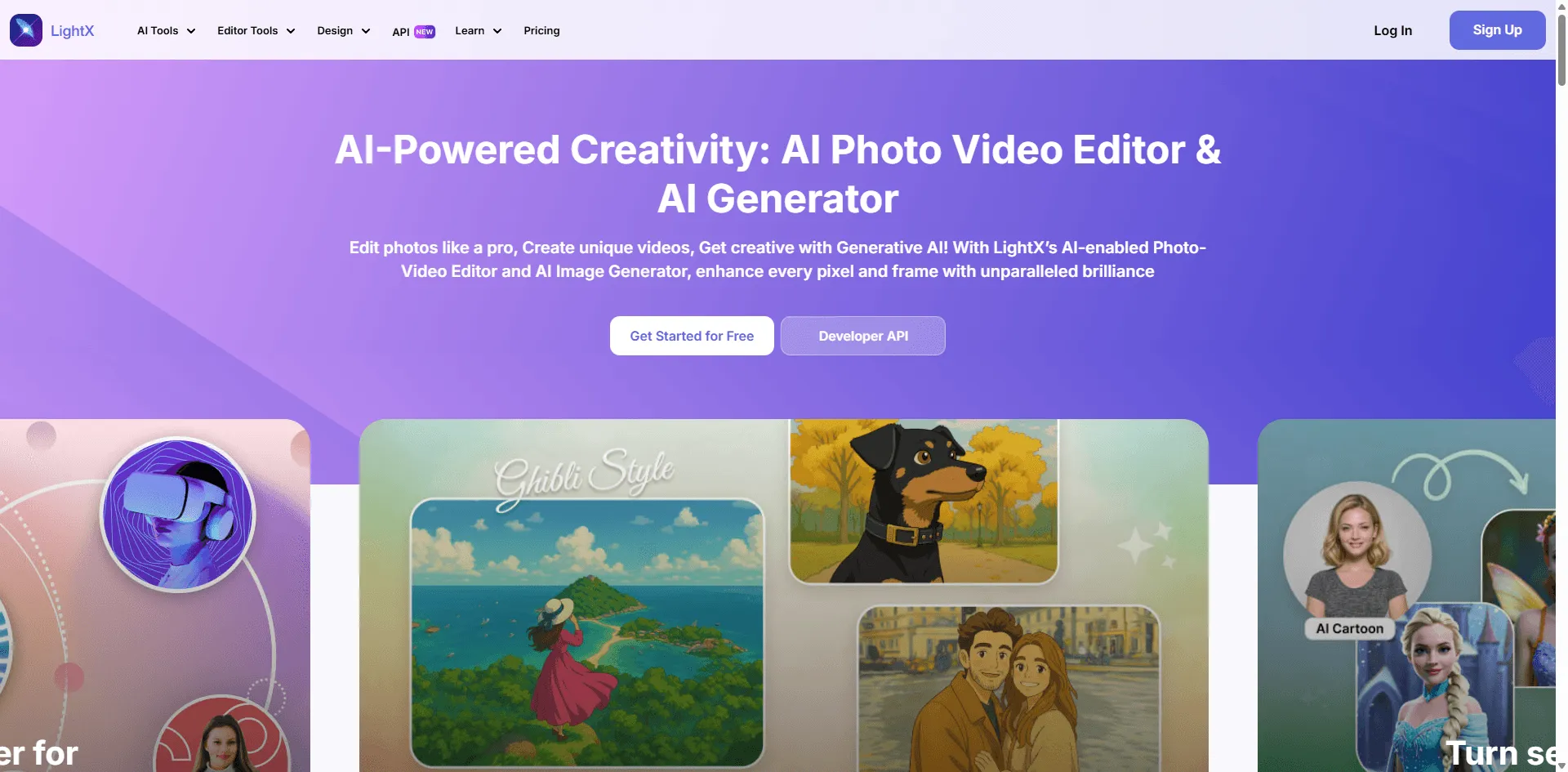
LightX is a mobile first cartoon generator with Disney themed presets. You can turn yourself into a Cinderella, Mulan, or Tarzan style character. The presets are fun and the results are Instagram ready.
The mobile experience is smooth . This is clearly designed for phones, not desktops. I tested it on my iPhone and the whole flow took about 30 seconds from opening the app to downloading my cartoon.
The downside: limited free credits (5 per day) and some of the best presets are premium only. Also, the "Disney" styles are clearly inspired by rather than officially licensed, so don't expect exact matches.
What I liked:
- Best mobile experience
- Fun character presets
- Fast and easy to use
What annoyed me:
- Only 5 free credits per day
- Best presets locked behind paywall
- Desktop experience is worse than mobile
Best for: Mobile users who want quick cartoon selfies for Instagram or TikTok. Disneyish presets are great for themed content. Skip if you're working on desktop.
At a Glance: Feature & Performance Comparison
Here's the overview if you want to compare side by side:
Tool | Best For | Price | My Score | Standout Feature | Main Drawback |
Fotor | Most people | Free | 4.8 | 40+ styles, fast | No fine tuning |
Adobe Firefly | Commercial work | Free tier | 4.5 | Clear licensing | Learning curve |
Canva | Canva users | Free credits | 4.3 | Workflow integration | Fewer styles |
Perchance | Free usage | Free | 4.6 | No limits at all | Text prompts only |
Vidnoz | Anime style | Free limits | 4.2 | Best anime output | Single face only |
Krea.ai | High resolution | Free tier | 4.4 | Up to 8K output | Pricey Pro tier |
getimg.ai | TV show styles | Free tier | 4.1 | Simpsons, South Park | Complex interface |
Renderforest | Cartoon videos | Free tier | 4.3 | Full video creation | Watermark for free |
VanceAI | Recognizable faces | Credits | 4.0 | Keep your features | Credits add up |
Krikey | 3D animation | Free tier | 4.0 | Animated characters | Steep learning |
Animaker | Enterprise | Free tier | 3.9 | Huge asset library | Overwhelming UI |
LightX | Mobile users | Free limits | 3.8 | Best mobile UX | 5 free/day only |
Conclusion
After testing over 30 tools, it is clear that AI cartoon generation has improved significantly in quality and accessibility. While many tools on the market offer similar features, a few stand out for their reliability and specific use cases.
To help you make a quick decision, here is a summary of my top recommendations based on the test results:
- Best Overall (Free & Easy): Fotor It offers the best balance of speed, quality, and ease of use. If you just want a quick cartoon avatar without watermarks, this is the best starting point.
- Best for Commercial Use: Adobe Firefly For designers and professionals who need copyright safety, Firefly is the only secure choice. The learning curve is worth it for the legal peace of mind.
- Best No-Signup Option: Perchance If you want to generate unlimited characters from text descriptions without creating an account, Perchance is the most user-friendly option.
- Best for Specific Styles:Anime/Manga: Vidnoz (Best aesthetic for anime fans).TV Show Styles: getimg.ai (Best for Simpsons/South Park looks).Video Creation: Renderforest or Animaker.
FAQ
What's the best free AI cartoon generator?
Fotor for photo to cartoon (actually free, no watermarks). Perchance for text to cartoon (truly unlimited, no account needed). Most other "free" tools have hidden limits.
Can I use these cartoons for commercial projects?
Adobe Firefly explicitly allows commercial use. Fotor, Canva, and getimg.ai permit it on paid plans. Always read the terms most free tiers restrict commercial usage in the fine print.
Do these work on pet photos?
Yes. Fotor, VanceAI, and Canva worked well on my cat's photo. Vidnoz struggled (it's optimized for human faces). The "Disney" style made my cat's eyes too big, but the 3D cartoon style looked great.
Which tools don't add watermarks?
Fotor, Canva, Perchance, and Vidnoz are watermarks free on their free tiers. Renderforest and Animaker add watermarks unless you pay. I specifically tested downloads to verify this.
How long does generation take?
Static images: 3 10 seconds for most tools. Fotor was fastest (around 4 seconds). Videos: 1 5 minutes depending on length. Krea's real time canvas is instant but requires more hands on work.
What's photo to cartoon vs text to cartoon?
Photo to cartoon: Upload an existing photo, AI converts it to cartoon style. Text to cartoon: Describe what you want in words, AI generates a new image. Some tools (Fotor, Firefly) do both. Perchance is text only. Vidnoz is photo only.
What kind of photo works best?
Clear, well lit, front facing photos. My low light test photo produced messy results on every tool. Group photos work okay but single face shots are more reliable. Vidnoz especially struggles with multiple faces.
Final Thoughts
The best tool ultimately depends on your specific goal. I recommend starting with the free tools like Fotor or Perchance to see if they meet your needs before committing to a paid subscription.
Please note that AI tools update frequently. Features and pricing models may change after the publication of this review.