Adobe Firefly vs Midjourney 2026:The Definitive Comparison for Designers, Marketers & Creative Professionals
Last Updated: 2026-01-22 18:07:33
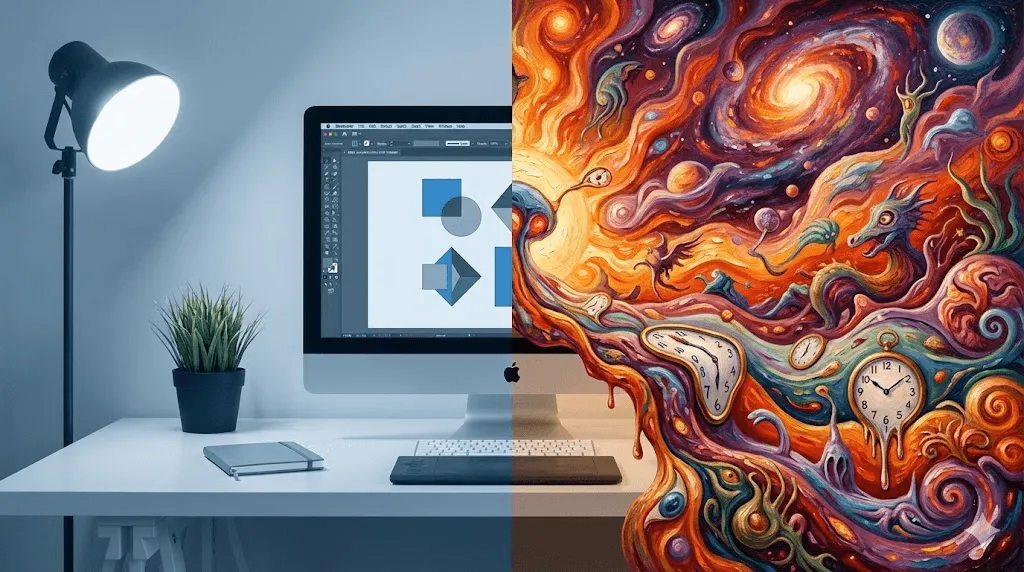
Which AI image generator wins for your specific use case? We tested both extensively across 10 categories, analyzed pricing, commercial licensing, and workflow integration to help you make the right choice.
TL;DR Quick Verdict
Midjourney delivers the most artistic, visually striking results, especially for concept art and cinematic imagery.
Adobe Firefly makes more sense for commercial work where IP safety, brand consistency, and client approval matter.
If you already pay for Creative Cloud, Firefly is essentially a free add on.
For many professionals, the smartest workflow is using both: Midjourney for ideation, Firefly for production.
I've spent months using both Adobe Firefly and Midjourney on real client projects from product mockups to marketing visuals and this comparison reflects what actually holds up in professional workflows.
Why This Comparison Matters in 2026
The AI image generation landscape has matured dramatically. Adobe Firefly and Midjourney represent two fundamentally different philosophies: one prioritizes commercial safety and professional workflow integration, the other pushes the boundaries of artistic expression. Neither is universally "better", but one will be significantly better for your specific needs.
This guide goes beyond surface level prompt comparisons. We'll examine the factors that actually determine which tool saves you time, money, and creative headaches: commercial licensing implications, real world pricing scenarios, workflow friction, and output quality across different use cases.
What's New: Firefly Image 3 vs Midjourney V6.1
Both platforms have seen significant updates in 2025~2026. Here's what's changed:
Adobe Firefly Image 3 Improvements

- Dramatically improved photorealism skin textures, lighting, and human portraits now rival Midjourney
- Generative Match uploads a reference image to replicate specific styles
- Photo Settings controls aperture, shutter speed, field of view simulation
- Expanded Creative Cloud integration Generative Fill in Photoshop, vector generation in Illustrator
- Video generation (beta) text to video and image to video capabilities
Midjourney V6.1 Improvements
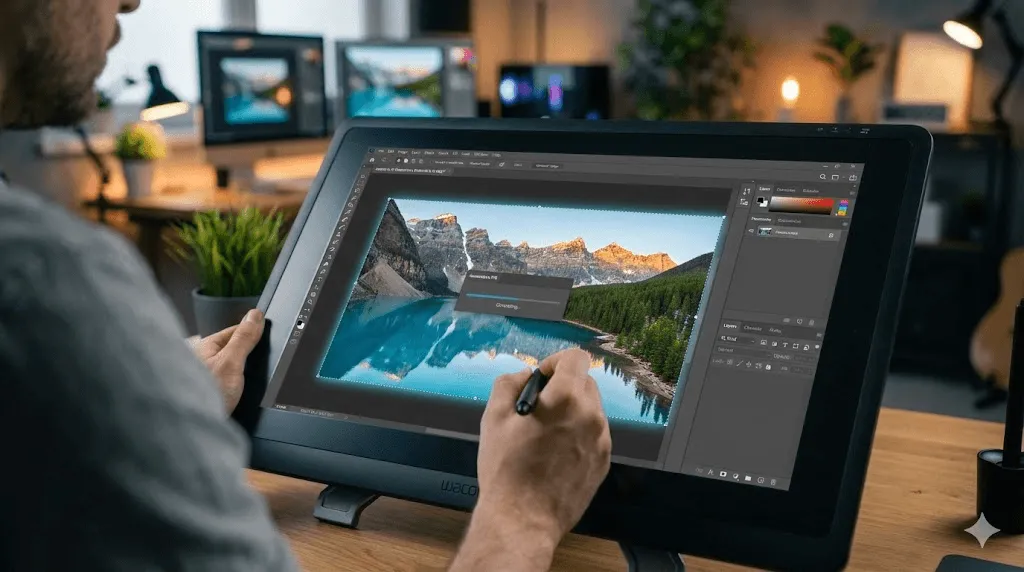
- Enhanced coherence better understanding of complex, multi element prompts
- Improved text rendering is still not perfect, but significantly better legibility
- Style Reference and Character Reference maintain visual consistency across generations
- Web interface no longer Discord only (alpha access for subscribers)
The Commercial Safety Question: Why It Actually Matters
This is where Adobe Firefly holds a decisive advantage that many comparison articles underestimate.
In real client work, I've had enterprise teams explicitly reject Midjourney generated assets during legal review, while Firefly output passed approval without friction. This isn't theoretical, it's a practical constraint that affects real projects.
Adobe Firefly's Training Data Approach
Firefly is trained exclusively on: Adobe Stock licensed imagery (with contributor consent and compensation), openly licensed content, and public domain content where copyright has expired. This means:
- Clear IP indemnification Adobe provides legal protection for commercial use
- Enterprise compliance legal teams can approve usage without copyright concerns
- Content Credentials built in provenance tracking for transparency
Midjourney's Training Data
Midjourney does not disclose its training data sources. The company faces ongoing lawsuits from artists claiming unauthorized use of their work. While millions of users generate commercial content with Midjourney daily without legal issues, the legal landscape remains unsettled.
Who Should Care?
- Agencies serving enterprise clients → Firefly's IP protection matters
- Freelancers and small businesses → Risk is lower, artistic quality may matter more
- Print on demand and merchandise → Commercial safety becomes critical at scale
Pricing Deep Dive: The Real Cost of Each Platform
Plan Tier | Adobe Firefly | Midjourney |
Free Tier | 25 free credits (limited) | None (trial discontinued) |
Entry Level | $9.99/mo ~ 2,000 credits | $10/mo ~ 3.3h Fast GPU |
Standard | $29.99/mo ~ 4,000 credits | $30/mo ~ 15h Fast + Relax |
Professional | CC All Apps: $59.99/mo | $60/mo ~ 30h + Stealth Mode |
Heavy Usage | $199.99/mo ~ 50,000 credits | $120/mo ~ 60h Fast GPU |
Annual Savings | ~15 20% discount | 20% discount |
Hidden Cost Considerations
- Creative Cloud synergy: If you already pay for Photoshop/Illustrator, Firefly credits are included making it effectively free for light usage
- Relax Mode value: Midjourney's $30 Standard plan offers unlimited generations in Relax mode incredible value for high volume creators
- Credit consumption rates: Firefly's video generation consumes 20 credits/second budget carefully for video projects
Image Quality: Category by Category Analysis
Rather than arbitrary prompt tests, we evaluated both tools across real commercial use cases:
Use Case | Firefly | Midjourney | Why |
Product Photography | ★★★★☆ | ★★★★☆ | Tie both excel with clean compositions |
Human Portraits | ★★★★☆ | ★★★★★ | MJ: superior skin texture, lighting |
Concept Art/Fantasy | ★★★☆☆ | ★★★★★ | MJ: unmatched artistic imagination |
Stock Style Images | ★★★★★ | ★★★☆☆ | Firefly: trained on stock library |
Architectural Viz | ★★★★☆ | ★★★★★ | MJ: better detail and atmosphere |
Logo/Brand Elements | ★★★★☆ | ★★★☆☆ | Firefly: cleaner, vector friendly |
Social Media Content | ★★★★☆ | ★★★★☆ | Tie depends on brand aesthetic |
Text in Images | ★★★☆☆ | ★★☆☆☆ | Both struggle; Firefly slightly better |
Photorealistic Scenes | ★★★★☆ | ★★★★★ | MJ: superior depth and realism |
Illustrations | ★★★★☆ | ★★★★★ | MJ: more artistic variety |
Workflow Integration: Where Firefly Shines
For designers already in the Adobe ecosystem, Firefly's integration creates a fundamentally different experience than Midjourney's standalone approach.
In my own workflow, Midjourney is where ideas are born. Firefly is where deliverables get approved.
Firefly + Photoshop Workflow
- Generative Fill: Select any area → type what you want → seamless integration
- Generative Expand: Extend canvas in any direction with AI generated content
- Remove Tool: AI powered object removal that understands context
- Generate Similar: Create variations without leaving your document
Midjourney Workflow
- Generate images in Discord (or web alpha)
- Download to local storage
- Import into editing software
- Manual editing and compositing
Pro Tip: Many professional workflows combine both tools using Midjourney for initial concept exploration and creative ideation, then Firefly for production refinement and commercial execution.
User Interface & Learning Curve
Adobe Firefly
- Interface: Clean web app with visual controls for aspect ratio, style, effects
- Learning curve: Gentle familiar to any Adobe user
- Prompt complexity: Simpler prompts often work well; visual controls reduce prompt engineering needs
Midjourney
- Interface: Discord based (web interface in alpha); command driven
- Learning curve: Steeper requires learning parameters like ar, stylize, chaos
- Prompt complexity: Rewards sophisticated prompting; mastery unlocks exceptional results
The Decision Framework: Who Should Choose What
Choose Adobe Firefly If You...
- Already subscribed to Creative Cloud (Photoshop, Illustrator, etc.)
- Need guaranteed commercial safe images for client work
- Work in enterprise environments with legal compliance requirements
- Value seamless integration over maximum artistic output
- Create primarily stock style, product, or marketing imagery
- Want AI editing features (Generative Fill) rather than just generation
Choose Midjourney If You...
- Prioritize artistic quality and unique aesthetics above all else
- Create concept art, fantasy content, or highly stylized imagery
- Enjoy the creative process of prompt engineering and experimentation
- Need high volume generation (Relax mode offers incredible value)
- Work independently without strict IP compliance requirements
- Want to participate in an active creative community
Best of Both Worlds: The Hybrid Approach
Many professional creators are adopting a dual tool workflow:
- Ideation in Midjourney: Rapid exploration, mood boards, concept variations
- Refinement in Firefly: Commercial safe production assets, seamless editing
- Finishing in Photoshop: Final compositing with Generative Fill for perfect results
Alternatives Worth Considering
The AI image generator market extends beyond these two leaders:
- DALL E 3 (via ChatGPT): Excellent prompt understanding, ChatGPT integration, but less artistic refinement
- Stable Diffusion: Open source, unlimited free generation, but requires technical setup
- Leonardo AI: Strong for game assets and 3D style imagery
- Ideogram: Best in class text rendering in images
Final Verdict
After extensive testing across real commercial scenarios, here's our assessment:
For pure artistic quality: Midjourney wins.
Midjourney consistently produces more visually striking, detailed, and aesthetically sophisticated images. If you're creating concept art, editorial illustrations, or any content where artistic impact is paramount, Midjourney delivers results that Firefly can't match.
For professional workflow integration: Firefly wins.
The seamless Creative Cloud integration, commercial IP safety, and enterprise ready compliance make Firefly the obvious choice for design professionals, agencies, and anyone working within established creative workflows.
The smartest approach? Use both strategically. Midjourney for creative exploration and inspiration; Firefly for production execution and commercial delivery. The tools complement rather than replace each other.
Frequently Asked Questions
Can I use Midjourney images commercially?
Yes, paid subscribers have commercial usage rights. However, Midjourney doesn't provide IP indemnification, and training data provenance remains unclear. For risk sensitive commercial use, Firefly offers stronger legal protection.
Is Adobe Firefly free?
Firefly offers 25 free monthly credits for basic usage. Creative Cloud subscribers receive included credits (500 1,000 depending on plan). Standalone Firefly plans start at $9.99/month for 2,000 credits.
Does Midjourney still require Discord?
Midjourney has launched a web interface in alpha for subscribers, but Discord remains the primary platform. The web experience is improving but hasn't fully replaced Discord based generation.
Which is better for beginners?
Adobe Firefly has a gentler learning curve with visual controls and familiar interface design. Midjourney rewards prompt engineering skills but requires more experimentation to master.
Can AI generated images be copyrighted?
Current legal guidance (particularly from the US Copyright Office) suggests purely AI generated images aren't copyrightable. However, images with significant human creative input may qualify. This area remains legally evolving . Consult an IP attorney for specific situations.