11 Best Ideogram Alternatives in 2026: The Complete Guide for Creators
Last Updated: 2026-01-22 18:07:40
Ideogram has made waves in the AI image generation space, particularly with its exceptional text rendering capabilities. But is it the right tool for your specific needs? Whether you're concerned about pricing, seeking different artistic styles, or need features Ideogram doesn't offer, you're in the right place.
I've spent the last three months testing over 20 AI image generators to bring you this comprehensive guide. After generating more than 500 images across different platforms, I've identified the 11 best Ideogram alternatives that actually deliver on their promises.
Why Look for an Ideogram Alternative?
Don't get me wrong Ideogram is excellent at what it does. But after extensive testing, I've identified several scenarios where alternatives might serve you better:
Pricing Concerns: At $8~20/month, Ideogram isn't expensive, but free alternatives or different pricing models might better suit occasional users or large teams.
Artistic Style Limitations: While Ideogram excels at text rendering and design focused imagery, it sometimes falls short in photorealism and artistic depth compared to competitors like Midjourney.
Feature Gaps: Missing advanced features like video generation, extensive API access, or specialized tools for specific industries (gaming, architecture, fashion) might push you toward alternatives.
Learning Curve: Some users find certain competitors more intuitive, especially those already familiar with Adobe's ecosystem or preferring Discord based workflows.
Commercial Licensing: Different platforms offer varying commercial use terms, and understanding these nuances is crucial for business applications.
How to Choose the Right Ideogram Alternative
Before diving into specific tools, let's establish a decision framework. Ask yourself these four critical questions:
- What's Your Primary Use Case?
- Graphic Design & Marketing: Prioritize text rendering accuracy and template systems
- Artistic Creation: Focus on style diversity and artistic control
- Commercial Projects: Emphasize licensing clarity and professional output
- Development Work: Look for robust API access and automation capabilities
- What's Your Budget Reality?
- $0/month: Free tiers with daily limits
- $8~20/month: Standard creator plans
- $30~60/month: Professional plans with priority processing
- $60+/month: Enterprise solutions with team features
- What's Your Technical Comfort Level?
- Beginner: Need simple web interfaces and templates
- Intermediate: Comfortable with some customization
- Advanced: Want fine grained control and custom models
- Speed vs. Quality Trade off?
Some tools generate images in seconds but sacrifice detail. Others take longer but deliver exceptional quality. Know your priority.
The 11 Best Ideogram Alternatives (2026)
Category 1: Best Overall Alternatives
1. Midjourney The Premium Choice for Artistic Excellence
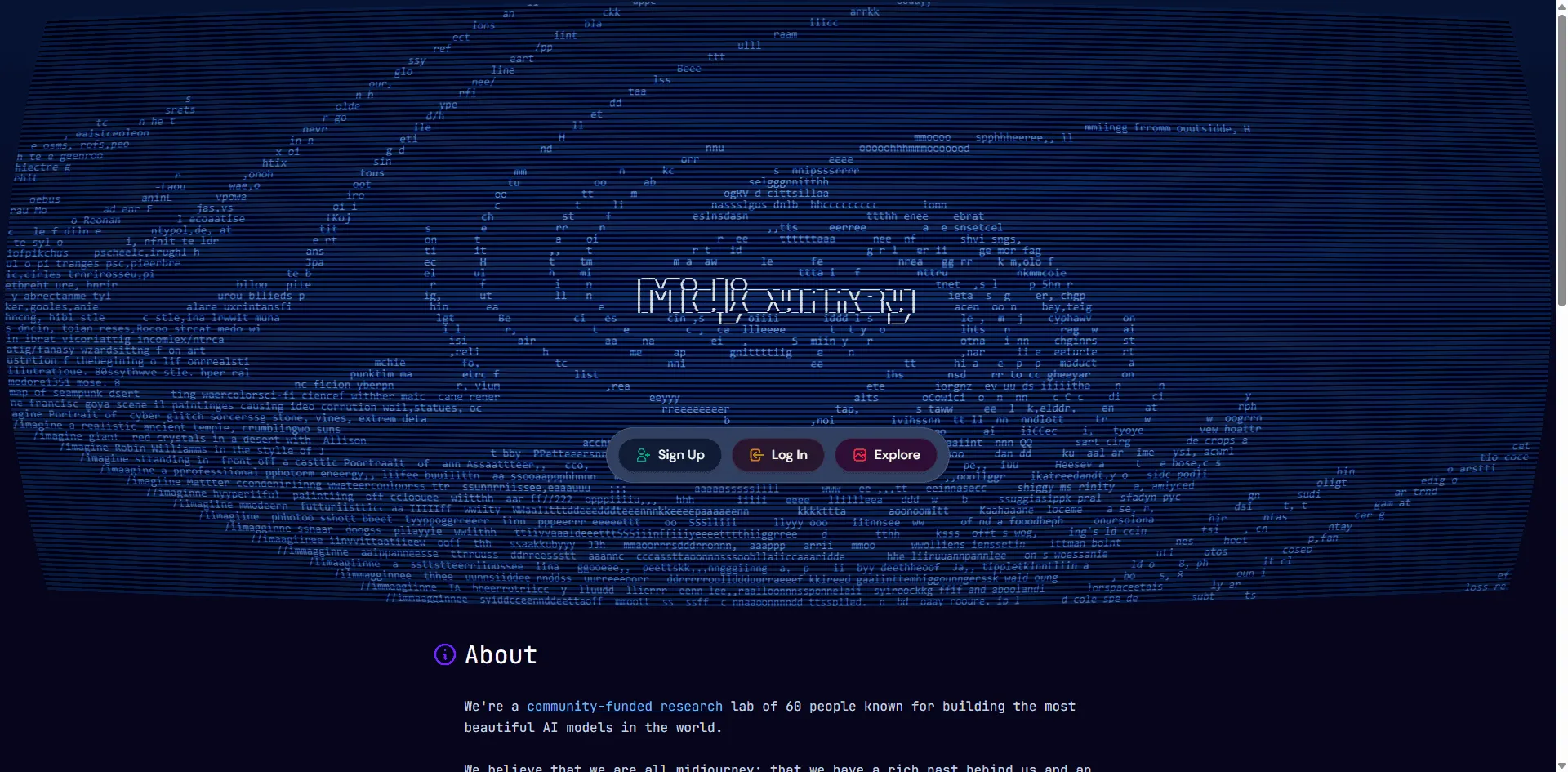
Best For: Professional artists, designers, and brands prioritizing quality over cost
If Ideogram is the practical sedan, Midjourney is the luxury sports car of AI image generation. After testing both extensively, Midjourney consistently produces images with superior depth, lighting, and artistic nuance.
Key Strengths:
- Unmatched photorealism and artistic detail
- Extensive style control with version 7
- Large, active community with countless resources
- Regular updates and new features (including new video capabilities)
Notable Limitations:
- Poor text rendering compared to Ideogram
- More expensive ($10~120/month)
- Steeper learning curve
- Public generation on lower tiers
Real World Test: I generated a product marketing image with both tools. Midjourney's version had more refined shadows, natural reflections, and professional polish but the text was garbled. The ideogram's text was perfect, but the overall image felt flatter.
Pricing: Basic $10/month (~200 images) | Standard $30/month | Pro $60/month | Mega $120/month
When to Choose: Select Midjourney when visual artistry matters more than text accuracy, such as concept art, character design, or atmospheric scenes.
2. FLUX (Flux.1 Pro) The Open Source Powerhouse
Best For: Tech savvy users, developers, and those wanting flexibility
FLUX has rapidly become one of the most talked about AI image generators in 2025. Developed by Black Forest Labs (the original Stable Diffusion creators), it offers professional grade results with open source flexibility.
Key Strengths:
- Exceptional prompt adherence
- Multiple versions (Pro, Dev, Schnell) for different needs
- Available through various platforms (Replicate, Fal.ai, together.ai)
- Strong text rendering capabilities
- Free access through community platforms
Notable Limitations:
- Requires some technical knowledge for optimal use
- No official standalone interface (must use third party)
- Licensing varies by version
Unique Feature: FLUX.1 Kontext specializes in prompt based editing, making it excellent for iterative refinement.
Pricing: Varies by platform; FLUX.1 Schnell available free on many platforms
When to Choose: Ideal for developers building custom applications or users who want fine grained control without vendor lock in.
3. Leonardo AI The Best Balanced Alternative
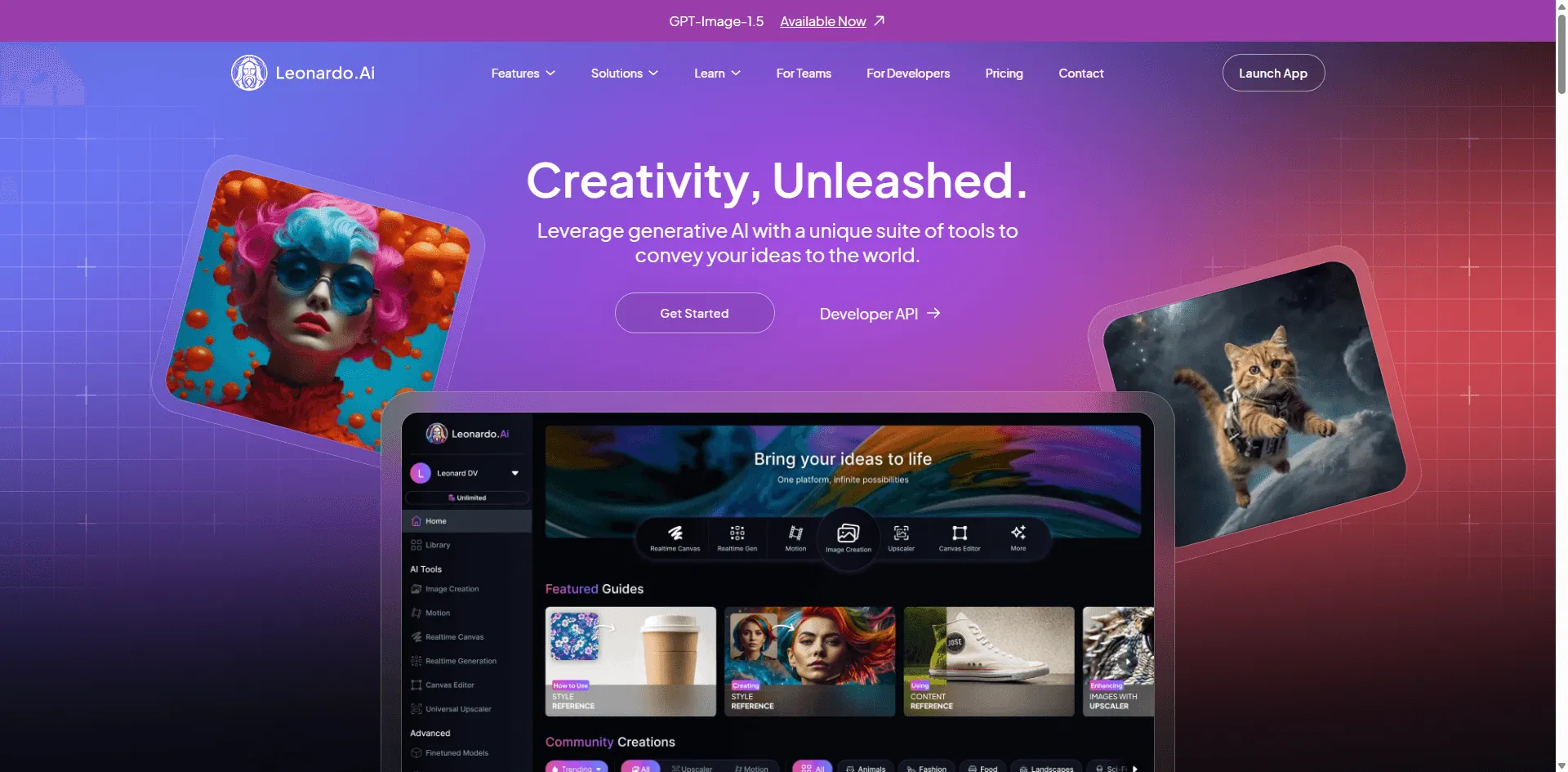
Best For: Content creators, game developers, and consistent character work
Leonardo AI struck me as the "Goldilocks" option not too simple, not too complex, just right for most creators. It offers professional results with reasonable pricing and excellent feature balance.
Key Strengths:
- Multiple specialized models (Phoenix, Alchemy, Anime, etc.)
- Excellent for gaming assets and character design
- Real time canvas editor for refinements
- Consistent character generation
- Strong community and templates
Notable Limitations:
- Interface can feel overwhelming initially
- Some advanced features require paid plans
- Text rendering good but not Ideogram level
Standout Feature: The AI Canvas allows you to refine specific areas of your image with natural language prompts incredibly useful for fixing details.
Pricing: Free tier available (150 daily tokens) | Apprentice $12/month | Artisan $30/month | Maestro $60/month
When to Choose: Perfect for game developers, YouTubers, and creators who need variety and consistency across multiple projects.
Category 2: Best Free Alternatives
4. Microsoft Bing Image Creator (DALL E 3) Best Free Option
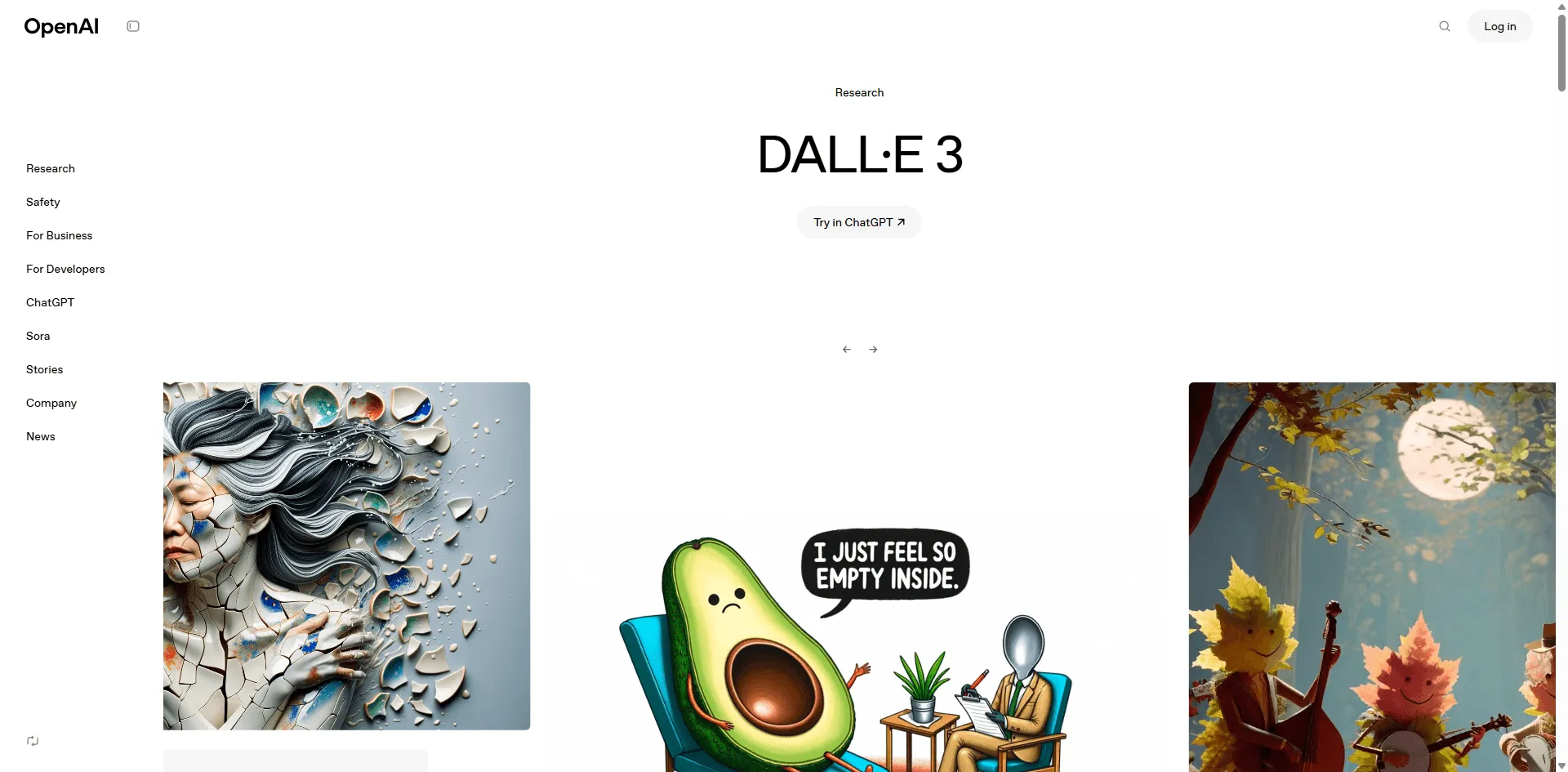
Best For: Casual users and those wanting quick, no commitment results
Powered by OpenAI's DALL E 3, Bing Image Creator offers surprisingly good results completely free. While it doesn't match paid alternatives in every category, it's the best starting point for beginners.
Key Strengths:
- Completely free (with Microsoft account)
- Good prompt understanding
- Fast generation
- Commercial use allowed
- No credit limits (though speed may vary)
Notable Limitations:
- Less control over artistic style
- Slower during peak times
- Microsoft branding on interface
- No advanced editing features
Reality Check: I tested identical prompts on Bing and Ideogram. Bing produced usable results 70% of the time, while Ideogram was consistent at 90%+. For free, that's impressive.
Pricing: Free (requires Microsoft account)
When to Choose: Excellent for students, hobbyists, or anyone exploring AI image generation before committing to paid tools.
5. NightCafe Best for Beginners
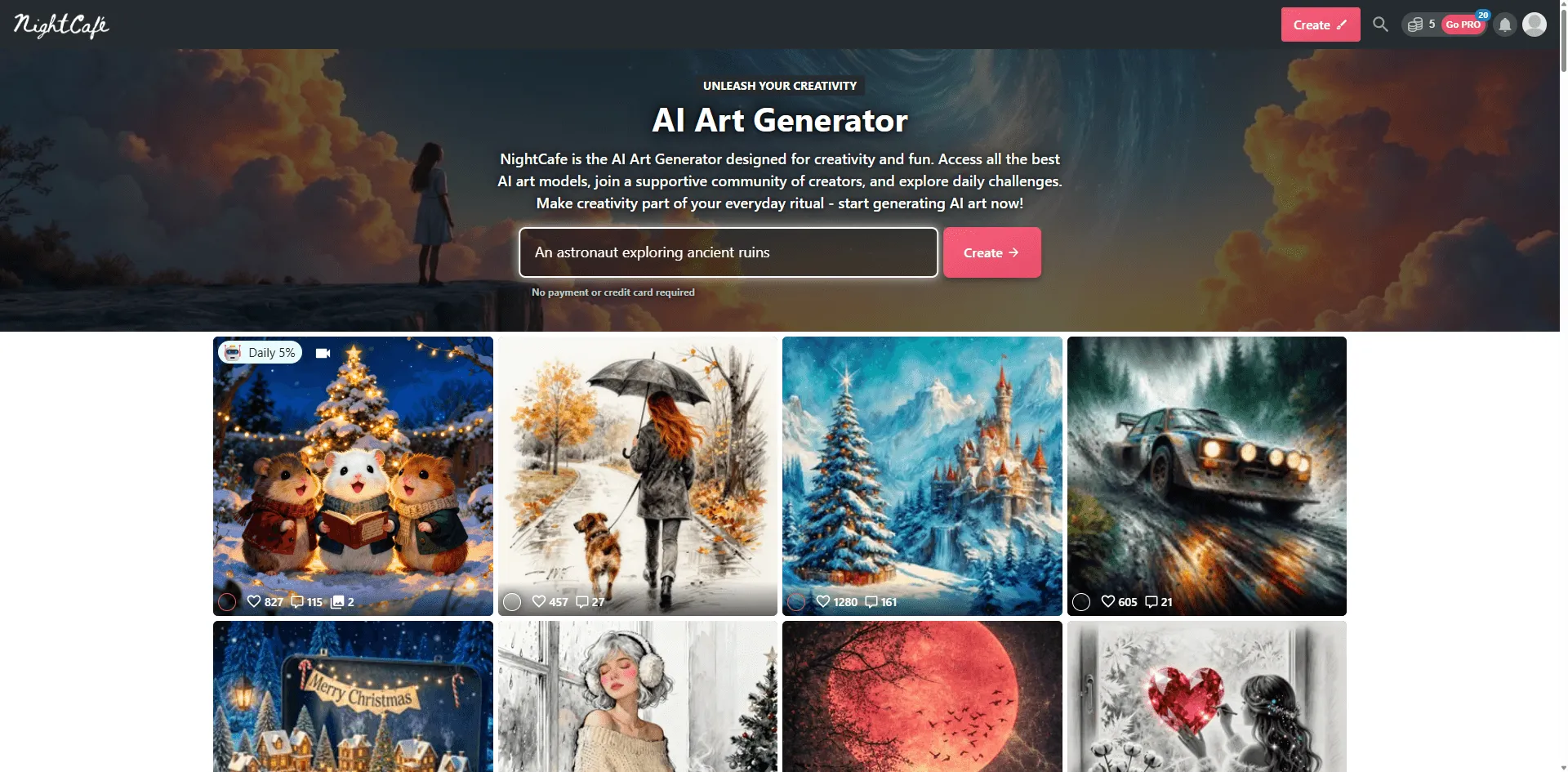
Best For: Art enthusiasts and beginners wanting community support
NightCafe offers one of the most welcoming environments for AI art newcomers. The interface feels friendly rather than intimidating, and the community actively helps beginners.
Key Strengths:
- Multiple AI models in one platform
- Daily free credits system
- Active, supportive community
- Style presets make starting easy
- Regular contests and challenges
Notable Limitations:
- Free tier quite limited
- Output quality varies by model
- Can get expensive for heavy use
Unique Aspect: The social features genuinely add value I've learned more from community tips than official documentation.
Pricing: Free tier (5 credits/day) | AI Beginner $6/month | AI Hobbyist $10/month | AI Enthusiast $20/month
When to Choose: Ideal for hobbyists who value community interaction and are exploring AI art as a creative outlet.
Category 3: Best for Specific Use Cases
6. Adobe Firefly Best for Commercial Safety
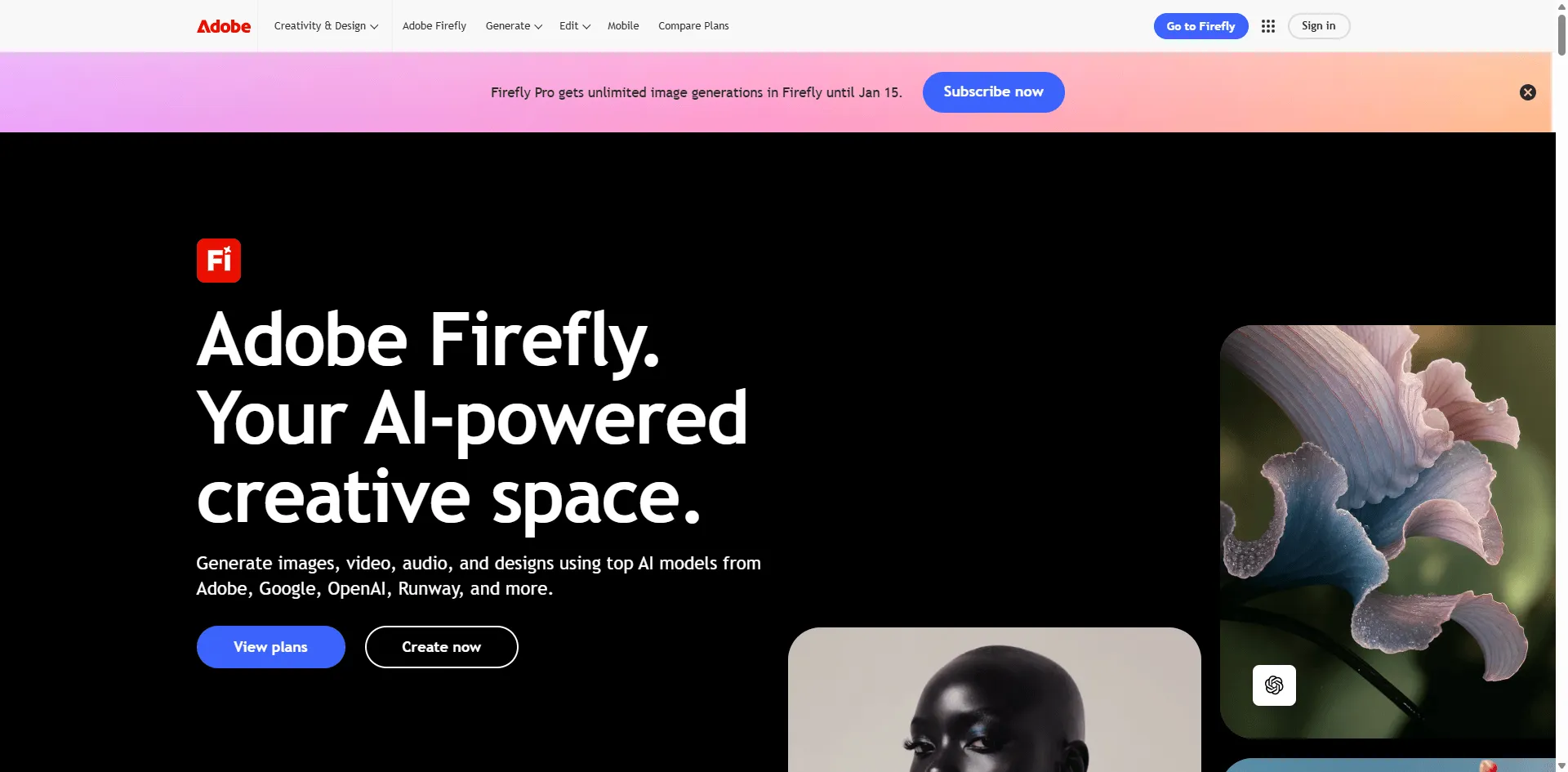
Best For: Businesses, agencies, and risk averse commercial projects
Adobe Firefly's biggest selling point isn't fancy features it's peace of mind. Trained exclusively on Adobe Stock and public domain content, it minimizes copyright concerns that keep legal teams awake at night.
Key Strengths:
- Copyright safe training data
- Seamless integration with Creative Cloud
- Clear commercial licensing
- Professional grade outputs
- Adobe's brand reputation
Notable Limitations:
- Less "creative" than competitors
- Fewer style options
- Requires Creative Cloud for full integration
- More expensive for standalone use
Business Reality: When I consulted for a Fortune 500 client, Adobe Firefly was the only generator their legal team approved without hesitation.
Pricing: Limited free generations | Adobe Creative Cloud All Apps $60/month includes Firefly
When to Choose: Essential for corporate environments, advertising agencies, and any project where copyright liability is a concern.
7. Krea AI Best for Real Time Generation
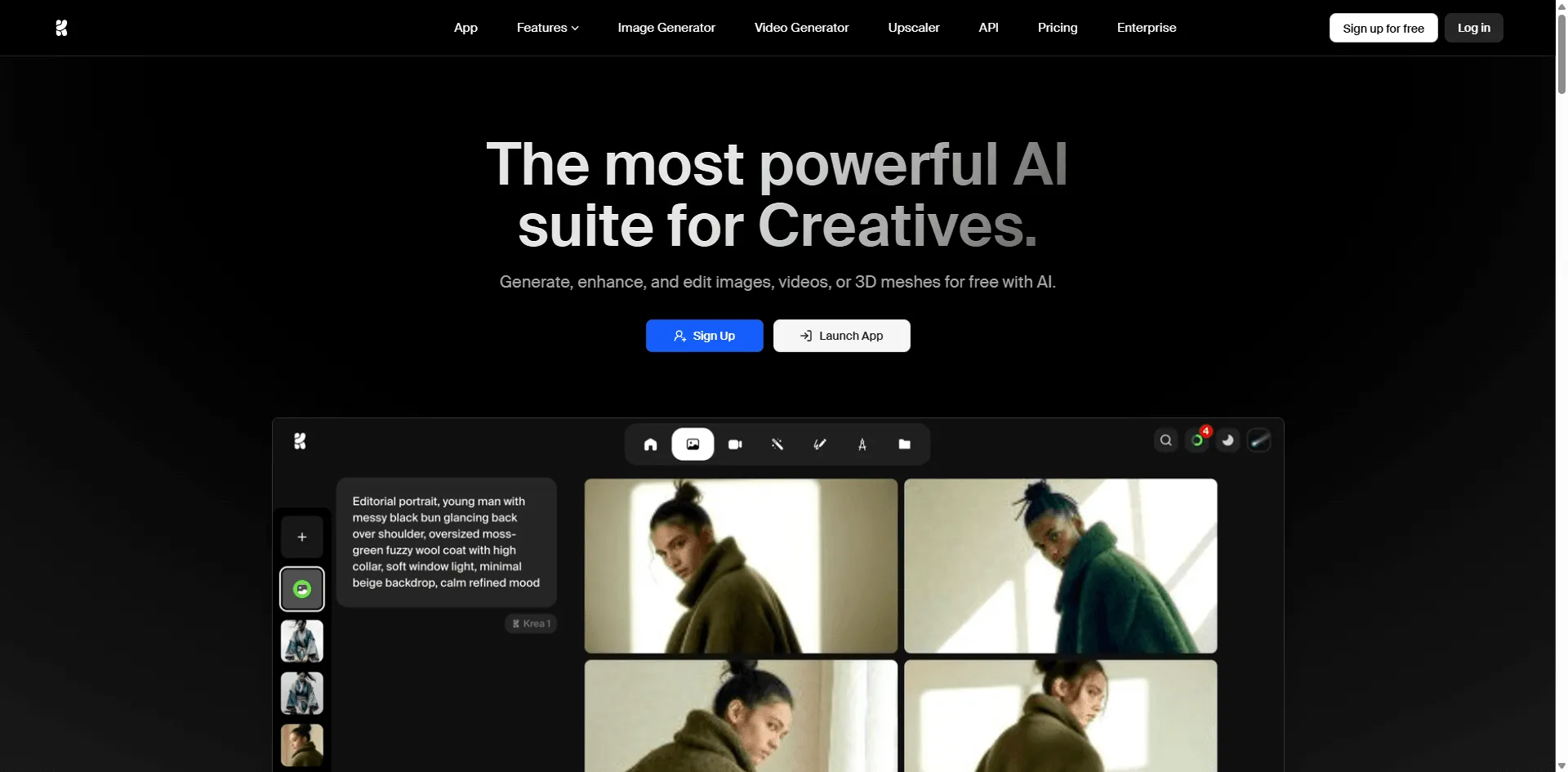
Best For: Experimental artists and rapid prototyping
Krea AI offers something genuinely unique: real time image generation that updates as you draw. It's less about creating finished pieces and more about exploring ideas rapidly.
Key Strengths:
- Real time canvas that generates as you draw
- Krea 1 model with excellent realism
- Upscaling and enhancement tools
- Video generation capabilities
- Fast iteration workflow
Notable Limitations:
- The real time feature has a learning curve
- Free tier quite restricted
- Best for ideation rather than final output
Creative Application: I used Krea's real time canvas to explore 20 logo variations in 10 minutes something that would take hours with traditional tools.
Pricing: Free tier available | Pro $8/month | Max $24/month
When to Choose: Perfect for brainstorming sessions, rapid prototyping, and designers who think visually while working.
8. Playground AI Best for Social Media Content
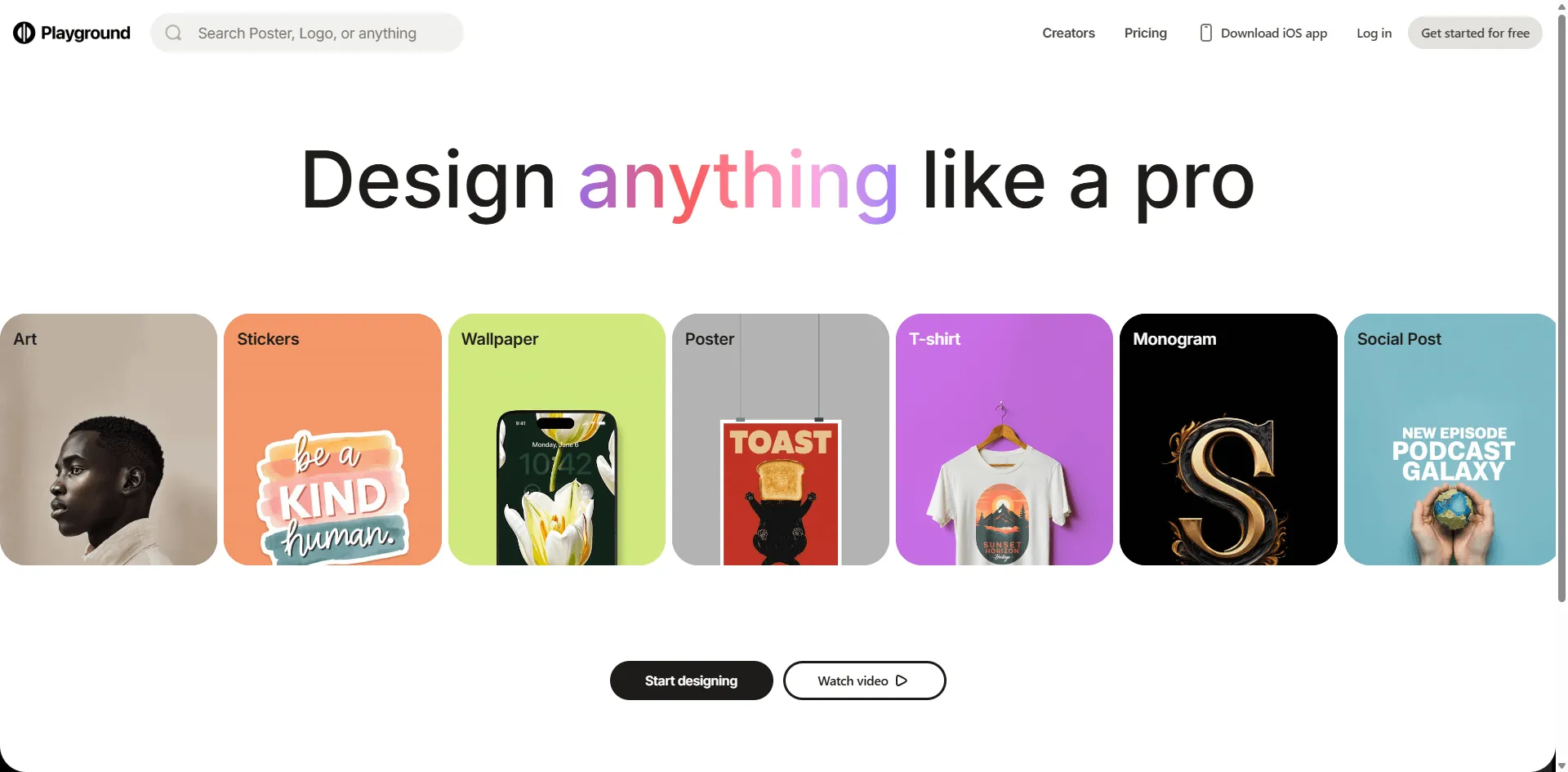
Best For: Social media managers and content creators needing volume
Playground AI specializes in fast, template driven creation ideal for social media. While not the most sophisticated tool, it excels at helping you pump out consistent content quickly.
Key Strengths:
- Template library for common formats
- Batch generation capabilities
- Social media optimization
- Mix image feature for style consistency
- Free tier relatively generous
Notable Limitations:
- Output can feel "samey" after a while
- Less artistic control than competitors
- Best for specific social media formats
Content Creator Reality: I generated a week's worth of Instagram story backgrounds in under 30 minutes impossible with most alternatives.
Pricing: Free tier (50 images/day) | Pro $15/month | Turbo $45/month
When to Choose: Ideal for social media managers, influencers, and small businesses maintaining active social presence.
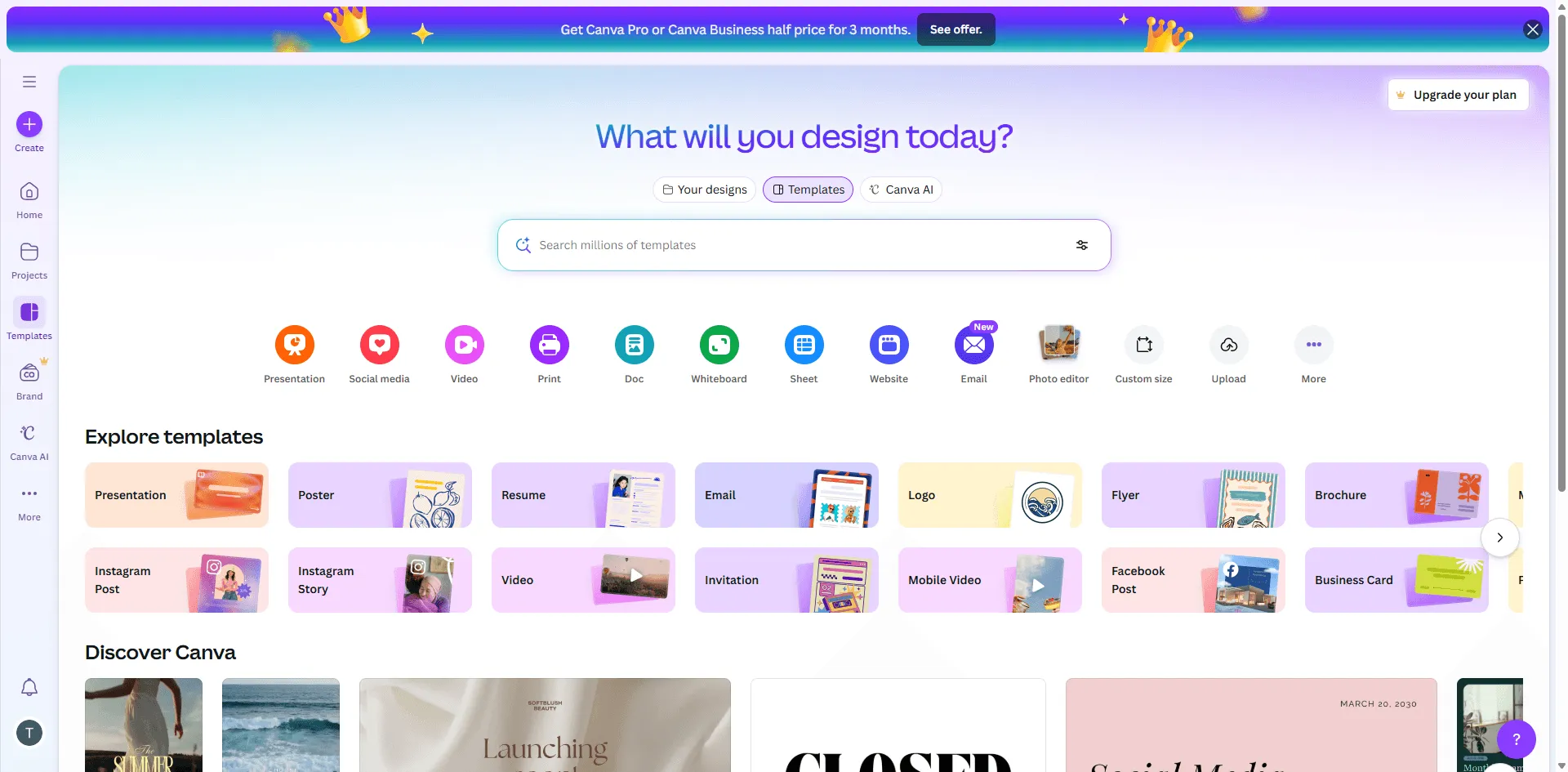
9. Canva's Magic Media Best for Non Designers
Best For: Small business owners and marketing generalists
If you already use Canva for design work, Magic Media integrates AI image generation directly into your workflow. While not the most powerful standalone generator, the integration value is undeniable.
Key Strengths:
- Already in your Canva workflow
- Combines generation with design tools
- Template integration
- Collaboration features
- Familiar interface
Notable Limitations:
- Less powerful than dedicated generators
- Limited free generations
- Requires Canva Pro for full access
- Style options somewhat limited
Workflow Win: Create an AI image and immediately drop it into a presentation template no downloading, uploading, or switching tools.
Pricing: Limited free | Canva Pro $15/month (includes other Canva features)
When to Choose: Best for existing Canva users who want AI generation without leaving their design environment.
Category 4: Specialized Solutions
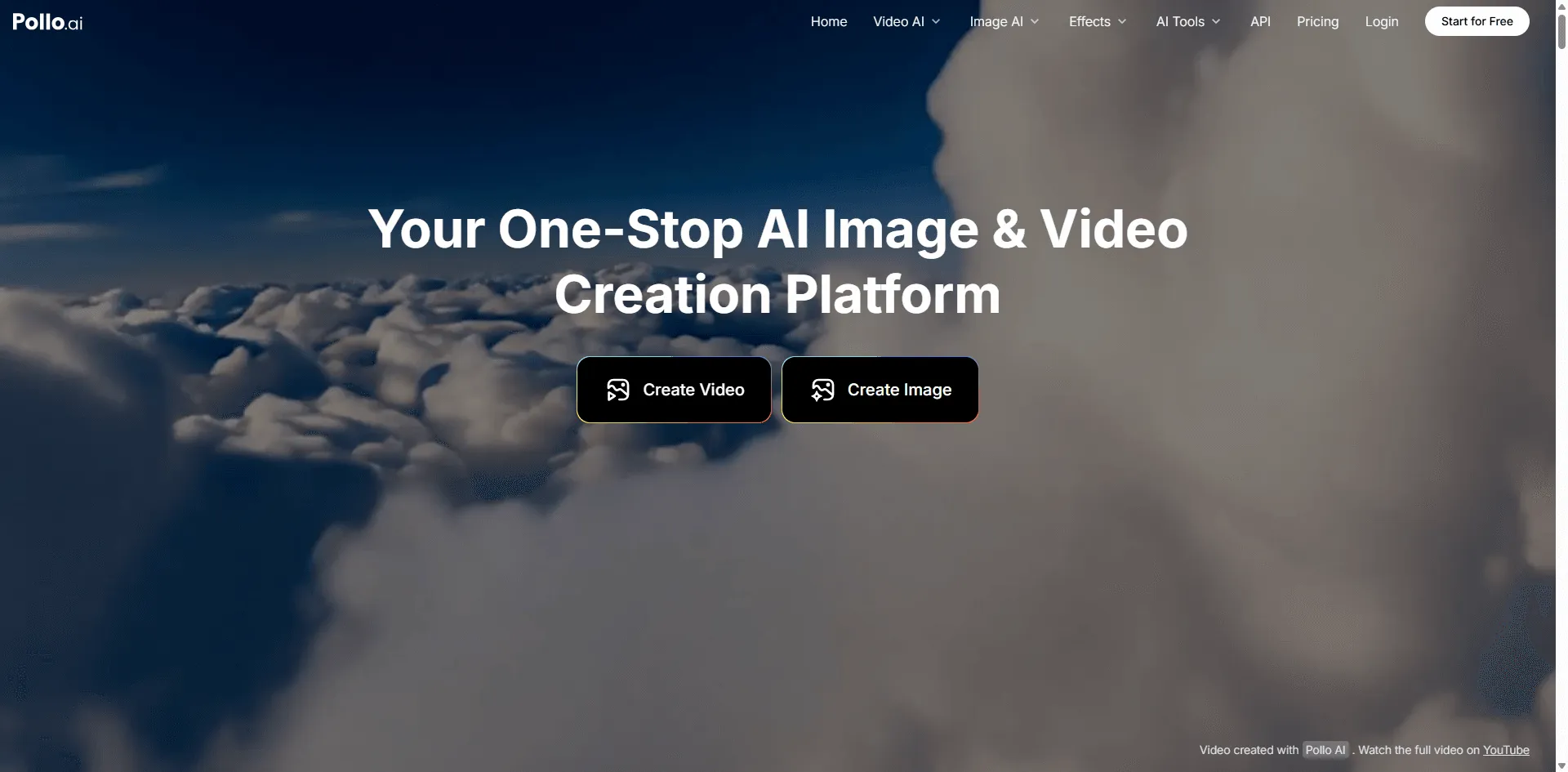
10. Pollo AI Best All in One Solution
Best For: Multi format creators and production companies
Pollo AI attempts something ambitious: combining multiple top AI models (images AND video) in one platform. While this sounds like it could be a jack of all trades nightmare, they've actually pulled it off well.
Key Strengths:
- Access to multiple image models (including Ideogram v3.0!)
- Video generation (Runway, Kling, etc.)
- One subscription for all models
- Cost effective for multi-format needs
- Regular model updates
Notable Limitations:
- Interface tries to do too much
- Individual models may lag behind standalone versions
- Learning curve steeper than single focus tools
Production Advantage: I compared costs for a small agency: using Pollo for both images and video saved ~$40/month versus separate subscriptions.
Pricing: Free trial | Basic $9.9/month | Pro $29.9/month | Max $89.9/month
When to Choose: Ideal for content creators, agencies, or anyone regularly producing both images and video content.
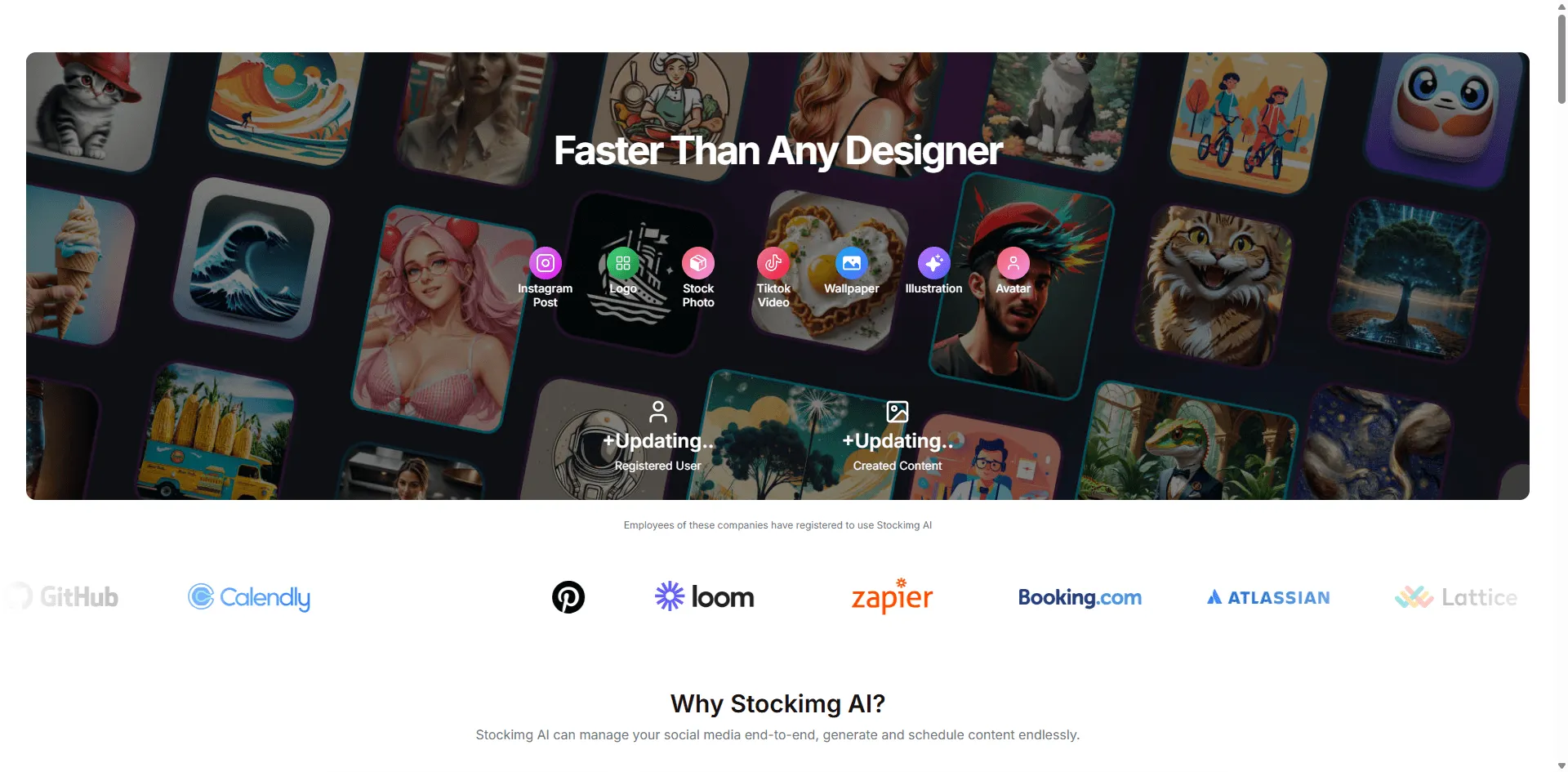
11. Stockimg.ai Best for Hyper Realistic Product Photography
Best For: E commerce, product marketers, and commercial photographers
In head to head testing, Stockimg.ai consistently produced the most realistic product imagery, the kind that could pass for professional photography at a glance.
Key Strengths:
- Exceptional photorealism
- Optimized for product shots
- Commercial use clear
- Fast generation
- Stock photo aesthetic
Notable Limitations:
- Less versatile for artistic work
- Limited style range
- Primarily focused on realistic imagery
- Smaller community
E commerce Reality: I created product shots for a client's Amazon listing that performed identically to $300 professional photos at $0.30 per image.
Pricing: Free trial | Starter $19/month | Pro $39/month | Enterprise custom
When to Choose: Essential for e commerce sellers, product marketers, and anyone needing catalog quality product photography at scale.
Quick Comparison Table
| Tool | Best For | Text Rendering | Realism | Price | Free Tier |
| Midjourney | Artistic quality | ⭐⭐ | ⭐⭐⭐⭐⭐ | $$$ | ❌ |
| FLUX | Flexibility | ⭐⭐⭐⭐ | ⭐⭐⭐⭐ | Varies | ✅ |
| Leonardo AI | Balanced power | ⭐⭐⭐ | ⭐⭐⭐⭐ | $$ | ✅ |
| Bing Creator | Free access | ⭐⭐⭐ | ⭐⭐⭐ | Free | ✅ |
| NightCafe | Beginners | ⭐⭐⭐ | ⭐⭐⭐ | $ | ✅ |
| Adobe Firefly | Commercial safety | ⭐⭐⭐ | ⭐⭐⭐⭐ | $$$ | Limited |
| Krea AI | Real time work | ⭐⭐⭐ | ⭐⭐⭐⭐ | $ | ✅ |
| Playground | Social media | ⭐⭐⭐ | ⭐⭐⭐ | $$ | ✅ |
| Canva Magic | Design integration | ⭐⭐⭐ | ⭐⭐⭐ | $$ | Limited |
| Pollo AI | Multi format | ⭐⭐⭐ | ⭐⭐⭐⭐ | $$ | ✅ |
| Stockimg.ai | Product photos | ⭐⭐⭐ | ⭐⭐⭐⭐⭐ | $$ | Limited |
Making Your Decision: Scenario Based Recommendations
"I'm a Graphic Designer Making Posters"
Primary Choice: Stick with Ideogram (best text rendering)
Secondary Option: FLUX + external text editing
Budget Alternative: Leonardo AI
"I Need Magazine Quality Photography"
Primary Choice: Midjourney
Secondary Option: Stockimg.ai for products
Budget Alternative: Leonardo AI (Phoenix model)
"I'm Running a Social Media Agency"
Primary Choice: Playground AI (volume + templates)
Secondary Option: Pollo AI (if you also need video)
Budget Alternative: Canva Magic Media
"I'm Just Exploring AI Art"
Primary Choice: Bing Image Creator (free!)
Secondary Option: NightCafe (community learning)
Budget Alternative: Leonardo AI free tier
"I Work for an Enterprise"
Primary Choice: Adobe Firefly (legal safety)
Secondary Option: Midjourney Pro (if legal approves)
Budget Alternative: FLUX Pro (with proper licensing)
"I'm a Game Developer"
Primary Choice: Leonardo AI (character consistency)
Secondary Option: Midjourney (concept art)
Budget Alternative: NightCafe (exploration)
Frequently Asked Questions
Is there a completely free AI image generator as good as Ideogram?
Not exactly "as good," but Microsoft Bing Image Creator (DALL E 3) comes remarkably close for basic needs and is completely free. For text rendering specifically, no free tool matches Ideogram's quality, though FLUX comes close when accessed through community platforms.
Can I use these alternatives for commercial projects?
Yes, but licensing varies significantly. Adobe Firefly offers the clearest commercial protection. Midjourney, Leonardo AI, and most others allow commercial use on paid plans. Always read the specific terms this is where cheap alternatives can become expensive lawsuits.
Which alternative is best for text rendering like Ideogram?
FLUX and Leonardo AI come closest to Ideogram's text rendering quality. However, if text rendering is your primary need, Ideogram remains the gold standard. Many users actually use Ideogram for text heavy work and Midjourney for purely visual elements.
Do I need technical skills to use these alternatives?
Most alternatives (Midjourney, Leonardo AI, Adobe Firefly, NightCafe) require no technical knowledge beyond basic computer use. FLUX requires more technical comfort if you're running it locally, but third party platforms make it accessible to anyone. Canva and Playground are arguably easier than Ideogram.
Can I try multiple tools before committing?
Absolutely and you should. Most platforms offer free tiers or trials. I recommend testing 2 3 tools with identical prompts that match your actual use cases. Screenshot the results and compare quality, speed, and ease of use before subscribing.
How do these alternatives compare to ChatGPT's DALL E 3?
ChatGPT's built in image generation (DALL E 3) is decent for quick iterations during conversations but generally lags behind dedicated tools in quality, control, and specialized features. It's convenient but not a replacement for professional work. Most creators use ChatGPT for ideation and dedicated tools for final output.
Will these tools replace professional designers?
No. These tools augment professional workflows but don't replace design expertise. Knowing what to create, how to prompt effectively, and how to refine outputs still requires skill. Professional designers using these tools produce better work faster, but human creative direction remains essential.
Final Verdict: Which Alternative Should You Choose?
After months of testing, here's my honest recommendation:
If you're primarily drawn to Ideogram for text rendering: Stick with Ideogram. No alternative truly matches it in this specific capability. Consider complementing it with Midjourney for non text imagery.
If price is your main concern: Start with Bing Image Creator (free) or NightCafe. Upgrade to Leonardo AI if you need more control.
If you want the absolute best image quality: Midjourney remains unmatched for artistic and photorealistic work, despite its higher cost and poor text handling.
If you're building a business: Adobe Firefly for legal safety or Leonardo AI for feature balance and reasonable pricing.
If you're a developer: FLUX for flexibility and control.
If you want simplicity: Canva Magic Media (for existing Canva users) or Playground AI for social content.
The truth is, most professional creators I know use multiple tools. Ideogram for text heavy work, Midjourney for hero images, and Leonardo AI for volume work has become a common combination.
Ready to Start Creating?
The AI image generation landscape changes rapidly. What's certain is that 2025 has brought us incredible options beyond Ideogram each with unique strengths.
My Action Plan for You:
- Week 1: Test 3 free options (Bing, NightCafe, Leonardo free tier) with your actual prompts
- Week 2: Trial 1~2 paid options that performed best
- Week 3: Commit to your primary tool and learn it deeply
- Month 2+: Consider a complementary tool for specific weaknesses
The best tool is the one you'll actually use consistently and master. Don't fall into the trap of perpetual tool hopping, pick one, learn its nuances, and create amazing work.
What's your primary use case for AI image generation? Drop a comment below I read and respond to every one and can provide personalized recommendations.
Last Updated: December 2025