Kling AI vs Runway: Real Tests, Real Results (2026 Edition)
Last Updated: 2026-01-22 18:07:21
Choosing between Kling AI and Runway for AI video generation? You're not alone. These two platforms dominate the AI video space, but they serve surprisingly different needs.
After weeks of side by side testing across real content workflows from TikTok loops to ad creatives we put both platforms through the same scenarios to see where each one wins.No fluff. Just the data you need to make the right choice.
Quick Verdict:
Here’s the short version if you don’t want to read the whole thing:
Choose Kling AI → if you care about image to video realism, physics, and cost.
Choose Runway → if you need speed, character consistency, and pro workflows.
Most creators use both → Kling for motion, Runway for editing + consistency.
Quick Comparison Table
| Feature | Kling AI | Runway | Winner |
|---|---|---|---|
| Image to Video Quality | Excellent physics, realistic motion | Good, occasional artifacts | Kling |
| Text to Video Quality | Strong prompt adherence | Better at complex scenes | Tie |
| Generation Speed | 5 10 minutes | 30 90 seconds | Runway |
| Max Resolution | 1080p @ 30fps | 4K (upscaled) | Runway |
| Max Video Length | 10s (extendable to 3min) | 10 16s | Kling |
| Free Credits | 66/day (replenishing) | 125 one time | Kling |
| Starting Price | $6.99/month | $12/month | Kling |
| Character Consistency | Limited | Gen 4 References (excellent) | Runway |
| Motion Control | Motion Brush (6 elements) | Director Mode | Kling |
| Lip Sync | Built in | Requires workaround | Kling |
| Video to Video | No | Yes (Act Two) | Runway |
| Learning Curve | Moderate | Easy to Moderate | Runway |
What Is Kling AI?
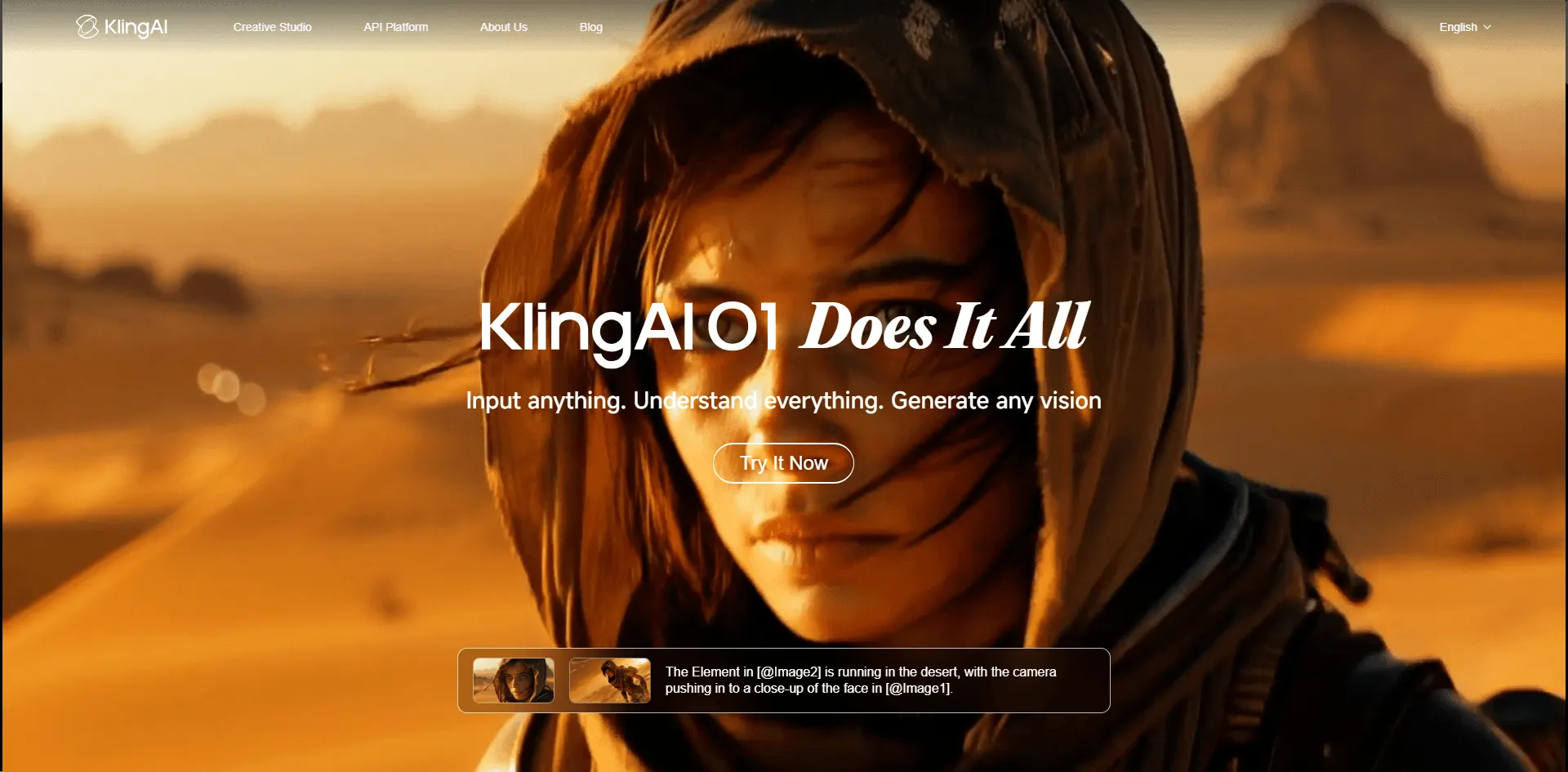
Kling AI is an AI video generation platform developed by Kuaishou Technology (the company behind Douyin's competitor, Kuaishou). Originally exclusive to China, it opened globally in 2024 and has quickly become a favorite among content creators.
What Is Runway?
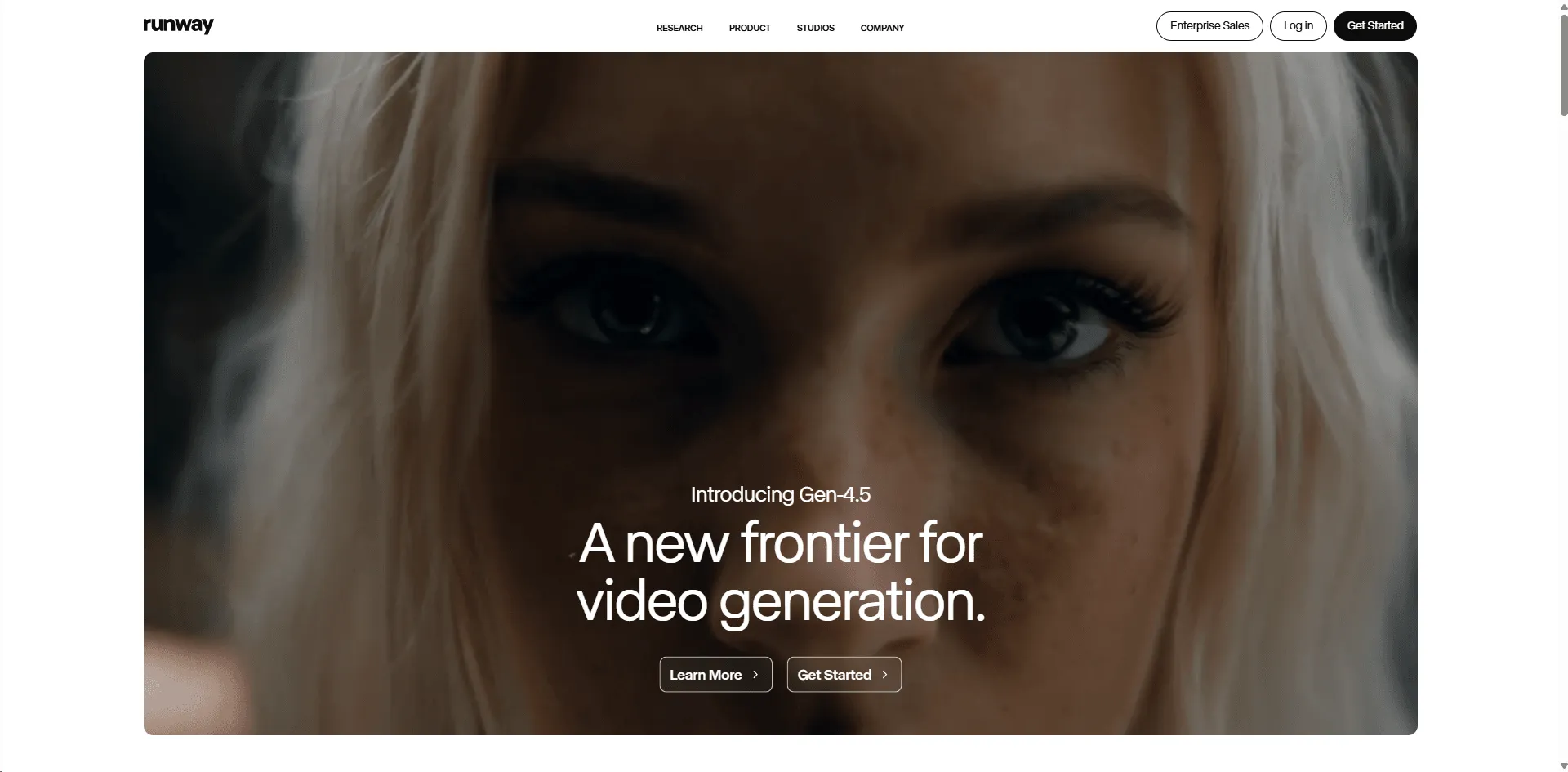
Runway is the pioneer of commercial AI video generation, founded in 2018. Their Gen 3 and Gen 4 models have powered everything from indie films to Super Bowl commercials. The platform offers 30+ AI tools beyond just video generation.
Image to Video: Head to Head Test
Image to video is the most used feature in both platforms. Here's how they compare:
Test Setup
- Same source image (Midjourney generated portrait)
- Identical motion prompt: "Subject slowly turns head, gentle smile, wind moves hair"
- 10 second duration, highest quality settings
Results
| Criteria | Kling AI (Score/10) | Runway Gen 3 (Score/10) |
|---|---|---|
| Motion Smoothness | 9 | 7 |
| Physics Realism | 9 | 6 |
| Facial Expression | 8 | 7 |
| Hair/Fabric Movement | 9 | 5 |
| Background Stability | 8 | 8 |
| Prompt Adherence | 8 | 7 |
| Total | 51/60 | 40/60 |
In our tests, Kling pulled ahead for a simple reason: the difference in physics simulation is immediately noticeable.
Kling's hair movement, subtle facial micro expressions, and fabric physics are significantly more convincing.
Why Kling Excels at Image to Video
Kling's training data appears to emphasize temporal coherence and physics simulation. When animating still images:
- Secondary motion (hair flutter, cloth ripple) feels natural
- Parallax effects maintain spatial consistency
- Face animations include realistic catchlight movement in eyes
Runway produces acceptable results, but often shows "AI tells" unnatural smoothness, warping at edges, and simplified physics.
Text to Video Comparison
Text to video remains challenging for all AI platforms. Here's how both perform:
Prompt Test
"A barista in a cozy coffee shop pours steamed milk into a latte, creating latte art. Morning sunlight streams through the window. Cinematic, shallow depth of field."

Results
| Criteria | Kling AI | Runway |
| Scene Accuracy | 7 | 8 |
| Human Rendering | 7 | 8 |
| Liquid Physics | 8 | 6 |
| Lighting | 7 | 8 |
| Cinematic Feel | 7 | 8 |
Winner: Tie Runway handles complex scene composition better, while Kling renders physical interactions (pouring liquid) more realistically.
Pro Tip
For text to video, consider this workflow:
- Generate an image with Midjourney or DALL E 3
- Use that image as input for Kling AI's image to video
- Result: Best of both worlds
Video Quality & Realism
Resolution & Frame Rate
| Spec | Kling AI | Runway |
|---|---|---|
| Standard Output | 720p | 720p |
| Pro/HD Output | 1080p @ 30fps | 1280x768 @ 24fps |
| Upscaling | Not available | 4K upscale option |
Motion Coherence
Kling AI excels at:
- Realistic physics (water, hair, fabric)
- Smooth acceleration/deceleration
- Secondary motion (background elements)
Runway excels at:
- Consistent character appearance
- Complex multi subject scenes
- Camera movement stability
Artifact Comparison
Both platforms occasionally produce artifacts, but they differ:
| Issue | Kling AI Frequency | Runway Frequency |
|---|---|---|
| Hand distortion | Occasional | Frequent |
| Face morphing | Rare | Occasional |
| Background warping | Occasional | Occasional |
| Temporal flickering | Rare | Occasional |
Generation Speed
Speed matters when you're iterating on creative projects. Here's the reality:
| Mode | Kling AI | Runway |
| Standard (5s) | 3~5 minutes | 30~45 seconds |
| Standard (10s) | 5~8 minutes | 60~90 seconds |
| Professional/HD | 8~12 minutes | 90~120 seconds |
| Turbo Mode | 2~3 minutes (Kling 2.5) | 15~30 seconds |
Winner: Runway Runway is 3 7x faster depending on settings. For rapid prototyping or high volume production, this time savings are significant.
Concurrent Generation
- Kling AI: Up to 20 simultaneous generations
- Runway: 2 simultaneous (unlimited plan), queue system otherwise
If you're batch processing multiple videos, Kling's concurrent generation partially offsets its slower individual speed.
Pricing Breakdown
Prices as of December 2025. Check official sites for current rates.
Kling AI Pricing
| Plan | Monthly Price | Credits | Best For |
| Free | $0 | 66/day (replenishing) | Testing, light use |
| Standard | $6.99 | 660/month | Hobbyists |
| Pro | $25.99 | 3,000/month | Regular creators |
| Premier | $64.99 | 8,000/month | Heavy users 1 standard video (10s) ≈ 70 credits |
Runway Pricing
| Plan | Monthly Price | Credits | Best For |
| Free | $0 | 125 (one time) | Trial only |
| Standard | $12 | 625/month | Beginners |
| Pro | $28 | 2,250/month | Professionals |
| Unlimited | $95 | Unlimited (throttled) | Studios, agencies |
Cost Per Video Comparison
| Video Type | Kling Cost | Runway Cost |
| 5 second standard | ~$0.35 | ~$0.50 |
| 10 second standard | ~$0.70 | ~$1.00 |
| 10 second HD | ~$1.40 | ~$1.50 |
Kling pulled ahead for one simple reason: at every tier, it offers more credits per dollar. The Premier plan ($64.99 for 8,000 credits) provides exceptional value for high volume creators.
Free Plan Comparison
For beginners testing AI video generation, free plans matter:
Kling AI Free Tier
- ✅ 66 credits per day (replenishing)
- ✅ Access to standard features
- ✅ No watermark on output
- ✅ Extra credits via surveys/referrals
- ❌ Queue priority is lower
Runway Free Tier
- ✅ 125 credits (one time)
- ❌ Credits do NOT replenish
- ❌ Watermarked output
- ❌ Limited to Gen 3 (not Gen 4)
- ❌ No upscaling access
Kling came out ahead for one simple reason: the replenishing daily credits make Kling's free plan genuinely usable long term.Runway's one time credits are essentially a trial.
Unique Features
Kling AI Exclusive Features
- Motion Brush Select up to 6 areas of your image and define specific motion trajectories for each. Keep backgrounds static while animating subjects or vice versa.
- Elements Feature Combine multiple images into a single video. Upload a character image and a background image; Kling composites them with natural integration.
- Built in Lip Sync Upload an audio file and Kling will animate mouth movements to match. Essential for talking head content.
- Camera Controls Pre built camera movements: zoom, pan, tilt, roll, and combinations.
Runway Exclusive Features
- Gen 4 References Upload multiple reference images to maintain character consistency across different scenes. Game changer for storytelling and commercial work.
- Act Two Revolutionary video to video transfer. Record yourself acting out a scene, and Act Two maps your gestures, expressions, and movements onto any character. Released July 2025, nothing else like it exists.
- Director Mode Precise camera path control with keyframes. Professional cinematography in AI video.
- Video to Video Transformation Transform existing footage with AI styling while preserving motion.
- 30+ Magic Tools Background removal, object erasing, color grading, slow motion, and more all integrated.
Best For: Use Case Recommendations
Choose Kling AI If You:
| Use Case | Why Kling |
| TikTok/Reels content | Fast turnaround, great image animation, affordable |
| Product visualization | Realistic physics for clothing, liquids, materials |
| Budget conscious creators | Best cost per video ratio |
| Talking head videos | Built in lip sync |
| Single scene animations | Superior image to video quality |
| Hobby projects | Generous free tier |
Choose Runway If You:
| Use Case | Why Runway |
| Short films/narratives | Character consistency with Gen 4 References |
| Commercial productions | Industry reputation, professional tools |
| Rapid prototyping | 5~10x faster generation |
| Team collaborations | Built in sharing and project management |
| Acting/performance capture | Act Two is unmatched |
| All in one workflow | 30+ tools eliminate app switching |
Choose Both If You:
Many professional creators use this hybrid workflow:
- Runway Gen 4 References → Generate consistent character images
- Export to Kling AI → Animate those images with superior motion
- Back to Runway → Edit, upscale, add effects
This “best of both worlds” setup is already a common pipeline among serious AI filmmakers.
Pro Workflow: Using Both Tools Together
Here's the workflow used by top AI filmmakers:
The Character Consistency Pipeline
Step 1: Character Design
- Use Runway Gen 4 References with multiple angle photos
- Generate 5~10 images of your character in different poses/scenes
- Maintain visual consistency across all images
Step 2: Animation
- Export Runway images to Kling AI
- Use Kling's image to video for each scene
- Apply Motion Brush for specific animation control
- Add lip sync if dialogue is needed
Step 3: Post Production
- Import Kling videos back to Runway
- Use Runway's editing tools for color grading
- Apply 4K upscaling
- Add transitions between scenes
Time & Cost Estimate
| Project Type | Kling Only | Runway Only | Combined |
| 60s commercial | $15~25 | $30~50 | $25~35 |
| Music video (3 min) | $60~100 | $150~250 | $80~120 |
| Time to complete | 2~4 hours | 1~2 hours | 2~3 hours |
Frequently Asked Questions
Is Kling AI better than Runway?
For image to video specifically, yes Kling produces more realistic motion and physics. For overall professional workflows, character consistency, and speed, Runway has advantages. The "better" choice depends entirely on your specific use case.
Is Kling AI free?
Yes. Kling offers 66 free credits daily that replenish each day. This is enough for approximately 1 2 standard videos per day. Unlike Runway's one time free credits, Kling's free tier is genuinely sustainable for light users.
How much does Kling AI cost per month?
Kling AI plans start at $6.99/month (Standard) and go up to $64.99/month (Premier). The Premier plan offers the best per credit value at approximately $0.008 per credit.
Can I use Kling AI for commercial projects?
Yes. Both Kling AI and Runway allow commercial use on paid plans. Always check the current terms of service, as policies may vary by region and content type.
Which is better for TikTok videos?
Kling AI is generally better for TikTok content due to:
- More affordable pricing for high volume creation
- Superior image to video quality (great for "before/after" trends)
- Built in lip sync for talking head content
- Replenishing free credits for testing ideas
Does Runway have an unlimited plan?
Yes. Runway's Unlimited plan costs $95/month and provides unlimited "relaxed mode" generations. Note that this mode has slower processing during peak times. For guaranteed fast processing, credits are still consumed.
Can Kling AI do video to video?
No. As of December 2025, Kling AI does not offer video to video transformation. Runway's Act Two feature is currently the only mainstream option for transferring performance/gestures to AI characters.
Which AI video generator has better character consistency?
Runway, definitively. Gen 4 References allows you to upload multiple images of a character and maintain their appearance across different scenes. Kling AI lacks this feature . Each generation is independent.
Final Verdict
Kling AI is Right For You If:
- Image to video is your primary use case
- Budget is a significant factor
- You need realistic physics (fabric, hair, water)
- You create single scene content (social media, ads)
- You want a sustainable free tier
Runway is Right For You If:
- Speed is critical to your workflow
- You need character consistency across scenes
- You're creating narrative content (stories, films)
- You want an all in one professional platform
- You need Act Two for performance capture
The Bottom Line
There is no universal "best" AI video generator. Kling AI and Runway serve different needs excellently.
For solo creators making social media content: Start with Kling AI. The free tier lets you learn without investment, and the image of video quality is genuinely impressive.
For professionals and teams creating branded content: Runway's ecosystem, speed, and consistency features justify the higher cost.
For serious AI filmmakers: Use both. The combined workflow produces results neither platform achieves alone.