15 Best Midjourney Alternatives in 2026: Free & Paid Tools Tested
Last Updated: 2026-01-22 18:08:23
Midjourney revolutionized AI image generation, but it's no longer the only game in town or necessarily the best choice for everyone. Since Midjourney suspended free trials and now requires a $10/month subscription, many creators are searching for alternatives that better match their budget, workflow, or specific creative needs.
I've spent the past month testing 15 leading AI image generators to help you find the perfect Midjourney alternative. Whether you need a free option, better text rendering, commercial safe images, or simply hate Discord, this guide has you covered.
Quick Comparison Table
| Tool | Best For | Starting Price | Free Tier | Key Strength |
| Leonardo.ai | Creative control & flexibility | $10/mo | Yes (150 tokens/day) | Multi model support + Canvas editor |
| Reve Image | Prompt accuracy | Free | Unlimited free tier | Best in class prompt adherence |
| DALL-E-3 | Ease of use | $20/mo (ChatGPT Plus) | Limited free via Bing | ChatGPT integration |
| Stable Diffusion | Open source freedom | Free | 100% free | Self hosted, unlimited |
| Adobe Firefly | Commercial safety | $20/mo | 25 images/month | Copyright safe training data |
| Ideogram | Text in images | $8/mo | Limited free | Superior text rendering |
| Imagen 4 | Photorealism | $0.02/image | Via Gemini free tier | Google powered realism |
| Flux | Quality & open source | Free/Paid | Yes | Photorealistic excellence |
| Playground AI | Social creators | $15/mo | 50 images/day | Fast generation + community |
| ImagineArt | All in one platform | $10/mo | 50 tokens/12hrs | Multi model aggregator |
| NightCafe | Community & styles | $6/mo | 5 credits/day | 16+ algorithms |
| Craiyon | Quick experiments | Free with ads | Unlimited | Zero barriers to entry |
| Canva AI | Design integration | $15/mo | Limited free | Built into design workflow |
| Bing Image Creator | True free option | Free | Unlimited | Powered by DALL E |
| Blue Willow | Discord alternative | Free | 20 images | Similar to MJ, free |
Why Look for a Midjourney Alternative?
Before diving into specific tools, let's address the elephant in the room: if Midjourney works well, why switch?
1. Price Considerations
Midjourney now starts at $10/month with no free trial. For casual users or those just exploring AI art, this upfront commitment can be a dealbreaker. Many alternatives offer generous free tiers that let you generate hundreds of images before paying a cent.
2. Interface Preferences
Midjourney operates through Discord, which isn't everyone's cup of tea. If you prefer a clean web interface or want to integrate AI generation into your existing workflow (like Photoshop or Canva), alternatives make more sense.
3. Privacy Concerns
By default, every Midjourney image appears publicly on their Explore page. For business use, client work, or personal projects, this lack of privacy can be problematic. Several alternatives offer private generation from the start.
4. Specialized Needs
Different tools excel at different tasks:
- Need accurate text in images? → Ideogram
- Building product mockups? → Imagen 4
- Want copyright safe images? → Adobe Firefly
- Need API access? → Stable Diffusion
5. Technical Control
If you're a developer or want to fine tune models, open source alternatives like Stable Diffusion and Flux offer unlimited customization that Midjourney simply can't match.
The 15 Best Midjourney Alternatives (Detailed Reviews)
- Leonardo.ai Best Overall Alternative
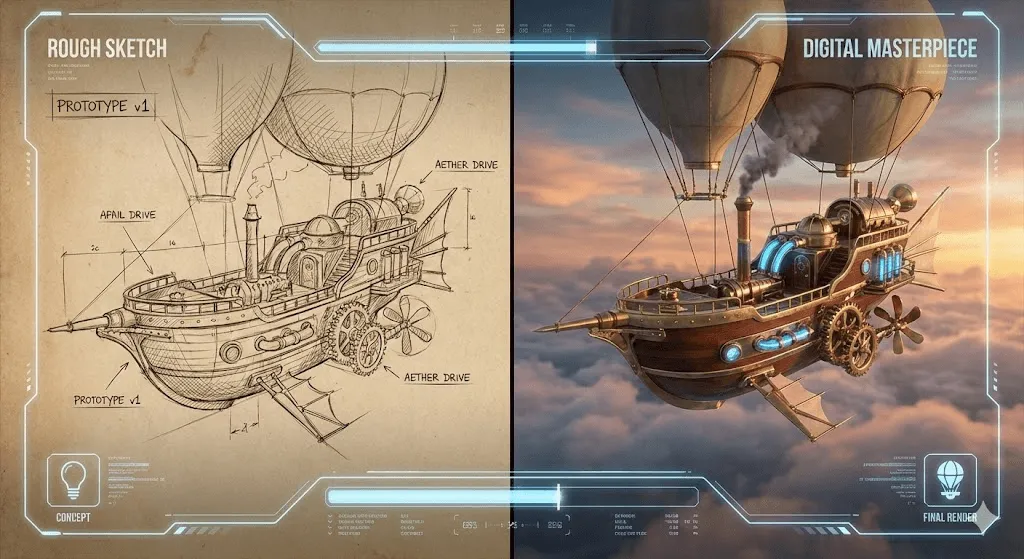
Why it's great: Leonardo.ai has rapidly become the top Midjourney alternative for creators who want flexibility without sacrificing quality. It offers multiple AI models (Phoenix, FLUX, GPT Image), a powerful Canvas Editor for precise control, and generous free tier.
Key Features:
- Multi model support: Switch between models based on your needs
- Canvas Editor: Edit, extend, and refine images with precision
- Consistent characters: Generate the same character across multiple images
- Commercial use: Even on free plan
- 150 free tokens daily: Roughly 30~50 images depending on settings
Best for: Digital artists, content creators, and anyone who needs advanced control over their generations.
Pricing: Free plan available; paid plans start at $10/month
What users say: "Leonardo gives me the control Midjourney lacks. The Canvas Editor alone makes it worth switching." Reddit user
Try it when: You want a professional grade tool that's still accessible to beginners, or when you need to iterate and refine images extensively.
- Reve Image Best for Prompt Accuracy
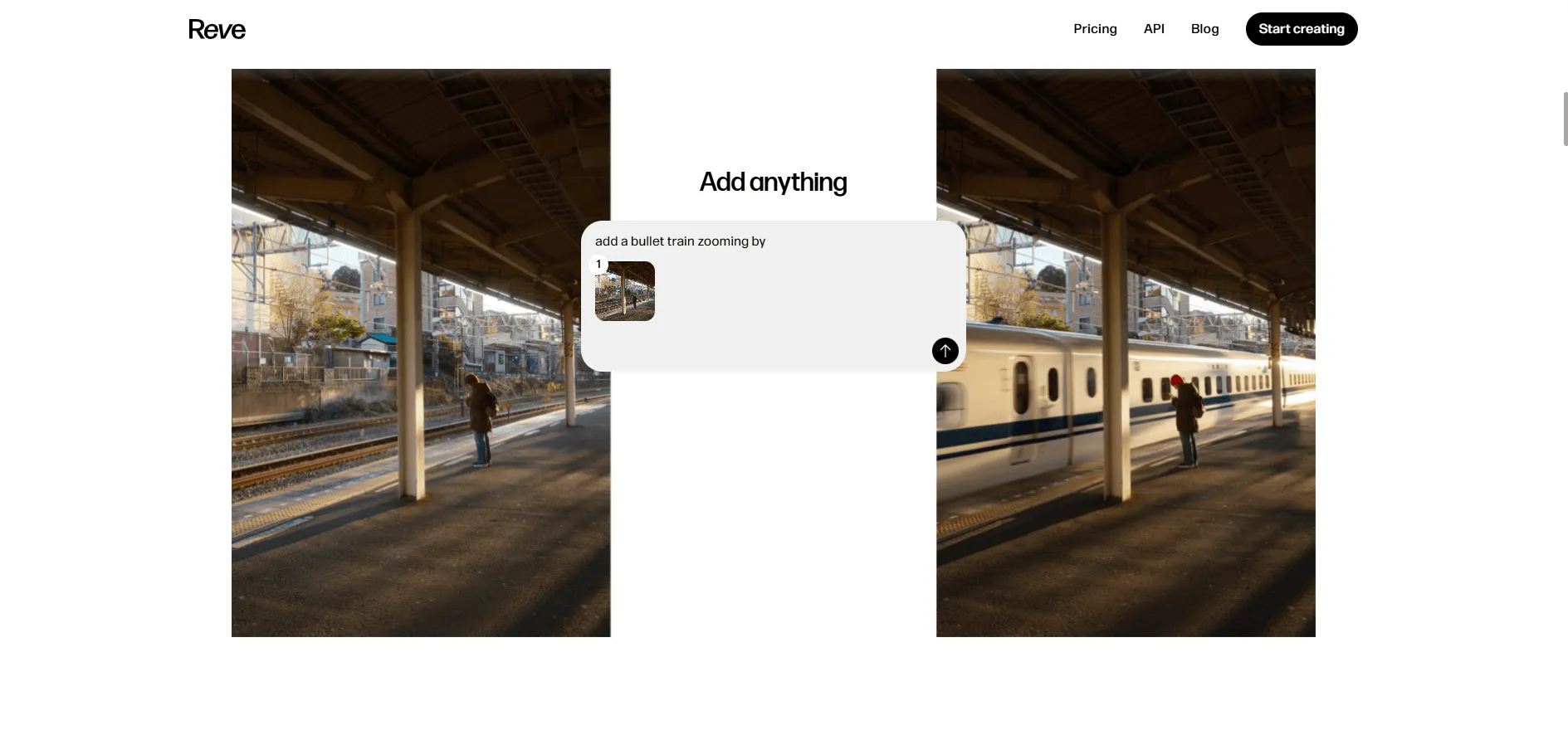
Why it's great: Reve Image 1.0 quietly became one of the best AI image generators by solving a critical problem: prompt adherence. Ask for a warrior with a sword and a wizard with a staff, and you'll actually get what you asked for not some jumbled combination.
Key Features:
- Superior prompt adherence: Handles complex, detailed prompts accurately
- Free unlimited access: No sign up required for basic use
- Strong photorealism: Particularly good at portraits and realistic scenes
- Text rendering: Above average at including readable text
Best for: Users frustrated by AI models that don't follow instructions, photographers wanting realistic output, and anyone on a tight budget.
Pricing: Free tier available; premium options for advanced features
What makes it stand out: In blind tests by Artificial Analysis, Reve Image consistently ranks in the top tier for prompt following often outperforming much more expensive alternatives.
Try it when: Your prompts are detailed and specific, or when free alternatives have let you down with accuracy.
- DALL-E-3 Best for Beginners
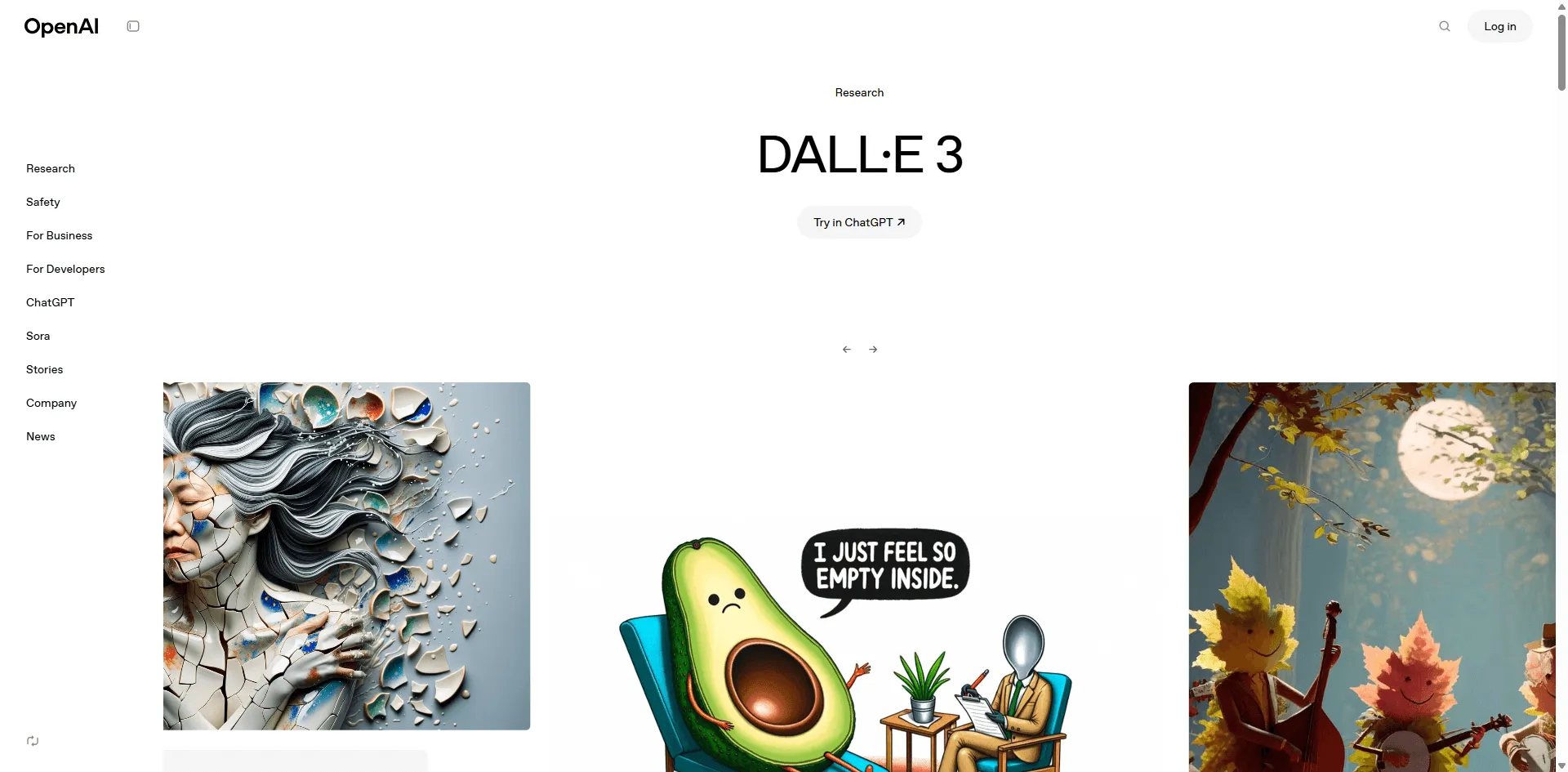
Why it's great: Created by OpenAI, DALL-E-3 offers the most intuitive experience for first time users. Its integration with ChatGPT means you can have a conversation about what you want, and the AI helps refine your prompt automatically.
Key Features:
- ChatGPT integration: Conversational prompt refinement
- Natural language understanding: Describe images like you're talking to a person
- Safety filters: Reliable content moderation
- Free access via Bing: Limited free generations through Bing Image Creator
- 4x better resolution than DALL E 2
Best for: Complete beginners, educators, and anyone who struggles with prompt engineering.
Pricing: Free tier via Bing; $20/month with ChatGPT Plus for unlimited generations
What's improved: DALL-E-3 significantly improved hands, faces, and complex scene understanding compared to earlier versions.
Try it when: You're new to AI art, want conversational refinement, or already subscribe to ChatGPT Plus.
- Stable Diffusion Best Open Source Alternative
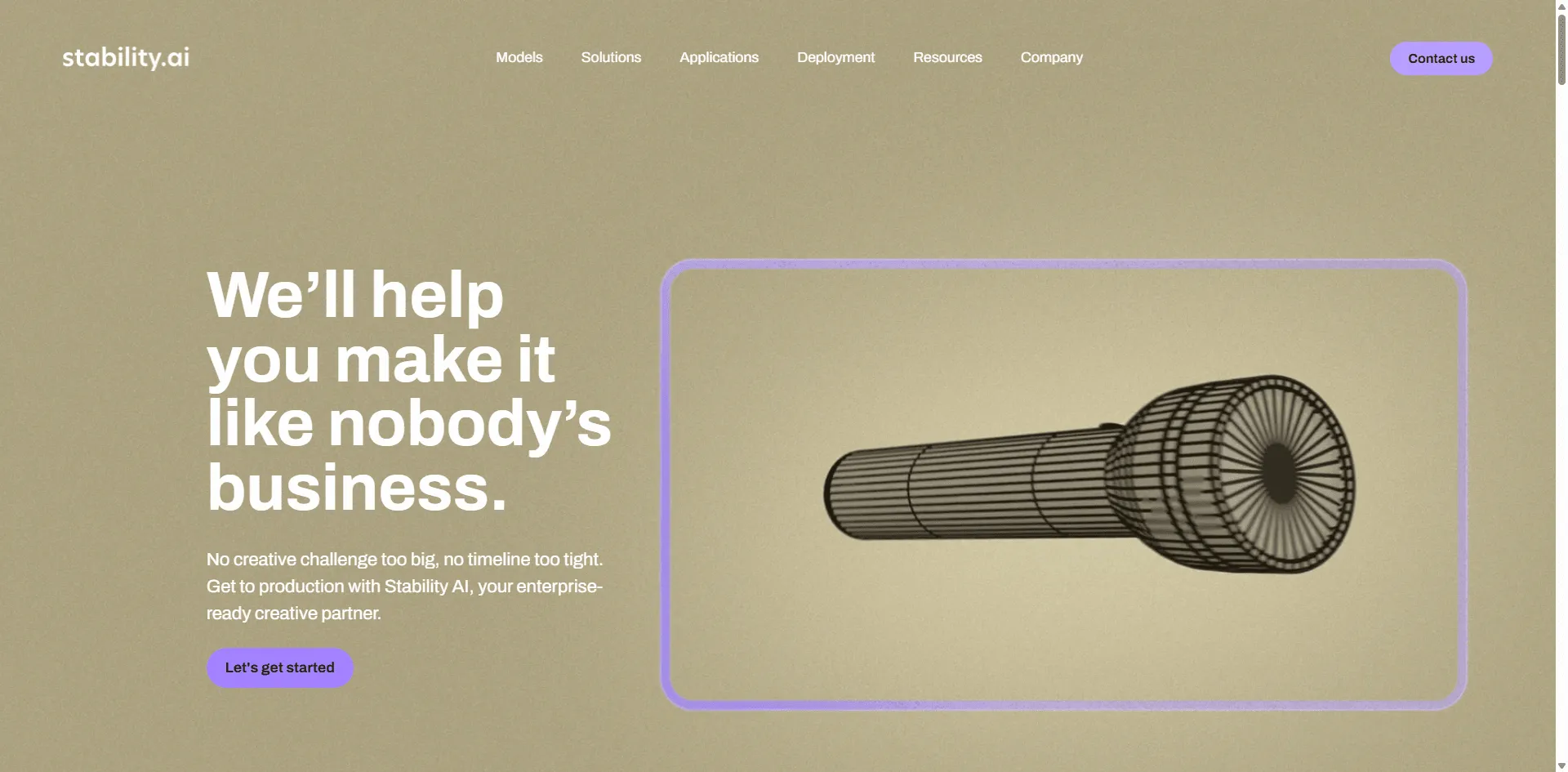
Why it's great: Stable Diffusion is the foundation of many AI image tools, and using it directly gives you unlimited power and zero recurring costs. It's completely open source, meaning you can run it on your own hardware without restrictions.
Key Features:
- 100% free and open source: No subscription ever
- Self hosted: Run locally on your computer
- Unlimited generations: No token limits or rate limiting
- Extensive customization: Fine tune models, use LoRAs and embeddings
- Active community: Thousands of custom models available
Best for: Developers, technical users, and anyone wanting complete control and privacy.
Pricing: Free (requires capable GPU: minimum 4GB VRAM recommended)
Technical note: Multiple interfaces available (Automatic1111, ComfyUI, InvokeAI). Cloud options exist if you don't have local hardware.
Learning curve: Higher than most alternatives, but extensive documentation and community support available.
Try it when: You have technical skills, want unlimited free generations, or need complete privacy and control.
- Adobe Firefly Best for Commercial Safety
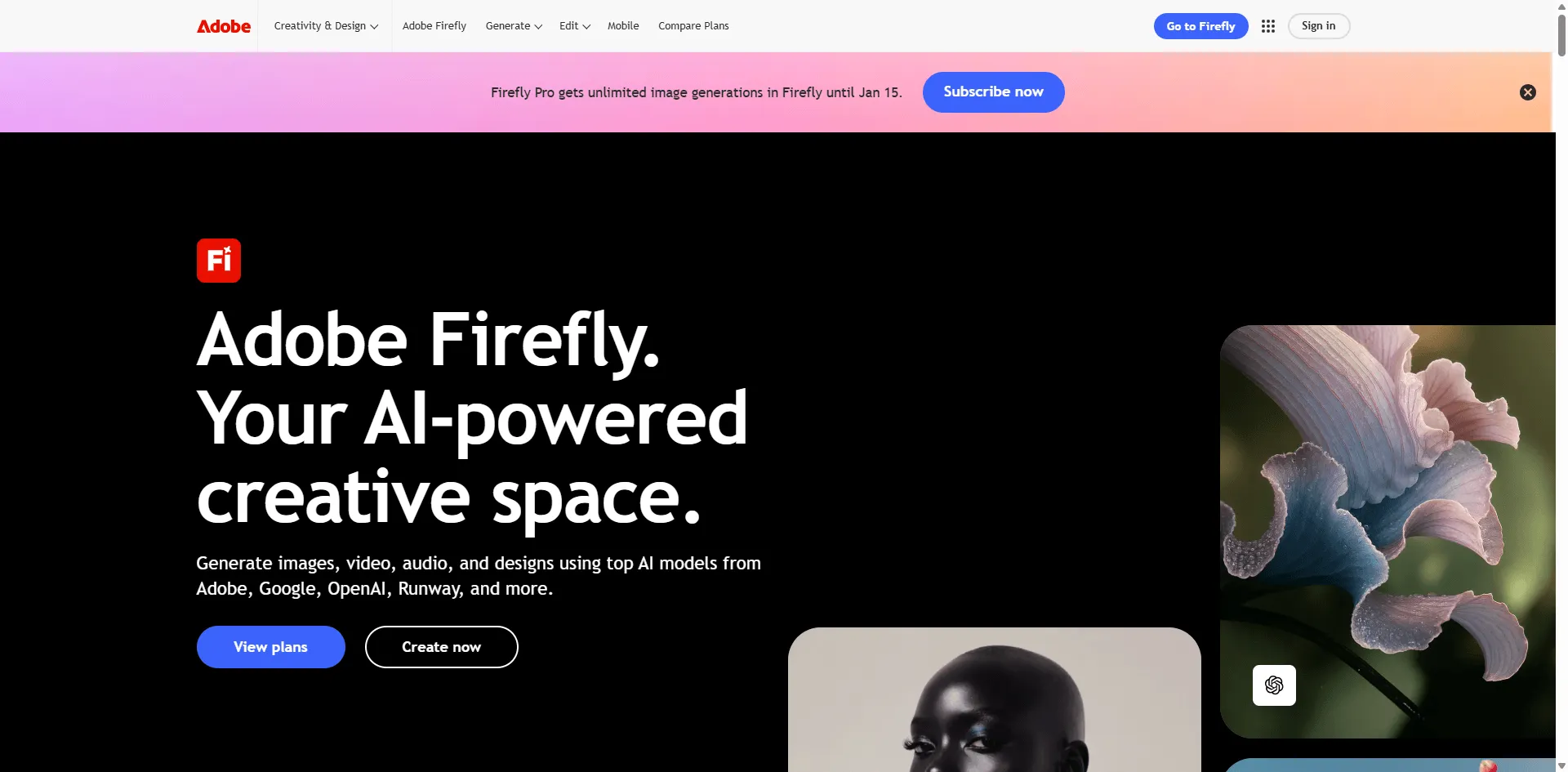
Why it's great: Adobe Firefly is the only major AI image generator trained exclusively on copyright free content (Adobe Stock, public domain, and expired copyright works). This makes it the safest choice for commercial projects where legal clarity matters.
Key Features:
- Legally safe training data: No copyright concerns
- Creative Suite integration: Works directly in Photoshop, Illustrator
- Generative Fill: Industry leading inpainting capability
- Text effects: Apply AI styles to typography
- Commercial licensing included: Clear usage rights
Best for: Professional designers, marketing teams, agencies, and enterprises requiring legal certainty.
Pricing: 25 free generations/month; Creative Cloud plans from $20/month
Real world advantage: When clients ask about image rights, you have a clear answer. Adobe provides indemnification for enterprise customers.
Try it when: You're creating commercial work, already use Adobe tools, or need demonstrable copyright compliance.
- Ideogram Best for Text Rendering
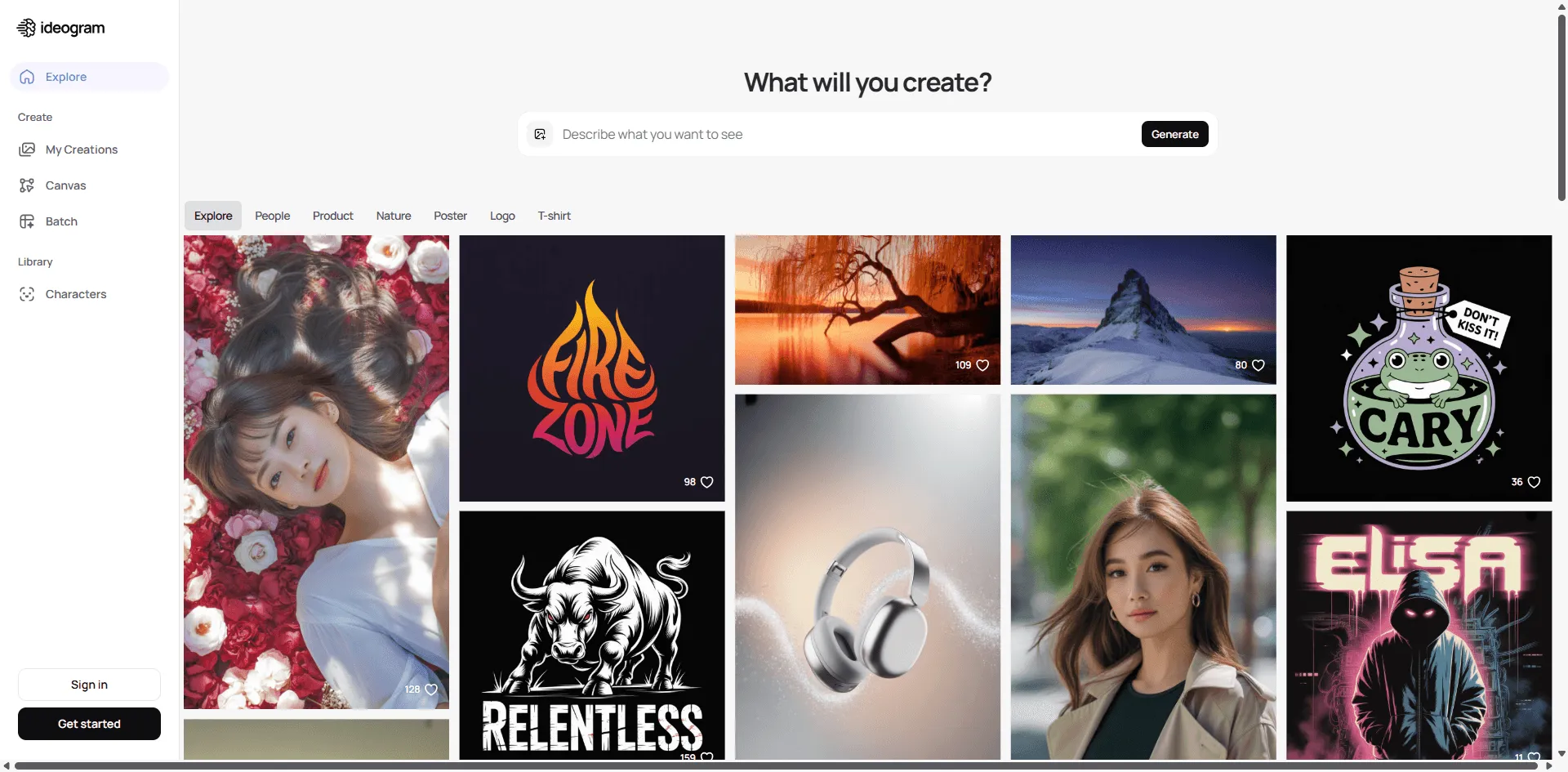
Why it's great: Most AI image generators struggle with text, producing gibberish or distorted letters. Ideogram solves this problem better than any competitor, making it perfect for logos, posters, and social media graphics.
Key Features:
- Accurate text rendering: Generate readable text in images
- Consistent characters: Maintain character appearance across generations
- Magic Prompt: Automatically enhances simple prompts
- Canvas feature: Edit and refine generations
- Multiple aspect ratios: Square, portrait, landscape, and custom
Best for: Graphic designers, marketers creating social media content, logo designers, and meme creators.
Pricing: Limited free tier; Basic plan at $8/month (excellent value)
Why text matters: Creating a product mockup with brand names, event posters with dates, or educational materials with labels all require readable text that most AIs can't deliver.
Try it when: Your images need text, you're designing marketing materials, or you need consistent character designs.
- Imagen 4 Best for Photorealism
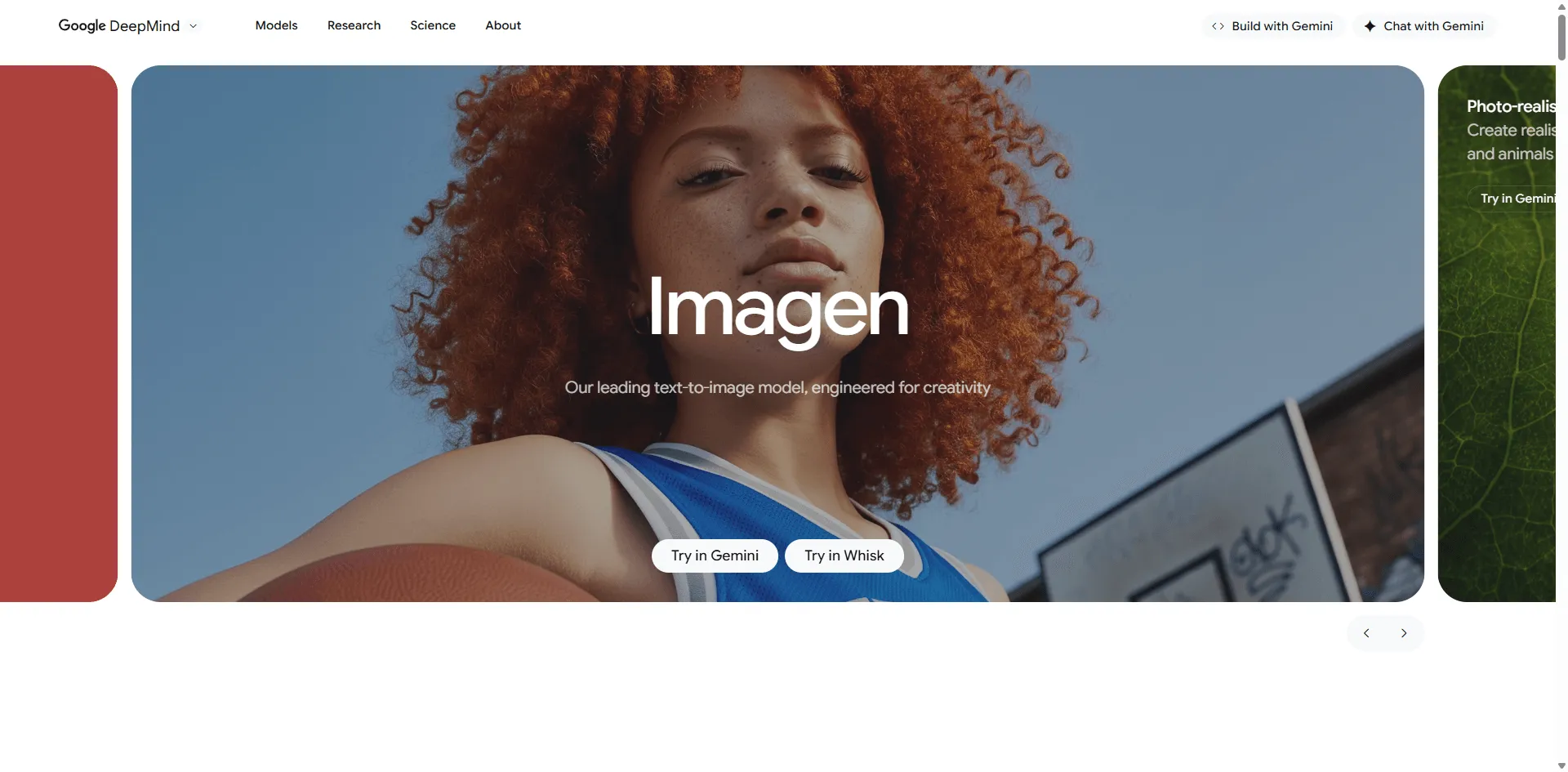
Why it's great: Google's Imagen 4 represents the current state of the art in photorealistic image generation. It excels at creating images that look like professional photographs rather than obviously AI-generated art.
Key Features:
- Industry leading realism: Often indistinguishable from real photos
- Excellent lighting: Natural light and shadow behavior
- Material accuracy: Realistic textures and surface qualities
- Gemini integration: Available through Google's ecosystem
- Strong prompt understanding: Particularly good with natural language
Best for: Product photography, architectural visualization, realistic character portraits, and professional presentations.
Pricing: $0.02 per image through Google AI Studio; limited free access via Gemini
Limitation: Google has restricted human face generation in many regions following controversy over bias in outputs.
Try it when: Photorealism is essential, you're creating product mockups, or you need images that pass as real photographs.
- Flux Best Quality Open Source Option
Why it's great: Created by former Stable Diffusion researchers at Black Forest Labs, Flux represents the next evolution in open source image generation. It delivers Midjourney level quality while remaining free and open.
Key Features:
- Exceptional quality: Rivals or exceeds Midjourney in many tests
- Open source: Free to use and modify
- Multiple versions: Flux.1 Pro (best quality), Dev (good balance), Schnell (fast)
- Accurate hands and faces: Solved common AI art problems
- Text rendering: Better than most alternatives
Best for: Quality conscious users who want open source flexibility, developers building applications, and users needing both quality and control.
Pricing: Free (open source); Pro version available through various platforms
Technical advantage: Flux's architecture handles complex prompts better than earlier Stable Diffusion models while maintaining fast generation speeds.
Try it when: You want the best of both worlds Midjourney quality output with open source freedom.
- Playground AI Best for Social Media Creators
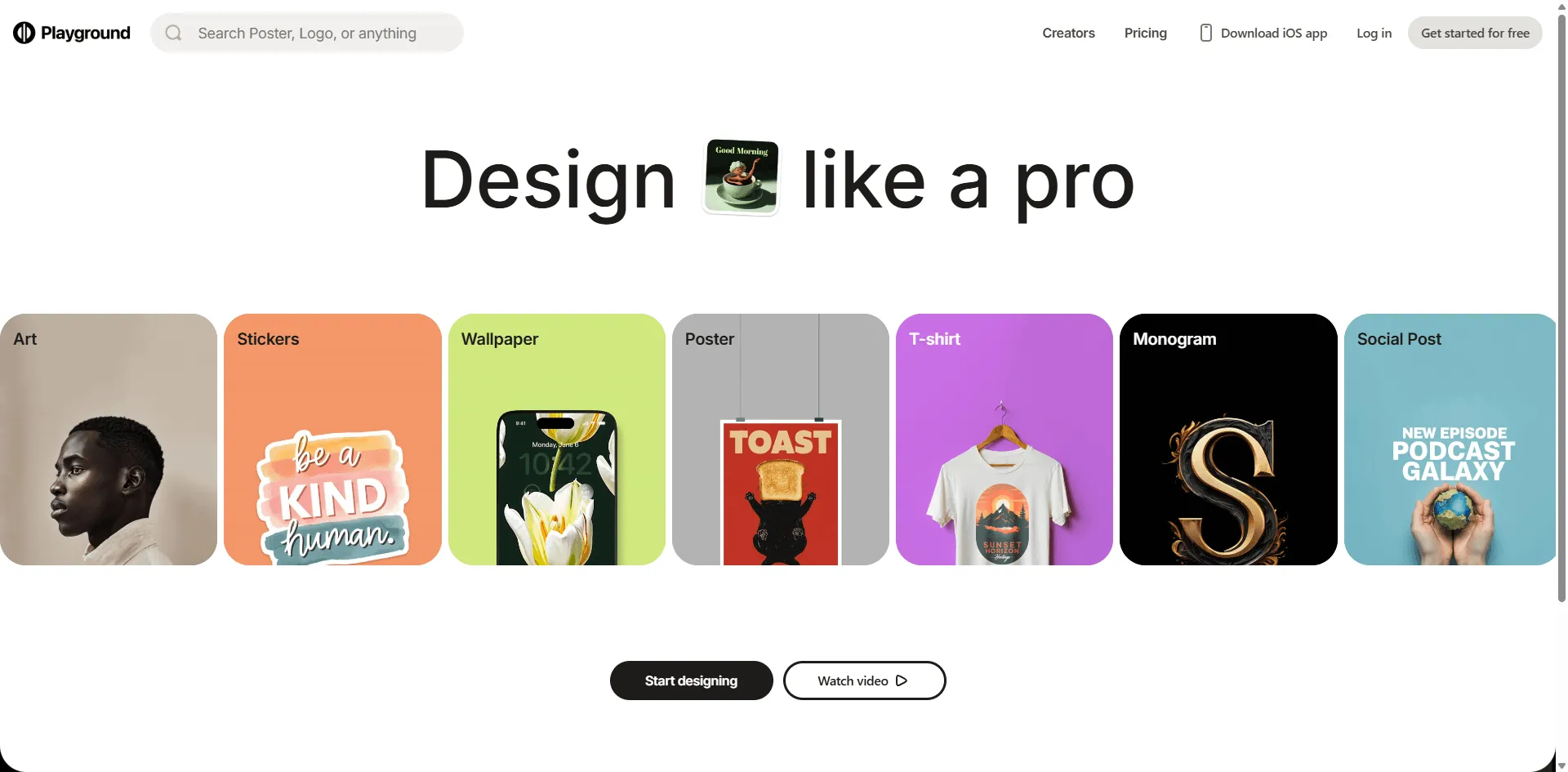
Why it's great: Playground AI focuses on speed and community, offering 50 free image generations per day. It's perfect for social media managers and content creators who need volume without compromising quality.
Key Features:
- 50 free images daily: Industry leading free tier
- Fast generation: Multiple results in seconds
- Real time canvas: Edit images as you create
- Community feed: Browse and remix others' creations
- Multiple models: Including Stable Diffusion XL and proprietary models
Best for: Social media managers, influencers, content marketers, and high volume creators.
Pricing: Generous free tier; Pro at $15/month for unlimited generations
Workflow advantage: Generate multiple variations quickly, perfect for A/B testing social content or client presentations.
Try it when: You need to generate lots of images regularly, create social media content, or want to experiment freely.
- ImagineArt Best Multi Model Platform
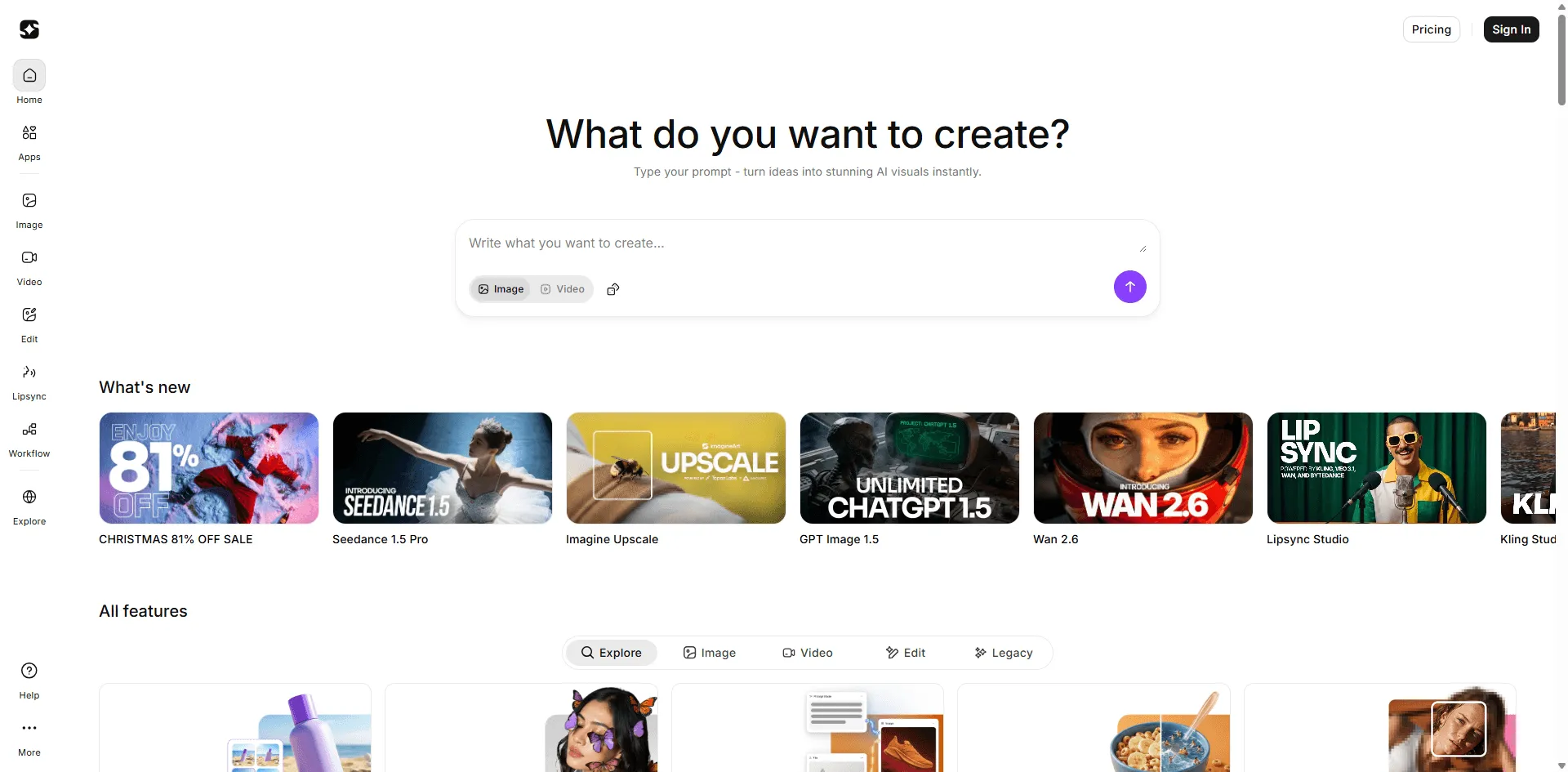
Why it's great: ImagineArt serves as an aggregator, offering access to multiple AI models (Qwen, Ideogram, Imagen 4, GPT 4o) in one interface. This eliminates the need to manage multiple subscriptions and learn different interfaces.
Key Features:
- Multiple AI models: Switch between leading generators
- Mini tools included: Background removal, upscaling, inpainting
- 50 tokens every 12 hours: Consistent free access
- Style library: Anime, cinematic, realistic, surreal, and more
- Product photography tools: Specialized for e commerce
Best for: Users wanting flexibility, e commerce businesses, and creators who need different styles regularly.
Pricing: Free tier (50 tokens/12hrs); Basic at $10/month for 1500 credits
Value proposition: Instead of subscribing to 3~4 different tools, get them all in one place.
Try it when: You need versatility, work on diverse projects, or want to compare different AI models easily.
- NightCafe Best for Community & Variety
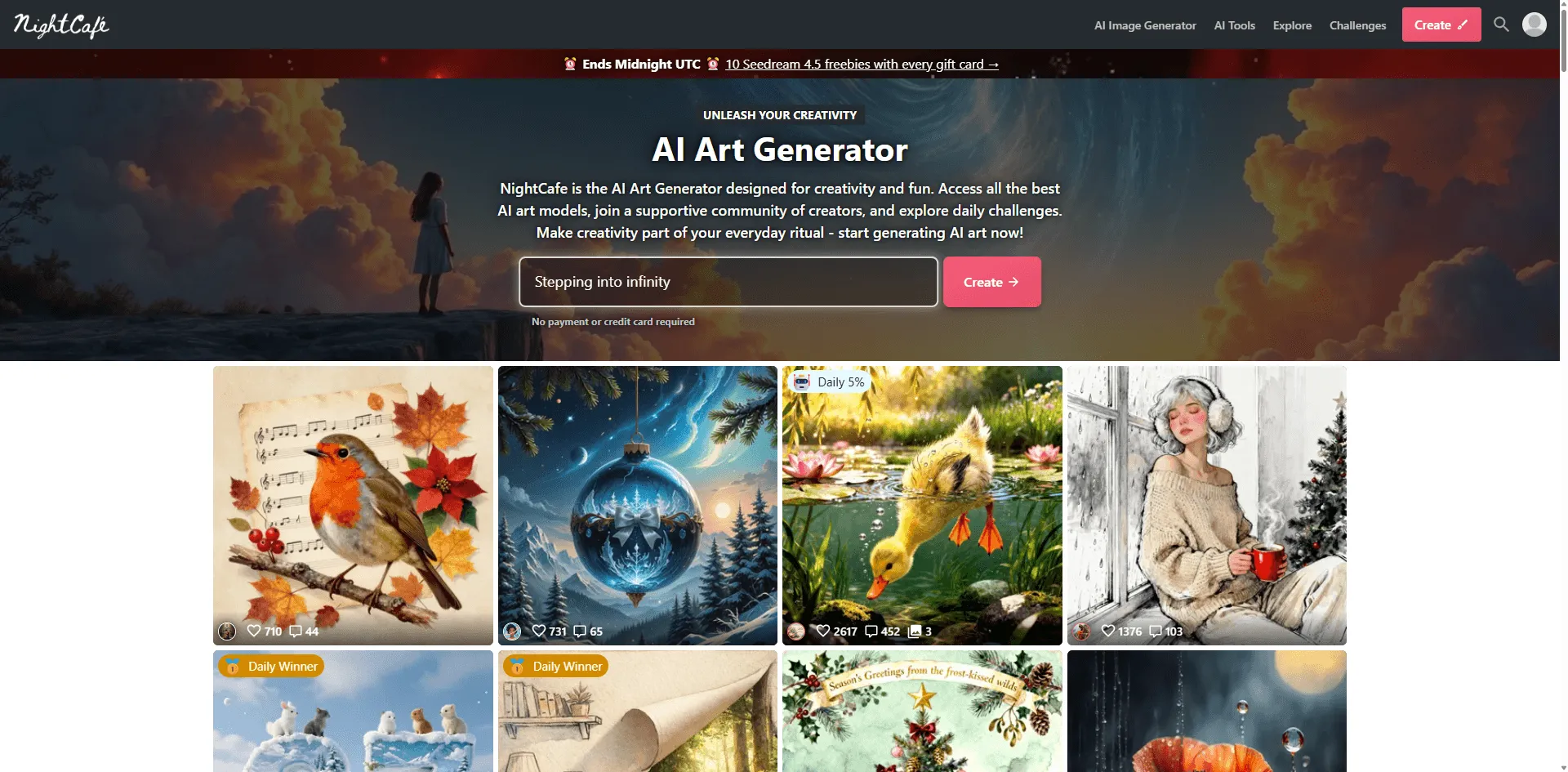
Why it's great: NightCafe offers access to 16+ different AI algorithms and models, from Stable Diffusion to DALL E to artistic style transfers. Its vibrant community makes it feel less like a tool and more like a creative social network.
Key Features:
- 16+ AI algorithms: Unprecedented variety
- Daily free credits: Regular free generations
- Community challenges: Themed contests and exhibitions
- Evolution feature: Automatically improve images through iterations
- Print services: Order physical prints of your creations
Best for: Art enthusiasts, community focused creators, and users wanting maximum style variety.
Pricing: Free tier (5 credits/day); Creator plan at $6/month
Community aspect: Unlike most alternatives, NightCafe feels like DeviantArt meets AI generation you're part of a creative community, not just using a tool.
Try it when: You enjoy community interaction, want to explore different artistic styles, or need regular but not intensive generation.
- Craiyon (formerly DALL E Mini) Best True Free Option
Why it's great: Craiyon proves that "free" doesn't have to mean "limited trial." It offers unlimited generations with no signup required just visit the site and start creating. While quality doesn't match premium options, it's perfect for quick experiments and casual use.
Key Features:
- Completely free: No limits, no signup
- Zero barriers: Start generating immediately
- 9 images per prompt: Multiple options to choose from
- T shirt printing: Order custom shirts with your generations
- Private by default: Images aren't shared publicly
Best for: Complete beginners, casual users, students, and anyone wanting zero commitment experimentation.
Pricing: Free with ads; $6/month removes ads and adds features
Honest assessment: Quality is basic compared to Midjourney or Leonardo. Images take longer to generate, and you'll see ads. But for free unlimited access, it's unbeatable.
Try it when: You want to test AI generation with zero commitment, need quick throwaway images, or you're on an absolute zero budget.
- Canva AI Best for Design Workflow Integration
Why it's great: Canva's AI image generator might not be the most powerful standalone, but its integration into the world's most popular design platform makes it incredibly practical. Generate an image and immediately place it in a poster, social post, or presentation.
Key Features:
- Seamless integration: Generate within your design workflow
- Templates everywhere: Millions of templates to use with AI images
- Magic Edit: AI powered image manipulation
- No context switching: Everything in one platform
- Team collaboration: Share and iterate with teammates
Best for: Small businesses, marketers, social media managers, and non designers who need complete content creation.
Pricing: Limited free tier; Canva Pro at $15/month includes AI features
Workflow efficiency: The ability to generate, edit, and design in one place saves significant time compared to generating in one tool and designing in another.
Try it when: You already use Canva, need end to end content creation, or value simplicity over specialized features.
- Bing Image Creator Best Truly Unlimited Free Option
Why it's great: Microsoft's Bing Image Creator is powered by DALL E and offers completely free, unlimited image generation. No subscription, no credits, no catches, just free AI images whenever you want them.
Key Features:
- 100% free: Truly unlimited
- DALL E powered: Same technology as ChatGPT's image generator
- Microsoft account required: But free to create
- Fast generation: Usually under 30 seconds
- Safe content filter: Appropriate for all audiences
Best for: Budget conscious users, students, educators, and anyone wanting a reliable free option.
Pricing: Completely free
The catch: There isn't really one, except that Microsoft uses your generations to improve their AI (standard for free services). Quality is good but not cutting edge.
Try it when: You need a reliable free option, don't mind Microsoft ecosystem, or want DALL E quality without paying.
- Blue Willow Best Free Discord Alternative
Why it's great: Blue Willow offers a Midjourney like experience completely free. It operates through Discord (like Midjourney), but unlike Midjourney, it doesn't charge anything. With over 300,000 users, it's proven reliable.
Key Features:
- Free Midjourney alternative: Similar interface, $0 cost
- 20 free images: Per day for free users
- Discord based: Familiar if you've used Midjourney
- Fast generation: Usually under 60 seconds
- Commercial rights: Can use images commercially
Best for: Former Midjourney users wanting to keep the Discord workflow, digital artists, and comic creators.
Pricing: Free tier (20 images/day); unlimited with subscription
Honest comparison: Quality doesn't quite match Midjourney's latest versions, but for free, it's remarkably close. Realistic images are hit or miss; digital art and graphics are their strengths.
Try it when: You like Discord based generation, want Midjourney style without cost, or need free images for commercial projects.
How to Choose Your Midjourney Alternative
With 15 solid options, how do you decide? Ask yourself these questions:
Budget Questions
- What's my monthly budget?$0: Craiyon, Bing Image Creator, Reve Image$10~15: Leonardo, ImagineArt, Playground$20+: Adobe Firefly, DALL-E-3 (ChatGPT Plus)
Use Case Questions
- What am I creating?Social media content → Playground AI, Canva AICommercial projects → Adobe FireflyRealistic photos → Imagen 4, FluxDesigns with text → IdeogramHigh volume → Stable Diffusion (self hosted)
Technical Questions
- What's my technical skill level?Beginner → DALL-E-3, Canva AIIntermediate → Leonardo.ai, PlaygroundAdvanced → Stable Diffusion, Flux
Workflow Questions
- How will this fit my workflow?Use Adobe tools → Adobe FireflyUse Canva → Canva AIWant standalone tool → Leonardo.ai, Reve ImageNeed API → Stable Diffusion, Replicate API
Common Questions About Midjourney Alternatives
Is there a completely free Midjourney alternative?
Yes, several options offer genuine free access:
- Bing Image Creator: Unlimited free generations
- Craiyon: Unlimited free with ads
- Reve Image: Unlimited free tier
- Stable Diffusion: Free and open source (requires setup)
The "catch" is usually lower quality, slower generation, or ads but they're legitimately usable for regular work.
Can I use these alternatives commercially?
Most alternatives allow commercial use, but verify terms:
- ✅ Definitely safe: Adobe Firefly, Leonardo.ai (even free tier), Blue Willow
- ✅ Safe with paid plan: Most paid tiers include commercial rights
- ⚠️ Check carefully: Free tiers sometimes restrict commercial use
- ❌ Never assume: Always read the specific terms of service
Which alternative is best for realistic photos?
Imagen 4 leads in pure photorealism, followed closely by Flux and Reve Image. For product photography specifically, many users prefer Imagen 4 or Leonardo.ai with the right model selected.
Do I need technical skills to use these tools?
Most alternatives are beginner friendly:
- Zero skill needed: DALL-E-3, Bing Image Creator, Canva AI
- Easy with learning curve: Leonardo.ai, Playground, Ideogram
- Technical expertise required: Stable Diffusion (self hosted)
Can these alternatives generate consistent characters?
Yes! Several tools now offer character consistency:
- Leonardo.ai: Character reference feature
- Ideogram: Consistent character generation
- Midjourney: Still best in class, but gap is closing
Which alternative doesn't require Discord?
Most alternatives use standard web interfaces:
- Web only: Leonardo.ai, DALL-E-3, Adobe Firefly, Imagen 4, Ideogram, Playground, Canva
- Discord based: Blue Willow (optional: also has web)
Only Blue Willow replicates the Discord experience . Everyone else uses normal websites.
My Top 3 Recommendations by Use Case
For Most People: Leonardo.ai
Why: Best balance of quality, features, and accessibility. The free tier is genuinely useful, and the learning curve is reasonable. You can grow into its advanced features.
Start with: Free plan, upgrade only if you consistently hit limits.
For Zero Budget: Bing Image Creator + Reve Image
Why: Combine Bing's unlimited generations with Reve's superior prompt accuracy. Together, they cover most needs without spending a cent.
Workflow: Use Reve for important, detailed prompts. Use Bing for volume and experimentation.
For Professionals: Adobe Firefly
Why: Legal certainty matters for commercial work. Firefly's integration with tools you already use (Photoshop, Illustrator) streamlines professional workflows.
Caveat: Assumes you already use Adobe Creative Cloud. If not, Leonardo.ai offers better standalone value.
Final Thoughts: The Midjourney Era is Over (Sort Of)
Midjourney deserves credit for popularizing AI image generation, but the market has evolved. In 2026, the "best" AI image generator depends entirely on your specific needs, budget, and workflow.
The truth is:
- For pure artistic quality, Midjourney remains competitive but no longer dominant
- For prompt accuracy, Reve Image often wins
- For photorealism, Imagen 4 leads
- For text rendering, Ideogram is unmatched
- For value, Leonardo.ai offers the best overall package
- For freedom, Stable Diffusion can't be beat
My honest advice: Try 3 4 tools from this list. Spend a week with each other. The "best" alternative is the one that fits naturally into your workflow and consistently gives you results you're happy with.
The AI image generation space moves fast tools that were mediocre six months ago now compete with market leaders. Bookmark this guide and check back quarterly for updates as new challengers emerge.
What's your experience? Have you found a Midjourney alternative that works better for you? The comments below are open for sharing your recommendations.