Kling AI vs Hailuo AI: The Definitive Comparison for Video Creators in 2026
Last Updated: 2026-01-22 18:08:23
Choosing between Kling AI and Hailuo AI isn't about finding the "better" tool it's about finding the right tool for your specific needs. After weeks of side by side testing across real content workflows from TikTok loops to ad creatives we put both platforms through the same scenarios to see where each one wins. No fluff.
Quick verdict: Kling AI excels at dynamic motion and cinematic camera control, making it ideal for action sequences and professional productions. Hailuo AI delivers superior prompt adherence and cost efficiency, perfect for narrative content and budget conscious creators.
At a Glance: Kling AI vs Hailuo AI Comparison
| Feature | Kling AI | Hailuo AI |
| Developer | Kuaishou (China) | MiniMax (China) |
| Latest Version | Kling 2.1 Master | Hailuo 02 (video 01 live2) |
| Max Resolution | 1080p (4K for Premier) | 1080p |
| Video Length | Up to 3 minutes (extended) | Up to 10 seconds |
| Free Tier | 66 daily credits | Daily login credits |
| Starting Price | $5/month | $9.99/month |
| Best For | Action, motion, cinematic control | Storytelling, realism, prompt accuracy |
Understanding Each Platform
What is Kling AI?
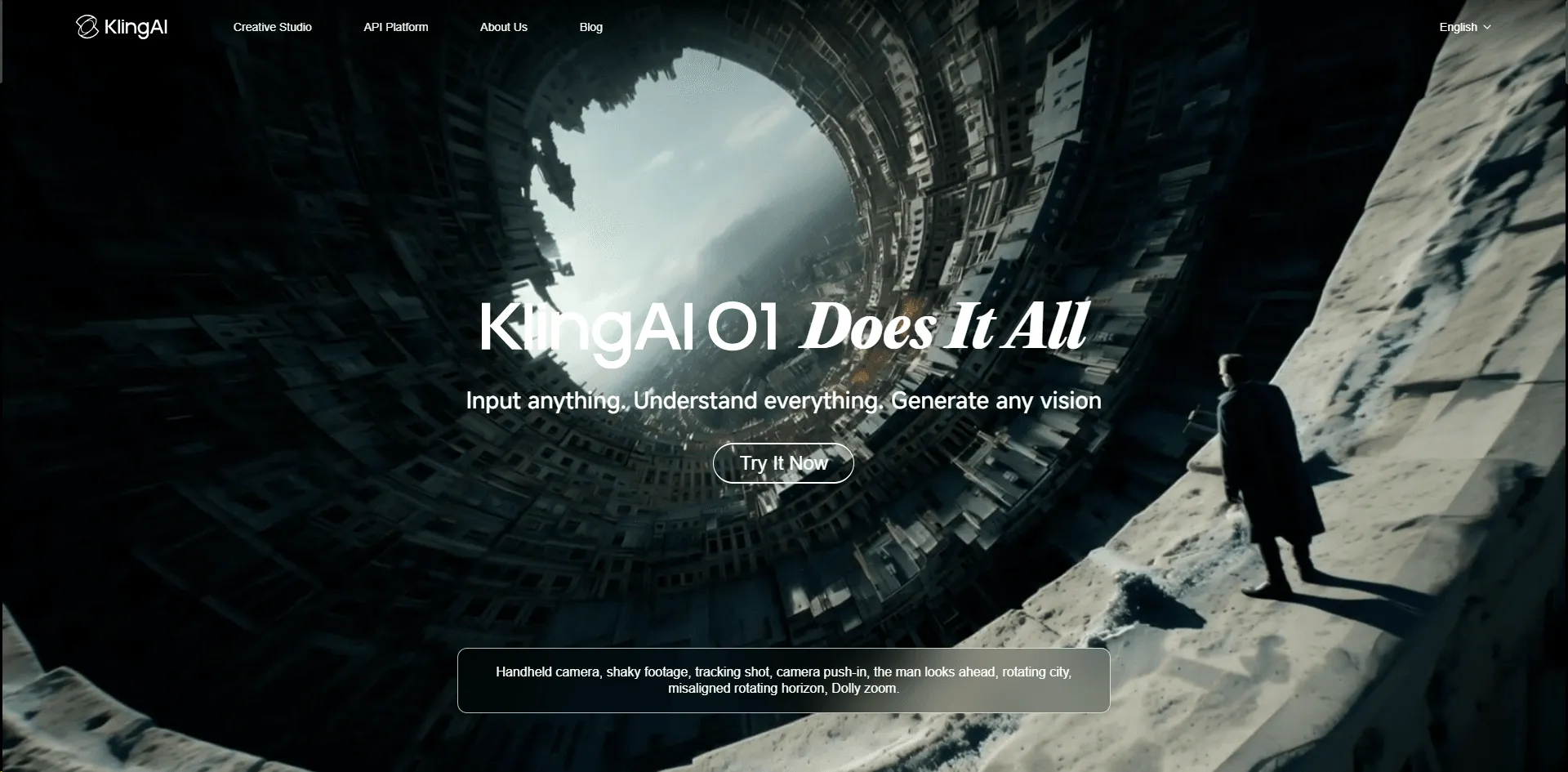
Kling AI is developed by Kuaishou, the company behind the popular short video app Kwai with over 200 million users. This background gives Kling a distinct advantage in understanding what makes short form video engaging.
Its biggest differentiator is motion control. Using 3D face and body reconstruction, Kling generates characters that move fluidly and convey surprisingly natural expressions even when starting from a single reference image.
Key strengths:
- Director level camera controls (custom pans, tilts, zooms)
- Video extension up to 3 minutes in 5 second increments
- Lip sync capabilities for dialogue scenes
- Virtual try on tools for fashion applications
- Integrated KOLORS image model for cost effective previews
What is Hailuo AI?
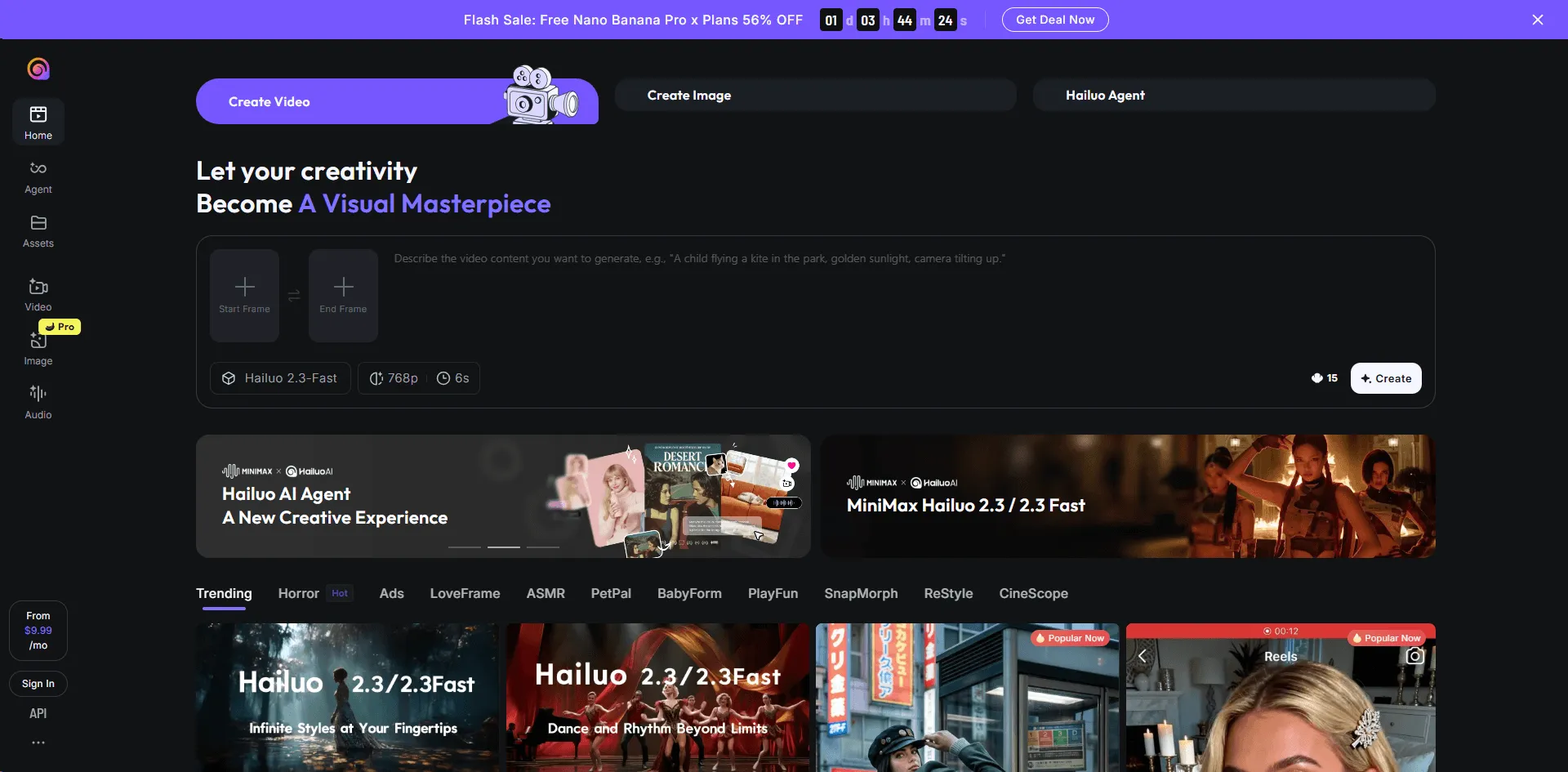
Hailuo AI comes from MiniMax, a Shanghai based startup backed by Alibaba and Tencent with approximately $600 million in funding. The platform has quickly risen to become the #2 ranked AI video generator globally.
Hailuo's philosophy centers on hyper realistic physics and prompt fidelity. Where other generators might interpret prompts loosely, Hailuo consistently handled nuanced text instructions with higher accuracy in testing.
Key strengths:
- Exceptional prompt interpretation and adherence
- Consistent subject identity across frames
- Ultra realistic motion and environmental effects
- Director Mode for enhanced scene customization
- 300+ voice options with voice cloning
Head to Head: Key Differences That Matter
Video Quality and Realism
Both platforms produce impressive results, but they achieve quality differently.
Kling AI prioritizes how things move. From human gestures to dynamic camera pans, its strength lies in making shots feel filmed rather than generated. The latest Kling 2.1 update improves sharpness and reduces the slight blurriness seen in earlier versions, with advanced color accuracy and dynamic lighting adjustments.
Hailuo AI focuses on physical plausibility. Motions, actions, and interactions look natural and grounded in real world physics. It particularly excels at rendering lifelike object motion, fluid environmental effects (water, fog, lighting), and accurate camera movements.
The verdict: Choose Kling for dynamic movement and action choreography. Choose Hailuo for emotional storytelling and realistic human interactions.
Prompt Following and Control
This is where the two platforms diverge significantly.
Hailuo AI is the clear winner for prompt adherence. In testing, it accurately interpreted complex visual concepts that other generators struggled with including specific details like laser pointers, fighting sequences, and intricate character interactions. If your workflow depends on detailed prompts, Hailuo tends to require far fewer retries.
Kling AI takes creative liberties but compensates with superior manual control. You can fine tune the balance between dramatic movement and natural flow, adjust creativity parameters, and specify camera movements. It's designed for creators who want to direct their scenes rather than just describe them.
The verdict: Hailuo for "set it and forget it" prompt based workflows. Kling for hands on creative control.
Motion and Physics
Motion quality separates good AI video from great AI video.
Kling 2.1 Master tracks body movement sharply, particularly excelling in dance sequences and action scenes. It handles fast motion better than most competitors, though some users report occasional hand distortions or subtle motion glitches in highly detailed scenes.
Hailuo 02 maintains continuity across cuts with smooth pans and consistent character expressions. Lighting feels like a real camera setup rather than an AI generated filter. However, motion blur during fast movements can be a drawback for action heavy sequences.
The verdict: Kling for music videos, dance content, and action sequences. Hailuo for dialogue heavy projects and emotional narratives.
Aspect Ratios and Format Support
For social media creators, aspect ratio support is especially important.
Kling AI supports 9:16, 16:9, and 1:1 formats making it well suited for TikTok, YouTube Shorts, and Instagram Reels campaigns.
Hailuo AI focuses primarily on cinematic 16:9 output. While rendering is smoother and slightly faster, the lack of vertical format support is a significant limitation for social first projects.
The verdict: Kling is the clear choice if vertical or square formats matter to your workflow.
Pricing Breakdown: Which Offers Better Value?
Kling AI Pricing
Kling operates on a credit based system:
| Plan | Monthly Cost | Credits | Cost per 100 Credits |
| Free | $0 | 66 daily | / |
| Standard | ~$5 | 660 | $0.76 |
| Pro | ~$15 | 3,000 | $0.62 |
| Premier | ~$28 | 8,000 | $0.58 |
What credits buy you:
- ~35 credits for a professional 5 second video
- ~20 credits for lower resolution output
- 4K generation only available on Premier plan (50% more credits)
Hailuo AI Pricing
Hailuo uses a simpler structure:
| Plan | Monthly Cost | Credits | Notable Features |
| Free | $0 | Daily login credits | Watermarks, 768p |
| Standard | $9.99 | 1,000 | No watermarks, 1080p |
| Unlimited | $94.99 | Unlimited | Full access |
In most cases, Hailuo costs significantly less per 10 second generation compared to Kling.
The Real Cost Comparison
Let's compare what $10/month actually gets you:
| Metric | Kling AI (~$5 15) | Hailuo AI ($9.99) |
|---|---|---|
| Videos per month | ~15 20 (5 sec) | ~30+ (5 sec) |
| 4K option | Premier only ($28+) | Not available |
| Watermark removal | Paid plans | Standard plan |
The verdict: Hailuo offers better value for volume. Kling justifies higher costs for premium features like extended video length and 4K output.
Best Use Cases: When to Choose Each Tool
Choose Kling AI When You Need:
- Dynamic action sequences Fight scenes, sports content, high energy motion
- Music and dance videos Body tracking and movement fluidity shine here
- Social media content Native 9:16 support for TikTok and Reels
- Extended narratives Video extension up to 3 minutes
- Precise camera control Custom pans, tilts, and zooms at specific timestamps
- Character consistency Improved identity preservation across related clips
Choose Hailuo AI When You Need:
- Emotional storytelling Dialogue fidelity and consistent emotional tone
- Budget friendly production More output per dollar
- Complex prompts When you need the AI to follow detailed instructions
- Realistic physics Natural motion grounded in real world behavior
- Quick turnarounds Faster processing times than Kling
- Beginner friendly experience Sleek interface with no learning curve
Consider Both When:
Many studios now combine tools strategically. A common workflow:
- Hailuo for dialogue scenes and emotional moments
- Kling for action sequences and dynamic transitions
- Magic Hour or Runway for stylized or fantasy content
Practical Tips for Better Results
Optimizing Kling AI Prompts
Kling responds well to director style instructions:
"Medium shot, slow dolly forward, a dancer mid spin in a dimly lit studio,
dust particles catching the spotlight, 24fps cinematic feel"
Pro tips:- Specify camera movements explicitly (pan, tilt, dolly, zoom)
- Include lighting descriptions for more controlled output
- Use the creativity slider higher for artistic content, lower for realistic scenes
- Queue edits during off peak hours to reduce wait times
Optimizing Hailuo AI Prompts
Hailuo excels with detailed, descriptive prompts:
"A woman in her 30s sits at a café window, rain streaking the glass behind her.
She lifts a coffee cup, pauses, then smiles faintly as if remembering something.
Warm interior lighting contrasts with the grey afternoon outside."
Pro tips:- Be specific about emotions and micro expressions
- Describe the environment thoroughly Hailuo renders backgrounds beautifully
- Reference the prompting guide on their platform
- Use image to video for consistent character appearance
Known Limitations and Workarounds
Kling AI Issues
Problem: "Stuck at 99%" generation fails to complete Workaround: Try during off peak hours; free tier users report 2 3 day waits during high demand
Problem: Fine details may soften after the first 1–2 seconds, especially in complex scenes.Workaround: Generate shorter clips and use video extension feature
Problem: Hand and finger distortions Workaround: Avoid prompts requiring detailed hand interactions; use wider shots
Hailuo AI Issues
Problem: Motion blur in fast sequences Workaround: Use for slower, emotional content; combine with Kling for action
Problem: Limited aspect ratio options Workaround: Generate at 16:9 and crop/reframe in post production
Problem: Characters may occasionally introduce subtle mouth movements unless 'silent' is explicitly stated. Workaround: Explicitly state "silent" or "no dialogue" in prompts
How They Compare to Other AI Video Generators
For context, here's how Kling and Hailuo stack up against the broader market:
| Tool | Strength | Weakness | Price |
| Kling AI | Motion control, extensions | Slower processing | $5 28/mo |
| Hailuo AI | Prompt adherence, value | No vertical formats | $9.99/mo |
| Sora (OpenAI) | Multi scene narratives | $200/mo for best features | $20 200/mo |
| Runway Gen 3 | Professional toolkit, 4K | Falling behind in quality | $15 76/mo |
| Veo 3 (Google) | Native audio, 4K | US only, expensive | Per second billing |
Both Kling and Hailuo offer exceptional value compared to Western alternatives, with Kling often cited as the practical alternative to Sora at a fraction of the cost.
Final Verdict: Which Should You Choose?
Choose Kling AI if:
- Motion and action are central to your content
- You need vertical formats for social media
- Extended video length (up to 3 minutes) matters
- You prefer hands on creative control
- Budget isn't your primary constraint
Choose Hailuo AI if:
- You value prompt accuracy above all else
- Emotional, narrative content is your focus
- Cost efficiency is important
- You want faster processing times
- You're new to AI video generation
The honest answer: Many serious creators ultimately incorporate both tools into their workflow. They're complementary tools that excel in different scenarios. Start with whichever aligns with your immediate project needs, then expand your toolkit as your requirements grow.
Frequently Asked Questions
Is Kling AI better than Hailuo AI?
Neither is objectively "better." Kling excels at dynamic motion and cinematic control, while Hailuo leads in prompt adherence and cost efficiency. Your choice depends on whether you prioritize movement quality or narrative accuracy.
Can I use Kling AI and Hailuo AI for free?
Yes, both offer free tiers. Kling provides 66 daily credits for SD quality videos with watermarks. Hailuo offers daily login credits and generous free trials. Both are sufficient for testing and light use.
Which AI video generator has better quality?
For motion heavy content, Kling 2.1 Master produces superior results. For dialogue and emotional storytelling, Hailuo 02 maintains better consistency. Quality depends heavily on the use case.
How long can AI generated videos be?
Kling supports video extension up to 3 minutes through 5 second increments. Hailuo generates clips up to 10 seconds. For longer content, multiple clips must be stitched together.
Which is better for TikTok and Instagram Reels?
For TikTok and Reels, Kling AI is generally more convenient due to native 9:16 support and stronger motion control. Hailuo focuses on 16:9 cinematic output, requiring additional cropping for vertical platforms.
Are these tools available worldwide?
Yes, both Kling AI and Hailuo AI are accessible globally, though some features may vary by region. Both platforms offer English interfaces despite being developed by Chinese companies.