Flux vs Stable Diffusion: A Definitive Technical & Practical Comparison (2026)
Last Updated: 2026-01-22 18:07:43
Introduction: Why This Comparison Matters

The AI image generation landscape shifted noticeably in August 2024 when Black Forest Labs released FLUX.1 a new family of text to image models built by the same core researchers behind Stable Diffusion.
Yes, that’s not a coincidence. Several of Stable Diffusion’s original architects left Stability AI to start over, convinced they could build something better. Flux isn’t just another incremental release or fine tuned checkpoint it represents a deliberate rethink of how modern image generation models should work.
Over the past months, I’ve used both Flux and Stable Diffusion across very different workflows: quick concept exploration, text heavy visuals, complex multi subject scenes, and more production oriented image generation. Some of the differences between these models only become obvious after repeated generations when prompts fail, details go missing, or small issues force you to regenerate images again and again. Benchmarks alone don’t always reveal those friction points.
That’s why this isn’t a surface level “Model A vs Model B” roundup. This guide looks at how Flux and Stable Diffusion actually compare in practice from their underlying architecture to real world performance, hardware requirements, ecosystem maturity, and commercial considerations.
Whether you’re a digital artist experimenting with AI tools, a developer building image generation pipelines, a content creator looking for reliable results, or a business evaluating models for commercial use, this comparison is designed to help you decide which model fits your workflow and why.
The Backstory: From Stable Diffusion to Flux
Understanding the relationship between these two models provides crucial context for this comparison.
The Rise of Stable Diffusion
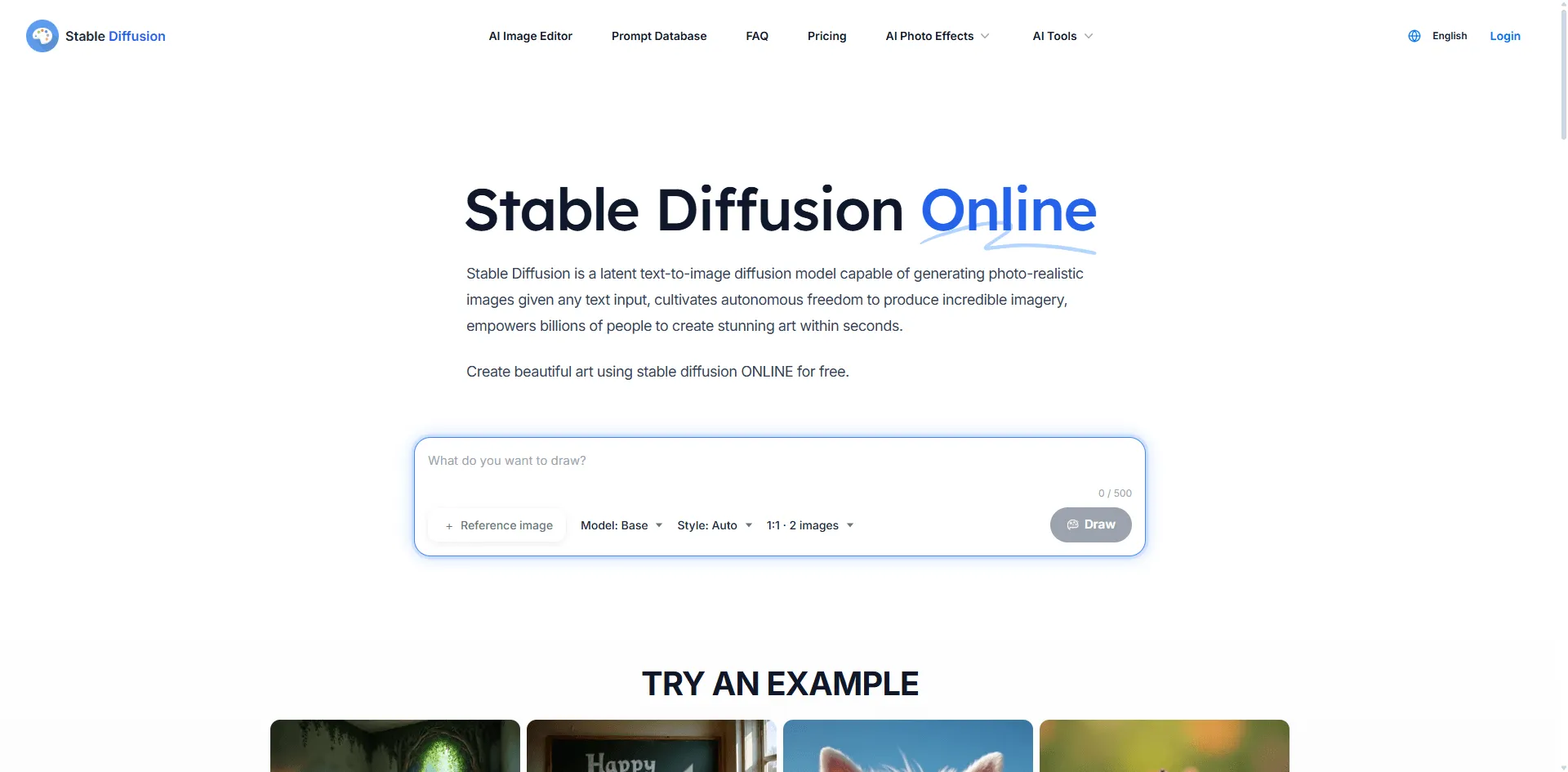
Stable Diffusion, developed by Stability AI, launched in August 2022 and quickly became the cornerstone of open source AI image generation. Its key milestones include:
- Stable Diffusion 1.5 (October 2022): The community favorite, balancing quality and efficiency
- Stable Diffusion XL (July 2023): Major improvements in image quality and prompt understanding
- Stable Diffusion 3 (February 2024): Enhanced typography and overall performance
The open source nature of SD created a thriving ecosystem of fine tuned models, LoRAs, and community tools like AUTOMATIC1111 and ComfyUI.
The Birth of Flux
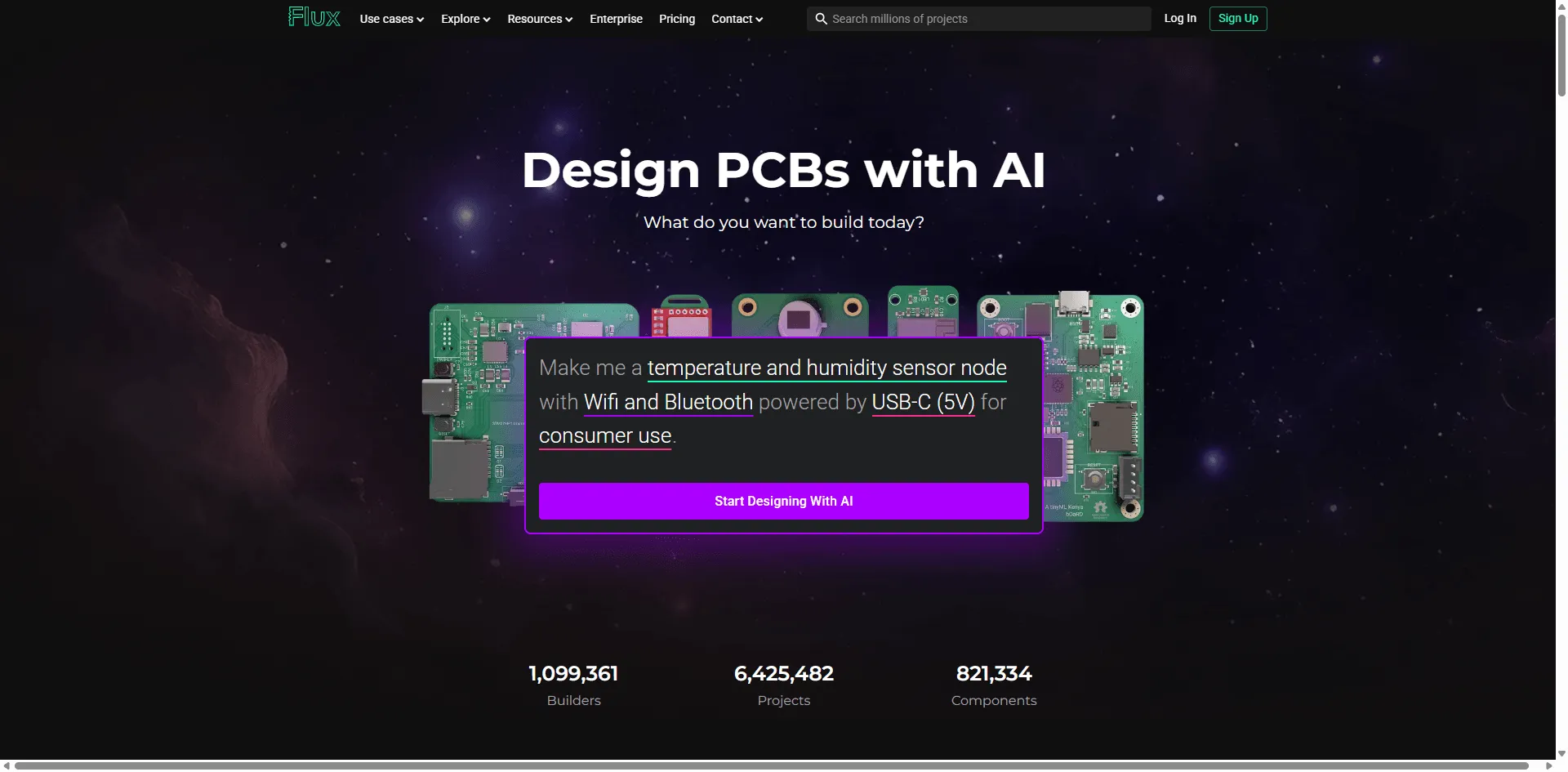
In early 2024, three key researchers including Robin Rombach, one of Stable Diffusion's original architects departed Stability AI to found Black Forest Labs. By August 2024, they released FLUX.1, which immediately topped benchmark leaderboards and sent ripples through the AI art community.
The timing wasn't coincidental. Stability AI had been facing financial difficulties, leadership changes, and controversy over model licensing. Black Forest Labs positioned Flux as the natural evolution of what Stable Diffusion started.
Technical Architecture: How They Actually Work
Understanding the fundamental differences in architecture helps explain why these models perform differently.
Stable Diffusion: The Diffusion Approach
Stable Diffusion uses Denoising Diffusion Probabilistic Models (DDPMs):
- Training: The model learns to add noise to images, then reverse the process
- Generation: Starting from pure noise, it iteratively removes noise over many steps (typically 20 50)
- Latent Space: Operations happen in compressed latent space for efficiency
- Architecture: Uses a U Net backbone with cross attention for text conditioning
Key characteristics:
- Iterative refinement produces highly detailed outputs
- More steps generally mean better quality (but slower generation)
- Well understood architecture with extensive community research
In practice, this is why Stable Diffusion often rewards patience and prompt tuning more steps and careful weighting can dramatically change results.
Flux: The Flow Matching Revolution
Flux introduces Flow Matching a fundamentally different approach:
- Training: Learns optimal transformation paths from noise to images
- Generation: Follows learned "flow" trajectories rather than iterative denoising
- Architecture: Hybrid transformer with 12 billion parameters
- Efficiency: Can produce high quality results in fewer steps
Key characteristics:
- More direct path from noise to image
- Better efficiency without sacrificing quality
- Advanced rotary positional embeddings for improved spatial understanding
This more direct generation path is one reason Flux tends to “get it right” earlier, especially when prompts include multiple constraints.
Architecture Comparison Summary
| Aspect | Stable Diffusion | Flux |
| Core Method | Diffusion/Denoising | Flow Matching |
| Parameters | ~1B (SD 1.5) to ~8B (SD3) | 12B |
| Generation Steps | 20 50 typical | 4 20 typical |
| Text Encoder | CLIP | T5 + CLIP hybrid |
| Primary Strength | Detail through iteration | Efficiency + coherence |
Model Variants Explained
Both ecosystems offer multiple model variants for different use cases.
Flux Model Family
| Variant | License | Best For | Speed |
| FLUX.1 [pro] | Commercial API | Production, highest quality | Medium |
| FLUX.1 [dev] | Non commercial | Research, experimentation | Medium |
| FLUX.1 [schnell] | Apache 2.0 | Local use, rapid prototyping | Fast |
| FLUX 1.1 [pro] | Commercial API | Latest improvements | Medium Note: "Schnell" means "fast" in German appropriate for Black Forest Labs' German roots. |
Stable Diffusion Versions
| Version | Parameters | Best For | Community Support |
| SD 1.5 | ~1B | LoRA training, broad compatibility | Extensive |
| SD XL | ~3.5B | High quality artistic images | Strong |
| SD 3 Medium | ~2B | Typography, balanced performance | Growing |
| SD 3.5 Large | ~8B | Maximum detail | Emerging |
Head to Head Performance Comparison
Let's examine how these models perform across critical dimensions.
- Typography and Text Generation
The ability to render legible text in images has historically challenged AI models.
Flux Performance:
- Consistently accurate text rendering across fonts and styles
- Handles curved text, neon signs, and handwriting well
- Near perfect prompt adherence for text elements
Stable Diffusion Performance:
- SD 3.x shows major improvements over earlier versions
- SD XL and SD 1.5 frequently produce illegible or garbled text
- May require multiple attempts for complex text prompts
Winner: Flux The typography gap is significant, especially if you need usable text on the first or second generation rather than after multiple retries.
- Human Anatomy and Hand Generation
The infamous "AI hands" problem has plagued image generators since their inception.
Flux Performance:
- Realistic hand generation with correct finger counts
- Natural poses and anatomically correct limbs
- Strong performance with multiple subjects
Stable Diffusion Performance:
- SD 3.x improved but still occasionally struggles
- SD XL sometimes produces extra fingers or merged limbs
- SD 1.5 frequently requires inpainting for hand corrections
Winner: Flux While SD3 narrowed the gap, Flux maintains an edge in anatomical accuracy, especially for complex poses.
- Prompt Adherence and Complex Scenes
How well does each model follow detailed, multi element prompts?
Test prompt example:"A Victorian library at sunset, elderly woman reading by window, orange cat sleeping on Persian rug, chess set on mahogany table, rain visible through stained glass"
Flux Performance:
- Consistently includes all requested elements
- Maintains logical spatial relationships
- Rarely "forgets" prompt components
Stable Diffusion Performance:
- SD 3.x handles complexity well but may miss subtle details
- Earlier versions often drop elements from long prompts
- May require prompt weighting for emphasis
Winner: Flux For complex, multi element scenes, Flux's prompt following is noticeably superior.
- Artistic Style Diversity
Can these models convincingly replicate different artistic styles?
Flux Performance:
- Excellent style diversity (anime, photorealistic, oil painting, etc.)
- Maintains style consistency throughout the image
- Strong performance with style mixing
Stable Diffusion Performance:
- Vast ecosystem of fine tuned models for specific styles
- Community LoRAs available for virtually any aesthetic
- Some styles better achieved through specific checkpoints
Winner: Tie (with nuance) Flux excels at base model versatility, while SD's ecosystem offers deeper specialization through fine tuned models and LoRAs.
- Photorealism and Image Quality
For generating realistic, photographs like images:
Flux Performance:
- Natural lighting and color gradients
- Realistic skin textures and facial features
- Coherent backgrounds with proper perspective
Stable Diffusion Performance:
- SD XL produces excellent photorealistic results
- Community models (like Realistic Vision) push boundaries further
- SD 3.5 Large competes well in this category
Winner: Close tie Both achieve impressive photorealism. SD's specialized community models may edge out for specific niches; Flux's base model is more consistently strong.
- Generation Speed
Time to image matters for production workflows.
Flux Performance:
- [schnell]: 1 4 steps, extremely fast
- [dev]/[pro]: 15 25 steps, moderate speed
- Efficient architecture means fewer steps for quality
Stable Diffusion Performance:
- Typically requires 20 50 steps for quality results
- SD 3.5 Turbo offers faster options (~2 seconds on A100)
- Speed depends heavily on chosen sampler and model
Winner: Flux [schnell] For raw speed, Flux schnell is unmatched. For quality focused generation, performance is comparable.
Hardware Requirements and Local Installation
Running these models locally? Here's what you need.
Flux Requirements
| Variant | Minimum VRAM | Recommended VRAM | Notes |
| [schnell] | 8GB | 12GB+ | Fastest, most accessible |
| [dev] | 12GB | 16GB+ | Best quality/accessibility balance |
| [pro] | API only | N/A | Cloud based Local installation options: |
- ComfyUI (recommended for workflow flexibility)
- Automatic1111 with extensions
- Direct HuggingFace integration
Stable Diffusion Requirements
| Version | Minimum VRAM | Recommended VRAM | Notes |
| SD 1.5 | 4GB | 8GB+ | Runs on most modern GPUs |
| SD XL | 8GB | 12GB+ | Sweet spot for quality |
| SD 3.x | 12GB | 16GB+ | Latest features Local installation options: |
- AUTOMATIC1111 WebUI
- ComfyUI
- Forge (optimized for lower VRAM)
- SD.Next
Winner for accessibility: Stable Diffusion SD 1.5 and XL run on more modest hardware. Flux requires beefier GPUs for local use.
Ecosystem and Community Support
The surrounding ecosystem significantly impacts day to day usability.
Stable Diffusion Ecosystem
Strengths:
- Thousands of fine tuned checkpoints on CivitAI
- Extensive LoRA library for style and character consistency
- Mature tooling (ControlNet, regional prompting, etc.)
- Comprehensive documentation and tutorials
- Active Discord communities and Reddit presence
Resources:
- CivitAI: Model sharing platform
- Hugging Face: Weights and documentation
- r/StableDiffusion: 500k+ community members
Flux Ecosystem
Strengths:
- Rapidly growing community adoption
- ComfyUI native support
- Active development from Black Forest Labs
- Early LoRA and fine tuning support emerging
Current limitations:
- Smaller model library compared to SD
- Fewer specialized tools (though expanding rapidly)
- Some techniques not yet ported from SD ecosystem
Winner: Stable Diffusion Maturity matters. SD's three-year head start created an unparalleled ecosystem. However, Flux's community is growing remarkably fast.
Commercial Use and Licensing
Understanding licensing is crucial for business applications.
Flux Licensing
| Variant | Commercial Use | Open Weights |
| [pro] / 1.1 [pro] | ✅ Yes (via API) | ❌ No |
| [dev] | ❌ Non commercial only | ✅ Yes |
| [schnell] | ✅ Yes (Apache 2.0) | ✅ Yes |
Stable Diffusion Licensing
| Version | Commercial Use | Open Weights |
| SD 1.5 | ✅ Yes | ✅ Yes |
| SD XL | ✅ Yes (with restrictions) | ✅ Yes |
| SD 3.x | ✅ Yes (Community License) | ✅ Yes Key consideration: Both offer viable commercial paths. Flux schnell's Apache 2.0 license is more permissive; SD's broader model selection offers more commercial options. |
Pricing Comparison (API Access)
For those preferring cloud-based solutions:
Flux API Pricing (via Black Forest Labs partners)
- Typical: $0.03 0.06 per image (1024x1024)
- Available through Replicate, fal.ai, and others
Stable Diffusion API Pricing
- Varies widely by provider
- Stability AI direct: ~$0.02 0.04 per image
- Third party APIs: $0.01 0.05 per image
Note: Prices fluctuate; both are affordable for most use cases.
Decision Framework: Which Should You Choose?
Choose Flux if you:
✅ Need reliable text/typography in images
✅ Prioritize prompt adherence for complex scenes
✅ You’re tired of fixing hands with inpainting after an otherwise good generation
✅ Value speed for rapid prototyping (schnell variant)
✅ Prefer a single, consistently high performing base model
✅ Work on commercial projects (using schnell or pro)
Choose Stable Diffusion if you:
✅ Need access to thousands of specialized fine tuned models
✅ Rely on extensive LoRA libraries for style consistency
✅ You’re running on older GPUs and don’t want to fight VRAM limits every session (SD 1.5 runs on 4GB VRAM)
✅ Require mature, battle tested production workflows
✅ Value community support and comprehensive documentation
✅ Need specific artistic styles achievable only through checkpoints
Consider using both if you:
✅ Handle diverse project requirements
✅ Want to future proof your workflow
✅ Value having the right tool for each specific task
The Future: Where Are These Models Headed?
Flux Trajectory
- Rapid iteration from Black Forest Labs
- Growing third party fine tuning support
- Expected expansion of model variants
- Likely to continue setting benchmarks
Stable Diffusion Trajectory
- Stability AI's future remains uncertain
- SD 3.5 shows continued improvement
- Massive community ensures ongoing development
- Alternative checkpoints may fill any gaps
Industry Prediction
The AI image generation space is moving toward specialization. Flux may become the go to for baseline quality and complex prompts, while SD's ecosystem excels for specialized styles and resource constrained deployments. The wisest approach? Stay fluent in both.
Quick Reference Comparison Table
| Criteria | Flux | Stable Diffusion | Winner |
| Typography | Excellent | Good (SD3+) | Flux |
| Hand generation | Excellent | Good | Flux |
| Prompt adherence | Excellent | Good | Flux |
| Photorealism | Excellent | Excellent | Tie |
| Style diversity (base) | Excellent | Good | Flux |
| Style diversity (ecosystem) | Growing | Extensive | SD |
| Speed (fastest option) | Excellent | Good | Flux |
| Hardware accessibility | Moderate | Excellent | SD |
| Community/ecosystem | Growing | Mature | SD |
| Documentation | Good | Excellent | SD |
| Commercial options | Good | Excellent | SD |
| Future development | Active | Uncertain | Flux |
Conclusion
The Flux vs Stable Diffusion debate isn't about declaring an absolute winner it's about understanding which tool best serves your specific needs.If your experience matches the friction points described earlier in this article, the choice between Flux and Stable Diffusion often becomes much clearer.
Flux represents the cutting edge of AI image generation, offering superior prompt following, typography, and anatomical accuracy out of the box. It's the choice for users who value consistency and are working on projects where getting it right the first time matters.
Stable Diffusion remains an incredibly powerful and flexible platform, backed by an unmatched ecosystem of models, tools, and community knowledge. It's the choice for users who value customization, specialized styles, and battle tested workflows.
The reality? Many professionals are now using both Flux for complex prompts and text heavy work, Stable Diffusion's specialized models for specific artistic styles. The tools complement rather than replace each other.
This comparison reflects how these models perform today. New releases, fine tuning breakthroughs, or licensing changes could shift the balance again which is exactly why staying flexible matters more than picking a permanent winner.
As the field continues to evolve at breakneck speed, the smartest strategy is to stay adaptable, experiment with both platforms, and choose the right tool for each specific task.